Why do touches arrive only when the app is open?
Start by checking which notification is missing: the phone's alert, the app's touch event or the bracelet's light or vibration.
Separate the three types of response
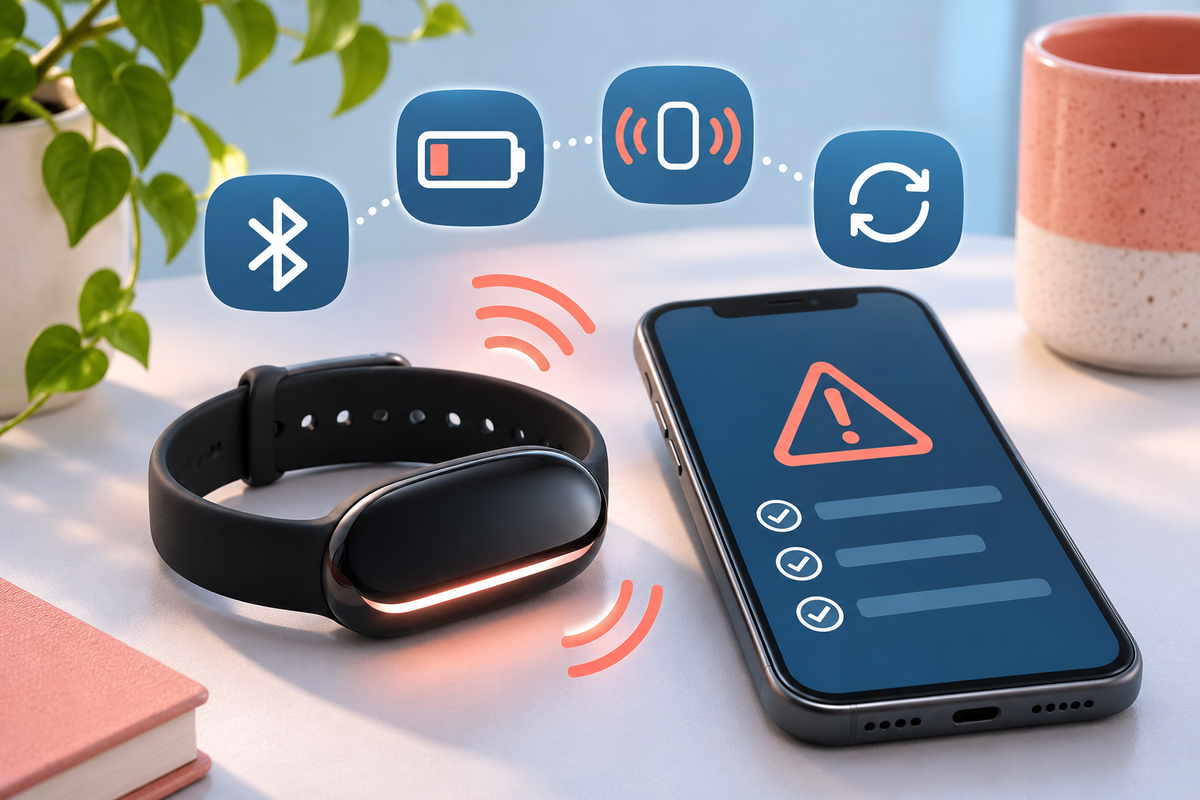
When someone says a touch bracelet notification is not working, they may mean that nothing appears on the phone, that the application never records the touch, or that a touch appears in the app without a physical cue from the wearable. These are different observations. The operating system controls how application notifications are displayed, the service delivers supported events and the bracelet needs a local connection to reproduce its physical output.
The connection troubleshooting guide helps locate the failure in the communication chain. Begin with a deliberate supported touch while both users can confirm what they observe. Record whether the sending app recognises the interaction, whether the receiving app shows the event, whether a phone alert appears and whether the wearable responds. Do not test an ordinary chat message and assume it should activate the bracelet. Totwoo's official documentation specifically distinguishes private chat from its designated touch interactions.
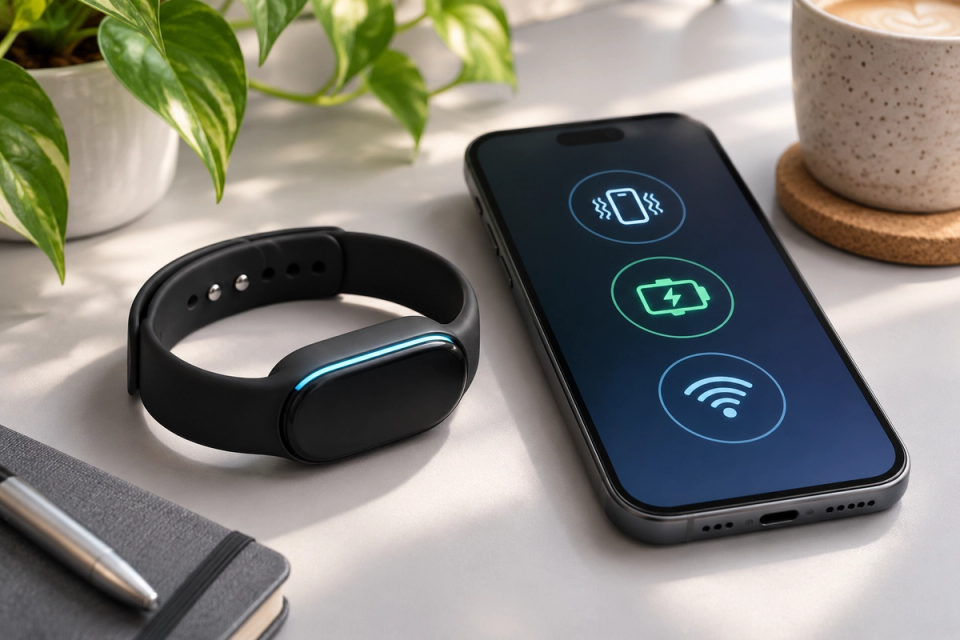
Check iPhone notification and background settings
If a supported event appears only after the receiving app is opened, investigate the permissions required for that application to work normally. Bond Touch's iOS help material identifies notification permission and background availability among the relevant checks. Totwoo's guidance likewise addresses notification permission and background refresh when its jewellery does not respond with the phone locked.
Open the appropriate application settings on the phone and review the current manufacturer instructions. Check whether notifications are allowed and whether the relevant background operation is available. If a focus or quiet mode is active, compare the behaviour with the permitted settings you actually want. Do not assume that allowing a visible phone notification automatically restores every wearable function. Change one relevant condition and repeat the same controlled touch. Respect the user's choice not to enable unrelated optional information sharing merely to troubleshoot a notification.
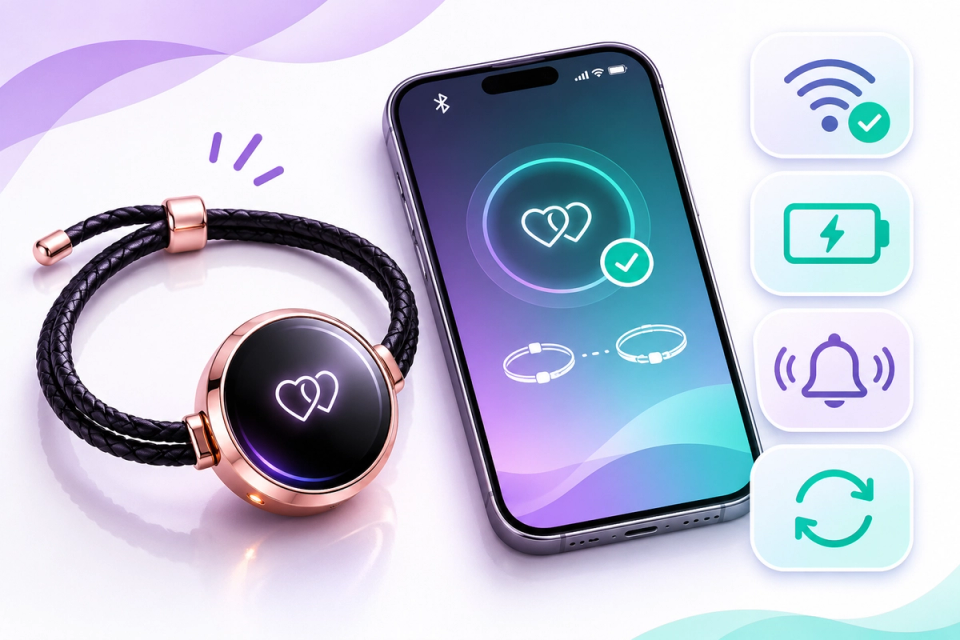
Check Android's app-specific behaviour
Android phones may offer different app permission, notification and power-management controls depending on the manufacturer and operating system version. Bond Touch publishes Android-specific support guidance; Totwoo also provides instructions for maintaining its application connection. Use the official steps that apply to your phone rather than copying an iPhone interface or instructions written for a different Android version.
Check the relevant app's notification settings and required permissions. If a notification category is available for the interaction, establish which one you actually want to receive. A phone may suppress a visible alert while the underlying connection remains active, so confirm the wearable's response as a separate observation. If background restriction appears relevant, consult the device's current guidance and adjust only the settings needed for the intended functionality. Avoid granting unnecessary permissions or disabling all battery management system-wide.
Test one condition at a time
Ask the sender to repeat a single touch using the same interaction and recipient selection. Keep the receiving bracelet and phone close together and use a stable internet connection. First test with the app open. Then lock the receiving phone and repeat after allowing its normal background state. If the first test succeeds and the second fails, record that difference. If neither succeeds, inspect the account relationship and local device connection before treating the issue as a notification preference.
If the phone receives the event but the bracelet does not respond, check that the local wearable connection is active and that the tested interaction supports the expected output. If the wearable responds but the phone shows no visible alert, the user may simply have a notification display preference that does not need changing. The desired behaviour should determine the troubleshooting goal. A wearable touch, an application event and a lock-screen banner need not all be required in every situation.
To understand what the wearable must receive before it can vibrate, see the vibration delivery guide. For context on the device's ordinary touch interaction, read the Bond Touch 4 review.
Report unresolved delivery faults accurately
For persistent failures, provide support with the phone model, operating system, app version, bracelet model and results of the foreground and locked-phone tests. Describe exactly which type of response is absent. If the issue occurs only in a particular quiet mode or after restarting the handset, include that circumstance. Do not include private message content or account credentials in screenshots.
Keep important communication outside the wearable until the intended behaviour has been verified. A missing notification may have several ordinary technical causes and does not establish that the other person ignored a message. If the wearer prefers fewer alerts, agree on a low-interruption arrangement rather than enabling every option. Successful troubleshooting means restoring the specific interaction the user wants while respecting their notification preferences, not maximising the number of alerts the phone can display.
Frequently asked questions
Why do touches arrive only when the app is open?
Background activity, app permissions and the local connection are relevant checks. Use the current guidance for your phone and manufacturer.
Does enabling phone notifications guarantee a bracelet vibration?
No. The intended event must also reach the app and the connected wearable must support and reproduce the output.
Manufacturer instructions and further information
Troubleshooting & Compatibility Library
Complete guide
Main guides
- Bond Touch Troubleshooting: Common Problems and Solutions
- Totwoo Troubleshooting: Common Problems and Solutions
- Touch Bracelet App Setup and Pairing Guide
- Touch Bracelet Connection Problems and Solutions
Supporting guides
- Why Is My Bond Touch Bracelet Not Working?
- Bond Touch Bracelet Not Vibrating: Causes and Solutions
- Bond Touch Bracelet Not Charging: Troubleshooting Guide
- How to Reset a Bond Touch Bracelet
- Why Is My Totwoo Bracelet Not Working?
- Totwoo Bracelet Not Vibrating or Lighting Up
- Totwoo Bracelet Not Charging: Troubleshooting Guide
- How to Reset a Totwoo Bracelet
- How to Set Up and Pair Bond Touch Bracelets
- How to Set Up and Pair Totwoo Bracelets
- How to Connect a Touch Bracelet to a New Phone
- Why Does My Touch Bracelet Keep Disconnecting?
- Touch Bracelet Bluetooth Pairing Problems: Causes and Fixes