Why does the light work but I cannot feel a vibration?
A Bond Touch bracelet that lights up but does not vibrate needs a different investigation from one that cannot receive touches at all.
Establish what actually arrives
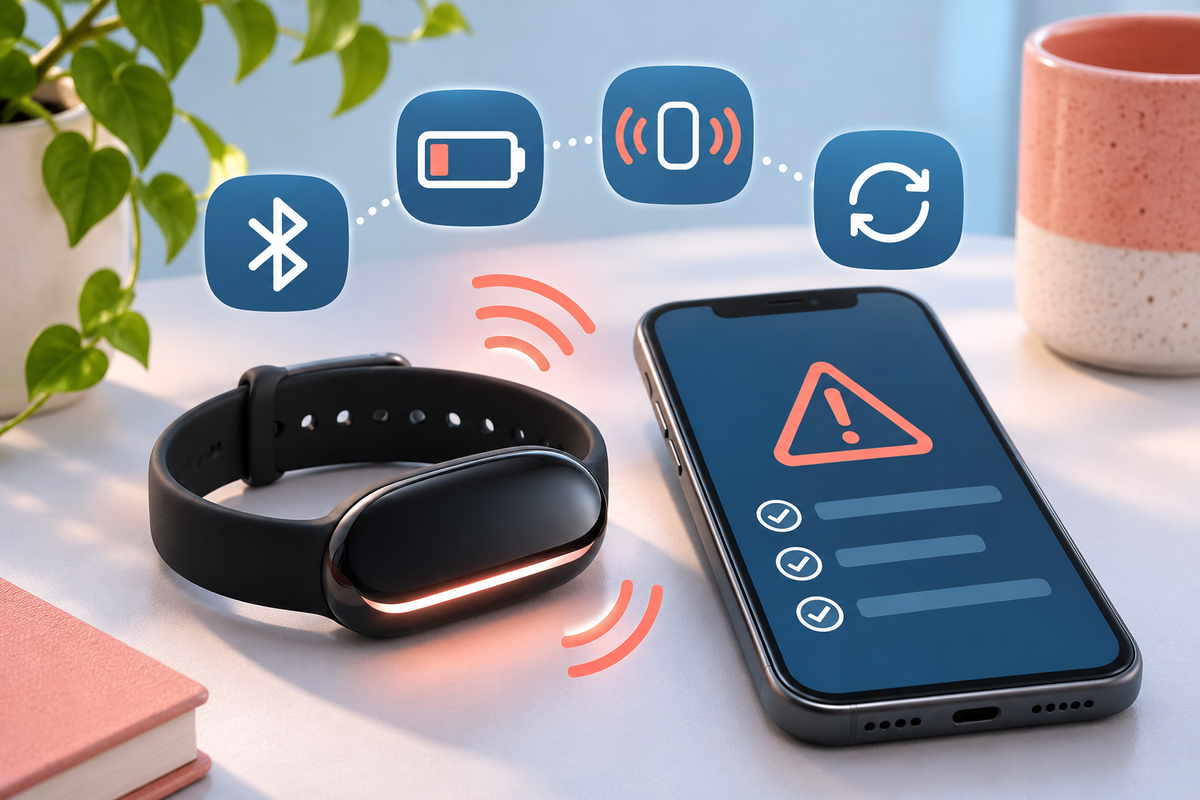
Ask the sender to send a deliberate touch using the documented method for their device. The recipient should keep the phone nearby, open the official app and watch for evidence of the interaction. Note separately whether the app records the touch, the bracelet lights up and a tactile response can be felt. These three observations are not interchangeable. A light or app event can be present without proving that the wearable is producing the expected vibration.
The Bond Touch troubleshooting guide covers broader power and connectivity faults. This focused investigation assumes that you are specifically concerned about missing or unexpectedly weak tactile feedback. Make sure the intended interaction is a supported touch rather than an ordinary app message or unrelated notification. Check the current model instructions before concluding that a particular gesture is supposed to produce a vibration. Test when both people are available to confirm what happened.
Use the documented local test
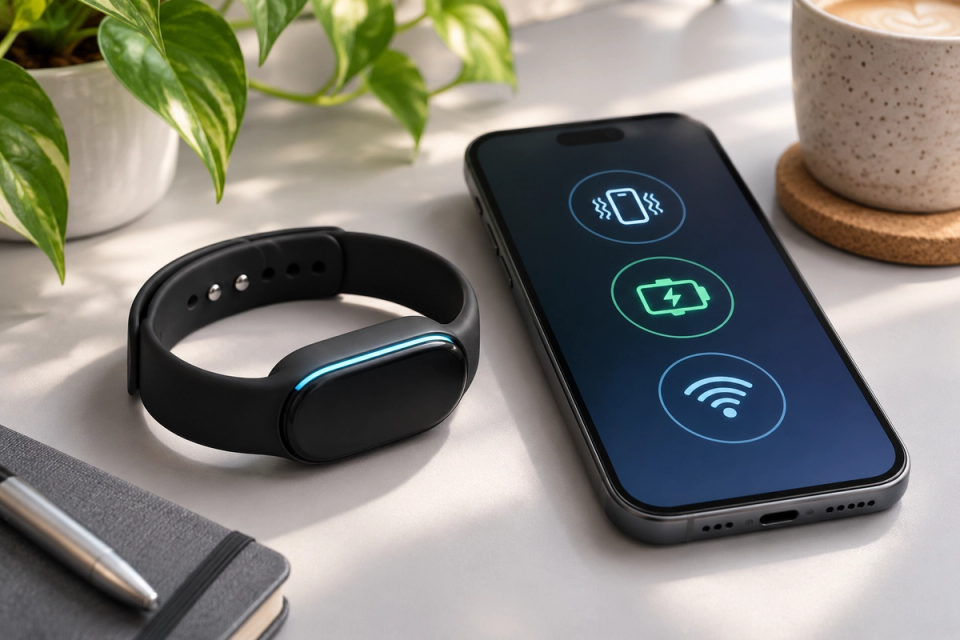
Bond Touch provides help material describing a bracelet test or tutorial available through its app. Use the instructions that match the device and app version. A local test can reduce uncertainty because it does not depend on the other person being available at that moment. If the local test produces the expected physical response, the tactile mechanism is at least capable of operating under those conditions.
If a local test fails, check whether the module is sufficiently charged and actually connected to its phone. Make sure the bracelet fits comfortably and that clothing is not masking the sensation. Do not tighten a band excessively simply to feel a stronger vibration. A wearer may notice a signal differently depending on what they are doing, but a repeated absence of a supported test output warrants further investigation. Describe what you observe rather than trying to diagnose the vibration motor yourself.
Check the sender and recipient independently
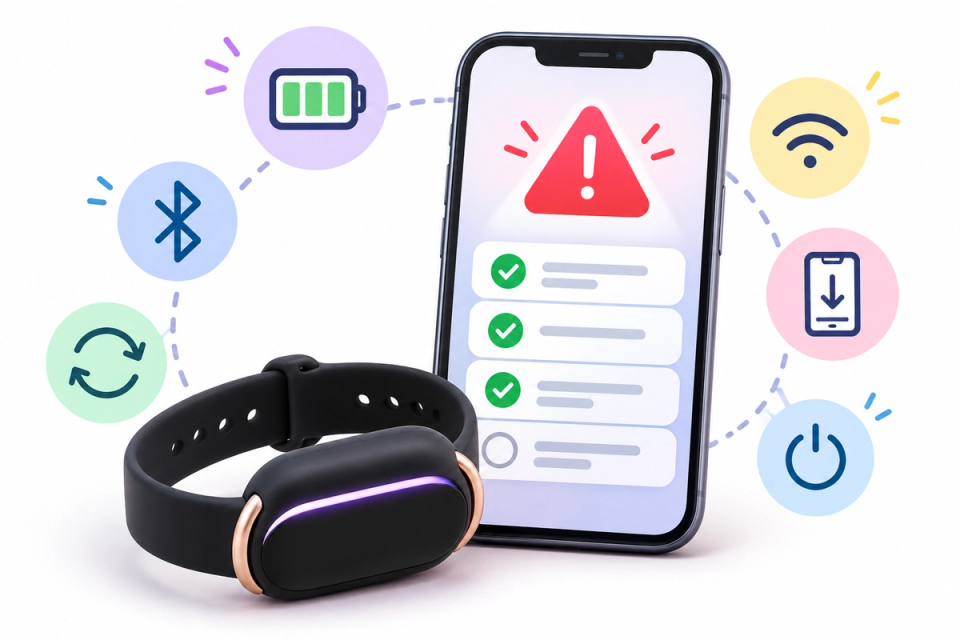
If the local test works but remote touches fail, ask the sender to confirm that the intended contact was selected. A user with several Bond Touch connections might send a signal to the wrong relationship if unfamiliar with the interface. Check the receiving phone's internet access and the app's local connection status. Both wearable-to-phone links matter, not just the sender's.
Send one test touch in each direction and record the results. If the other person receives your signal normally but you do not receive theirs, that asymmetry may help identify the affected account, phone or wearable. If neither direction works, inspect the shared service and both individual setups rather than replacing one particular module on suspicion. Where the app shows that a touch has arrived but the receiver's bracelet is disconnected, restore the local connection before repeating the test.
Investigate the locked-phone scenario
A test with both applications open may succeed even though real-world use is unreliable. Repeat it with the receiving phone locked and the app in its normal background state. If the problem appears only under that condition, check Bond Touch's current guidance for the recipient's operating system. The app needs the relevant Bluetooth and notification permissions, and the manufacturer's support material recommends keeping it available in the background.
Do not disable every privacy setting or all battery-saving features on the phone without understanding which ones are relevant. Review the specific app's settings and make one change at a time. If the problem persists on one operating system, provide that detail to support. The same bracelet may behave differently depending on phone software, so a failed background test is not conclusive evidence of a hardware defect.
For an explanation of how the physical cue travels through the system, see the guide to vibration delivery. For the expected interaction on this generation, consult the Bond Touch 4 review.
Decide when further testing is unnecessary
If the charged, connected wearable consistently fails its documented local vibration test, seek assistance through Bond Touch's official support channels. Include a short recording if it can demonstrate the accompanying light response or app event. A video cannot directly demonstrate the absence of a tactile sensation, so describe that clearly in writing. Include whether the failure occurs with every supported touch or only certain interactions.
Do not strike, squeeze or dismantle the electronic module to try to free a presumed stuck motor. If the manufacturer recommends replacement, confirm the exact generation and compatibility with the other person's device. Keep ordinary messaging available during troubleshooting. A vibration that fails to arrive is a technical observation, not proof that a relationship has changed. A clear test record helps restore the interaction without creating unnecessary concern between the two wearers.
Frequently asked questions
Why does the light work but I cannot feel a vibration?
Check the supported interaction, fit, power and local test output. If the app and device are connected but the expected tactile response is consistently absent, seek support.
Can I test the bracelet without my partner?
Use the manufacturer-documented app test or tutorial where supported by your model.
Manufacturer instructions and further information
Troubleshooting & Compatibility Library
Complete guide
Main guides
- Bond Touch Troubleshooting: Common Problems and Solutions
- Totwoo Troubleshooting: Common Problems and Solutions
- Touch Bracelet App Setup and Pairing Guide
- Touch Bracelet Connection Problems and Solutions
Supporting guides
- Why Is My Bond Touch Bracelet Not Working?
- Bond Touch Bracelet Not Charging: Troubleshooting Guide
- How to Reset a Bond Touch Bracelet
- Why Is My Totwoo Bracelet Not Working?
- Totwoo Bracelet Not Vibrating or Lighting Up
- Totwoo Bracelet Not Charging: Troubleshooting Guide
- How to Reset a Totwoo Bracelet
- How to Set Up and Pair Bond Touch Bracelets
- How to Set Up and Pair Totwoo Bracelets
- How to Connect a Touch Bracelet to a New Phone
- Why Does My Touch Bracelet Keep Disconnecting?
- Touch Bracelet Notifications Not Working: How to Fix Them
- Touch Bracelet Bluetooth Pairing Problems: Causes and Fixes