What should I check first?
Diagnose the exact failing stage before resetting a bracelet. A powered wearable, a phone connection, internet access and an active relationship are separate requirements.
Identify the failing part of the system
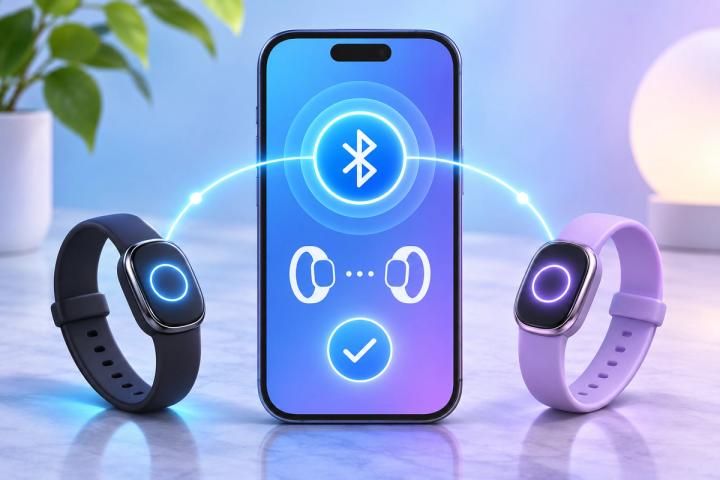
A touch bracelet is not a miniature mobile phone. It is one part of a communication chain that usually includes the sender's wearable, the sender's phone, the manufacturer's service, the recipient's phone and the recipient's wearable. A problem at any of these stages can produce the same disappointing outcome: the other person does not feel anything. Buying another bracelet before isolating the failure may leave the original problem entirely untouched.
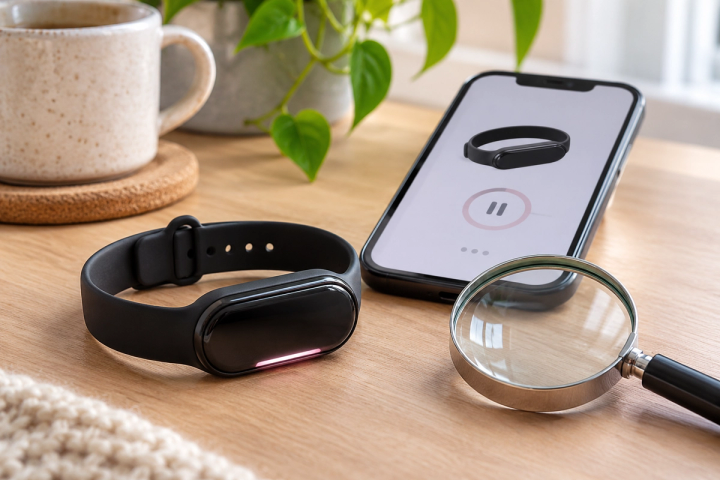
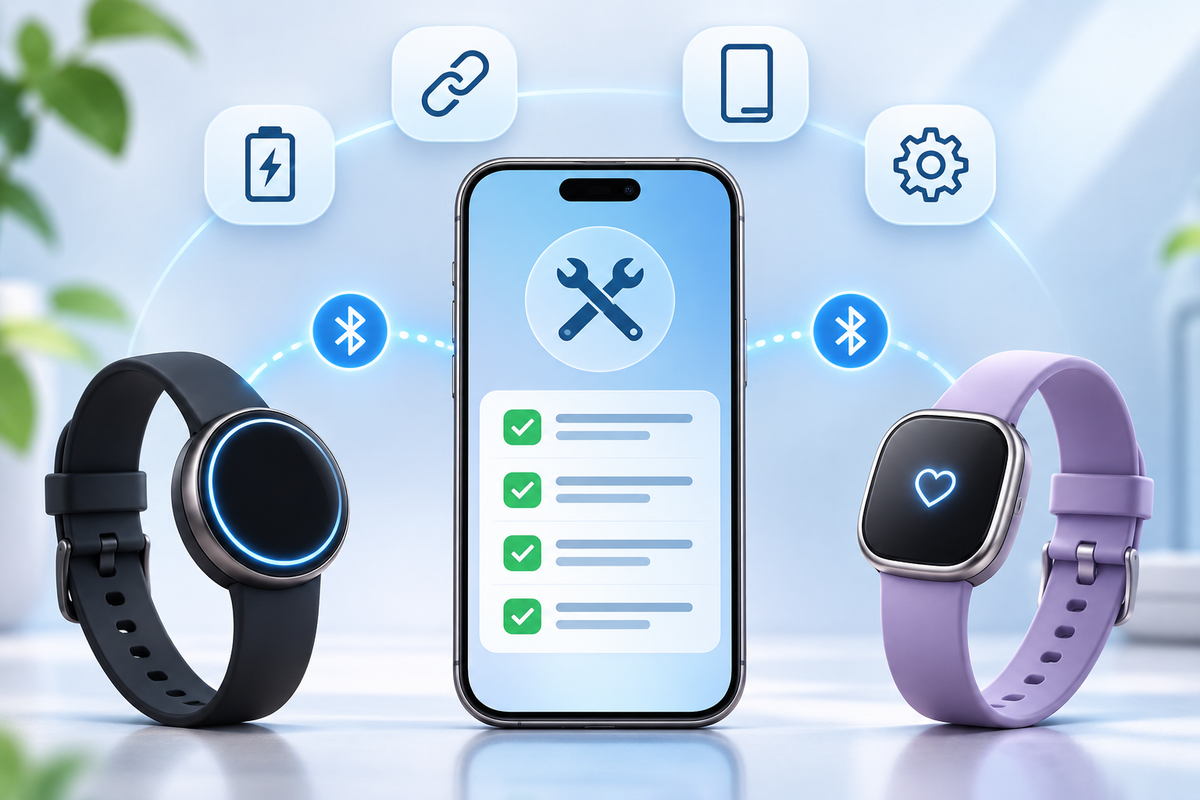
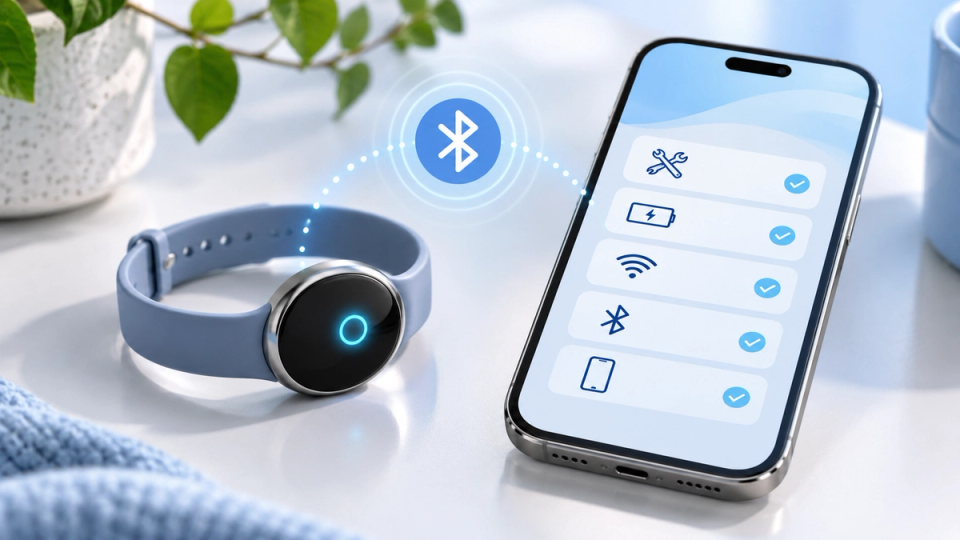
Begin by deciding whether the wearable responds locally. Does it give its expected indication when you interact with it according to the model's instructions? Does the application recognise the device? Can the phone use the internet? Does the application show the intended person as an active connection? Write down the answers separately. The connection troubleshooting guide explains how to work through this chain systematically, including situations in which one person can send but cannot receive.
Choose the right brand-specific instructions
Different products respond to different gestures, and a reset procedure for one model cannot safely be assumed to apply to another. If you have a Bond Touch bracelet, identify whether it is the fourth generation, an earlier model or a Mini. The official Bond Touch support material provides different guidance for physical wearables and its Lite smartwatch experience. Our Bond Touch troubleshooting guide helps you select the appropriate symptom-specific procedure without confusing the two.
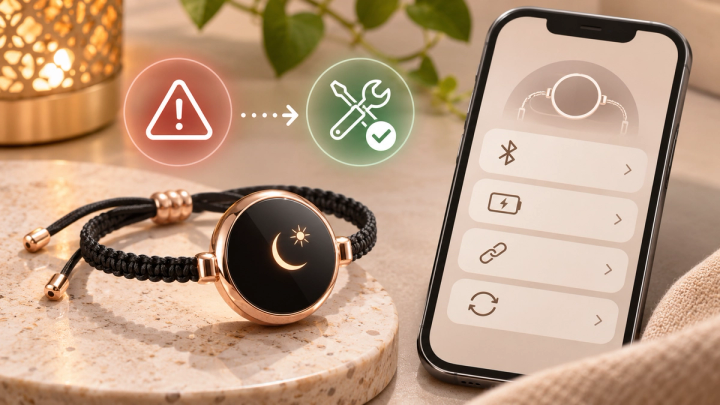
For Totwoo, identify the jewellery collection and the exact electronic module. Some support instructions refer to older styles and others refer to rechargeable connected pieces. Our Totwoo troubleshooting guide separates charging, activation and phone pairing from the connection between partners. Do not copy a reset gesture seen on a different brand's video, or assume a decorative bracelet that resembles yours uses the same electronics. Model identification also matters if you need to order a replacement charging accessory.
Check compatibility and setup before changing anything
A phone can have working Bluetooth and still lack a compatible app version, a necessary permission or a supported operating system. Check the current application listing and manufacturer's model requirements on both people's phones. The fact that one phone successfully connects does not establish that the other phone meets the same requirements. A newly purchased phone may also be running a different operating system version with different background activity settings.
The app setup and pairing guide covers first-time installation, re-pairing and moving to another phone. For an existing working account, keep the same login wherever the manufacturer advises doing so. Disconnecting a physical device from a phone is different from ending a relationship within the service. Deleting an account or removing a partner is not an appropriate first response to an ordinary Bluetooth problem. Confirm what an app action changes before tapping it.
Use reversible tests first
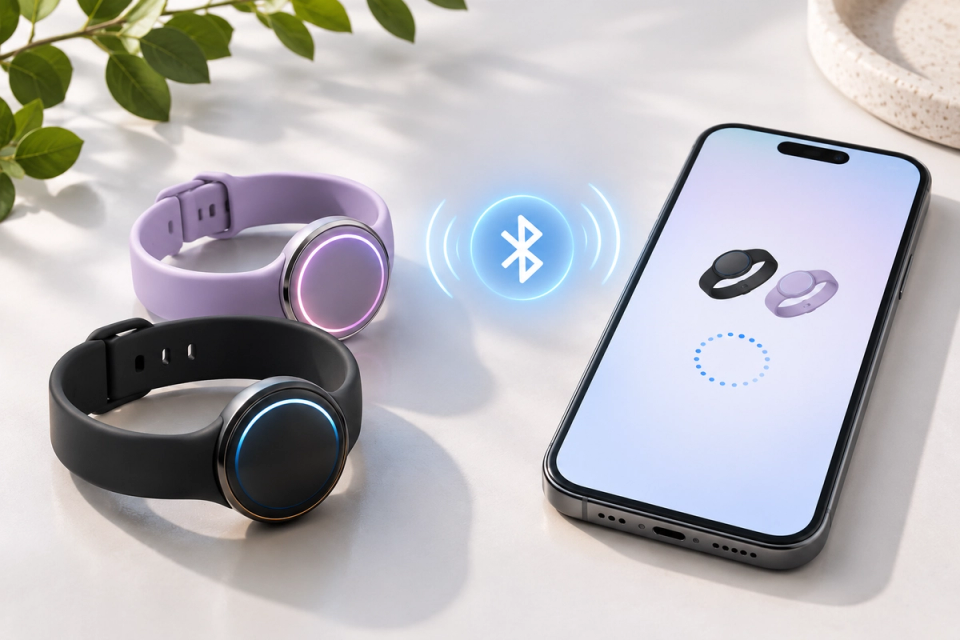
Start with a charged device and keep the phone nearby. Confirm that Bluetooth is available and the app can reach the internet. Open the official app and check its actual connection status. If it is connected, test a local gesture or supported tutorial function, then arrange a deliberate test touch with the intended recipient. Ask the other person to confirm whether the app records the touch and whether the physical bracelet responds. This provides more information than repeatedly tapping the same device without feedback.
If the test works with the app open but fails when the phone is locked, investigate background activity and notification permissions before changing the pairing. If it works on mobile data but not a particular Wi-Fi network, investigate that network. If the device does not respond even when connected to its correct charger, use model-specific power troubleshooting. Avoid changing several settings simultaneously because you will no longer know which change affected the result.
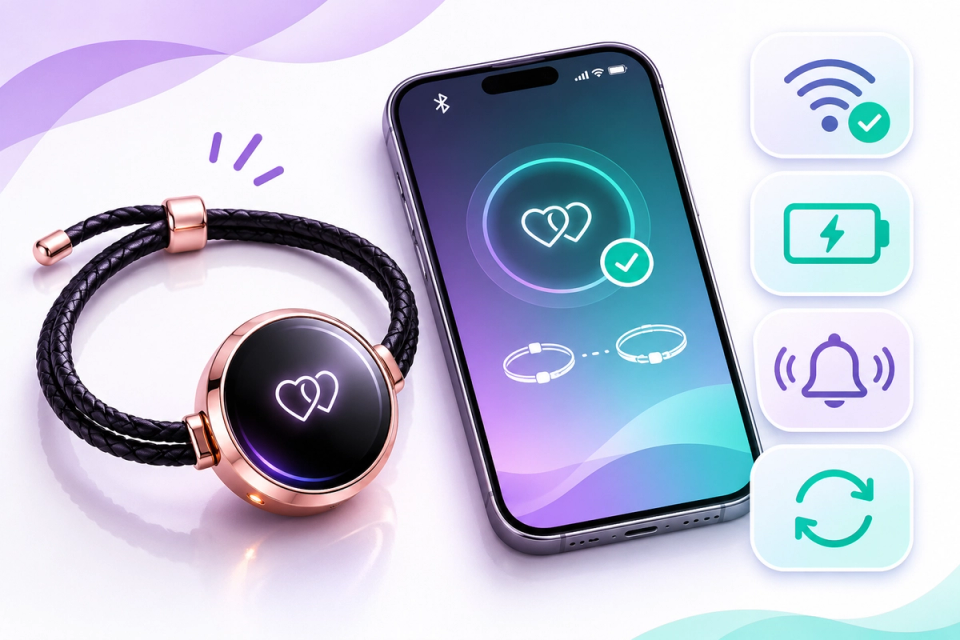
For the underlying architecture before you diagnose a fault, see the touch bracelet technology guide. If you are evaluating models rather than repairing one, consult Left Unsaid's touch bracelet comparison.
Escalate with useful evidence
Keep a simple record of the bracelet model, phone model, operating system, app version, approximate time of failure and the tests you tried. A short video of an unresponsive device or screenshot of the connection status can be more useful to manufacturer support than an explanation that it stopped working. Never include a password, authentication code or private conversation in a support attachment.
Stop using and charging a wearable if you notice swelling, unusual heat, a damaged cable or exposed electronic components. Do not open a sealed module or attempt to repair its internal battery. If the fault appears to be mechanical or electrical, seek the manufacturer's advice about repair or replacement. For ordinary connectivity faults, keep conventional messages available while you investigate; a missed touch is not evidence that someone is ignoring you, and connected jewellery should never be relied upon for emergency contact.
Frequently asked questions
What should I check first?
Identify the exact symptom, charge the wearable using its approved equipment, and check its connection in the official app.
Should I factory reset the bracelet immediately?
No. Start with reversible checks and only use a manufacturer-documented reset procedure for your exact model.
Manufacturer instructions and further information
Troubleshooting & Compatibility Library
Complete guide
Main guides
- Bond Touch Troubleshooting: Common Problems and Solutions
- Totwoo Troubleshooting: Common Problems and Solutions
- Touch Bracelet App Setup and Pairing Guide
- Touch Bracelet Connection Problems and Solutions
Supporting guides
- Why Is My Bond Touch Bracelet Not Working?
- Bond Touch Bracelet Not Vibrating: Causes and Solutions
- Bond Touch Bracelet Not Charging: Troubleshooting Guide
- How to Reset a Bond Touch Bracelet
- Why Is My Totwoo Bracelet Not Working?
- Totwoo Bracelet Not Vibrating or Lighting Up
- Totwoo Bracelet Not Charging: Troubleshooting Guide
- How to Reset a Totwoo Bracelet
- How to Set Up and Pair Bond Touch Bracelets
- How to Set Up and Pair Totwoo Bracelets
- How to Connect a Touch Bracelet to a New Phone
- Why Does My Touch Bracelet Keep Disconnecting?
- Touch Bracelet Notifications Not Working: How to Fix Them
- Touch Bracelet Bluetooth Pairing Problems: Causes and Fixes