Is disconnecting a Bond Touch the same as a factory reset?
For most pairing faults, start with reversible checks and use Bond Touch's documented local disconnection procedure before attempting any hardware reset.
What do you mean by reset?
A person searching for a reset may want to restart a frozen module, clear an old Bluetooth association, replace the phone or remove a relationship from the app. These actions have different consequences. The word reset should not be used as if it describes one universal procedure across all Bond Touch generations. In particular, a local device problem does not justify deleting an account or ending a relationship with another user.
Use the Bond Touch troubleshooting guide to establish which problem you are trying to solve. If the bracelet is completely inactive, first check power and the approved charger. If the module responds but the application cannot connect, a documented reconnection procedure may be appropriate. If the application shows a connection and only remote touches fail, investigate the other person's setup and the internet path before removing the local pairing.
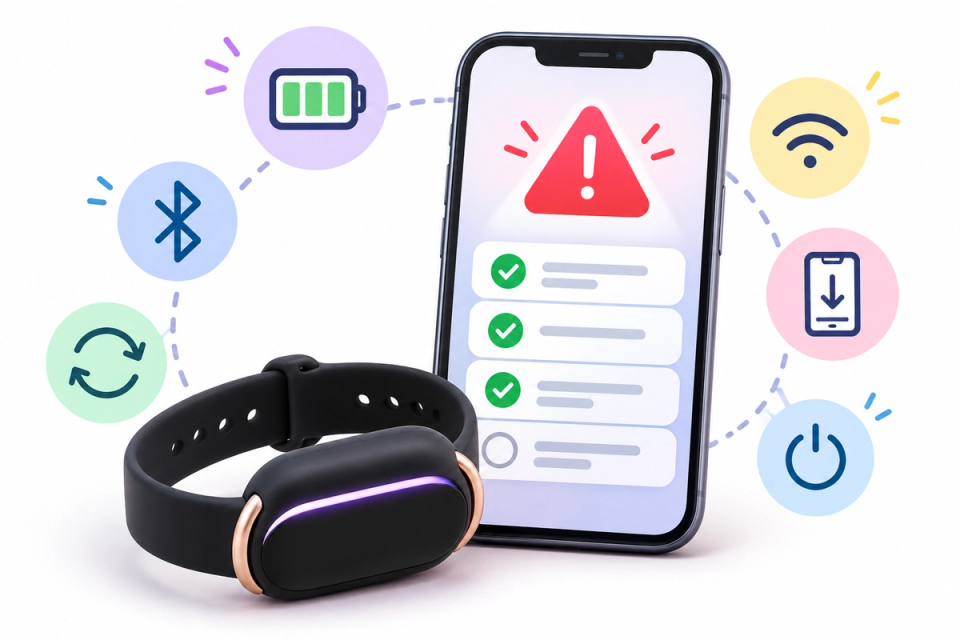
Try the non-destructive steps
Keep the bracelet near its paired phone, confirm charge and open the official app. Check whether it recognises the module. Bond Touch's connection guidance recommends refreshing the phone's Bluetooth and internet connection and reopening the app when ordinary connection checks do not resolve the problem. Perform each step separately and test afterwards, so that you know whether the change actually helped.
A phone restart can also be a useful controlled test when software behaves unexpectedly. Reopen the app afterwards and verify the current connection rather than assuming that a background service has restarted automatically. If the issue resolves at this stage, there is no benefit in clearing an established pairing. Keep a note of the circumstances if it happens again. A repeated disconnection is better investigated as a recurring condition than treated with a daily reset ritual.
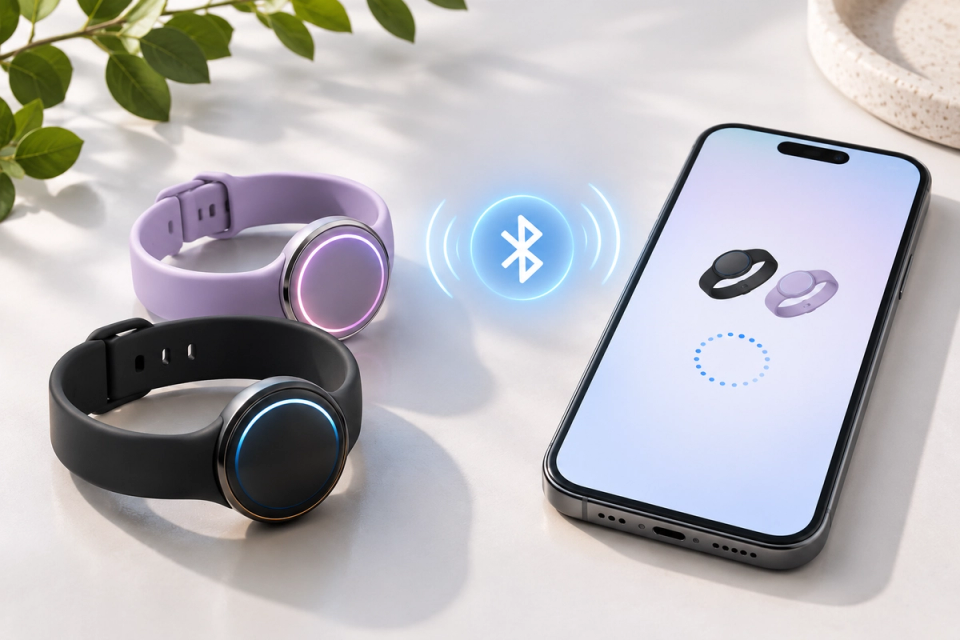
Clear the local device association when necessary
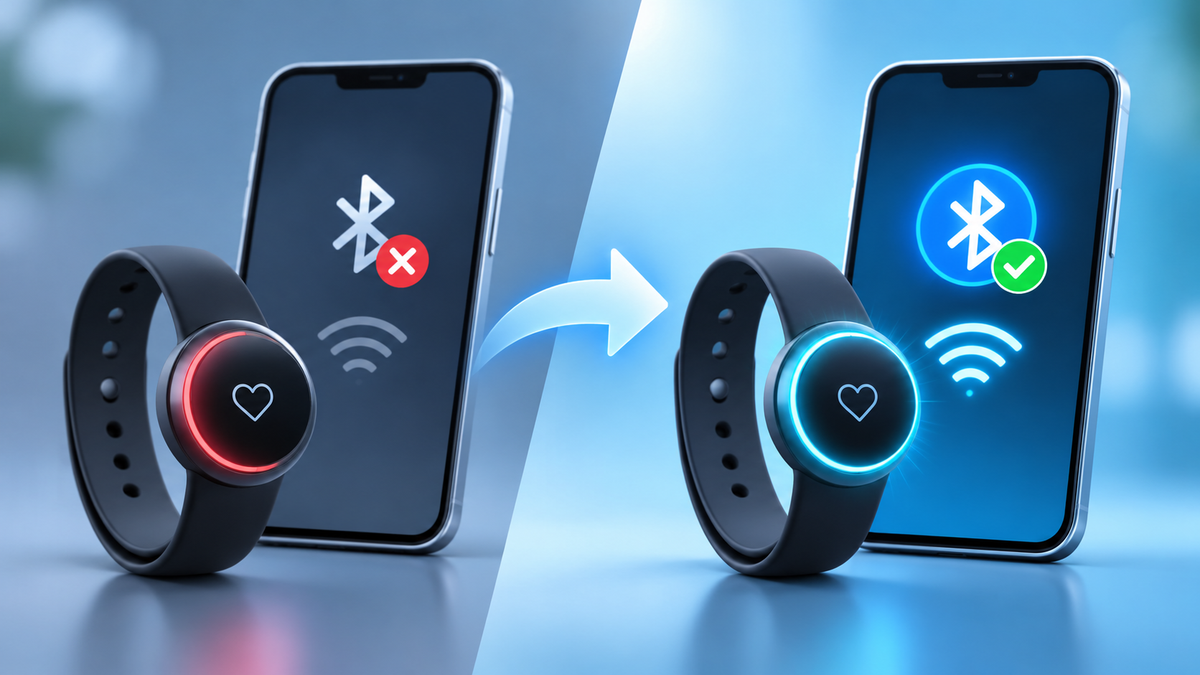
Bond Touch publishes a disconnection procedure for both major phone platforms. In its documented app interface, the user opens the application settings, locates the bracelet-management area and confirms removal of the local device connection. On an iPhone, the existing BOND entry is then removed from the Bluetooth device list using the device's information menu. On Android, the corresponding BOND association is removed using the Bluetooth device settings. Menu names may vary with operating system and app updates.
Make sure you are removing the correct module, particularly if several similar devices are nearby. Do not clear unrelated Bluetooth devices. Read each confirmation carefully: removing a physical bracelet is not the same operation as deleting your account or unbonding from a contact. If you are unsure which action an updated interface describes, consult the official help instructions for the version you are using. Preserve access to your original account before proceeding.
Reconnect through the official app
Charge the module and follow the correct pairing instructions for its generation. For the documented Bond Touch 4 process, the wearer keeps the charged bracelet on the wrist, enables Bluetooth, starts discovery in the application and confirms the detected unit using the prescribed gesture. Other models can use a different confirmation interaction. The exact model guide takes precedence over a generic reset video.
After the app reports a connection, test the local interaction and then exchange a deliberate touch with the intended contact. Check both directions. If the existing account relationship is still available, avoid creating a duplicate one simply to complete a test. If discovery fails even after the manufacturer-documented procedure, report the observed behaviour instead of repeatedly removing and restoring unrelated settings. The old association may not be the underlying cause.
Identify your generation before trying a recovery procedure using the Bond Touch 4 and 2 comparison. For the newer device's normal use and requirements, see the Bond Touch 4 review.
When a physical reset is not the right next step
A device that remains unresponsive despite correct charging may require instructions from Bond Touch for that specific hardware revision. Do not invent a long-press sequence or assume that a procedure for another brand applies. If the official support material offers a hardware recovery method for your exact device, follow that method precisely. If it does not, ask the manufacturer's technical team rather than experimenting with the electronic housing.
A reset is a recovery action, not proof that a fault has been repaired. Confirm the result under the normal conditions in which the problem occurred. If the bracelet only fails when the phone is locked, check background operation after reconnecting. If it fails after charging, check the power symptoms separately. Preserve the device, account and order information for support if the same problem returns.
Frequently asked questions
Is disconnecting a Bond Touch the same as a factory reset?
No. The documented disconnection removes its local phone association. A hardware factory reset is a different, model-specific action.
Will resetting delete my partner?
Do not assume it will or will not. Read the specific confirmation; device removal and account relationship removal are distinct actions.
Manufacturer instructions and further information
Troubleshooting & Compatibility Library
Complete guide
Main guides
- Bond Touch Troubleshooting: Common Problems and Solutions
- Totwoo Troubleshooting: Common Problems and Solutions
- Touch Bracelet App Setup and Pairing Guide
- Touch Bracelet Connection Problems and Solutions
Supporting guides
- Why Is My Bond Touch Bracelet Not Working?
- Bond Touch Bracelet Not Vibrating: Causes and Solutions
- Bond Touch Bracelet Not Charging: Troubleshooting Guide
- Why Is My Totwoo Bracelet Not Working?
- Totwoo Bracelet Not Vibrating or Lighting Up
- Totwoo Bracelet Not Charging: Troubleshooting Guide
- How to Reset a Totwoo Bracelet
- How to Set Up and Pair Bond Touch Bracelets
- How to Set Up and Pair Totwoo Bracelets
- How to Connect a Touch Bracelet to a New Phone
- Why Does My Touch Bracelet Keep Disconnecting?
- Touch Bracelet Notifications Not Working: How to Fix Them
- Touch Bracelet Bluetooth Pairing Problems: Causes and Fixes