Why do normal Totwoo chat messages not vibrate?
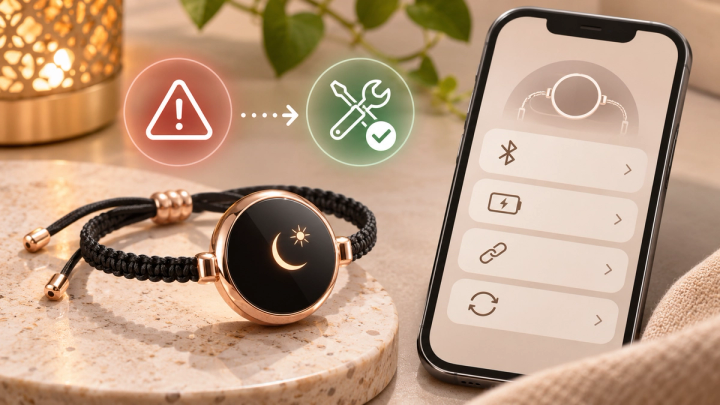
If Totwoo jewellery connects but does not flash or vibrate, test the correct touch interaction and its delivery before concluding the hardware has failed.
Identify the expected output
Before investigating a missing vibration, establish what the selected product is actually designed to do. Totwoo has different jewellery collections and some historical models do not have the same capabilities as current rechargeable vibration designs. A light-only response may be expected for a particular interaction or configuration. Check the exact model documentation rather than assuming every product produces the same combination of light and tactile feedback.
Our Totwoo troubleshooting overview describes broader device issues. This article focuses on output: whether the jewellery generates its expected light or vibration after a supported touch. Note whether the bracelet responds when you activate it locally, whether the app shows an event and whether the receiving piece produces any physical indication. These observations will help separate a missing output from a missing communication event.
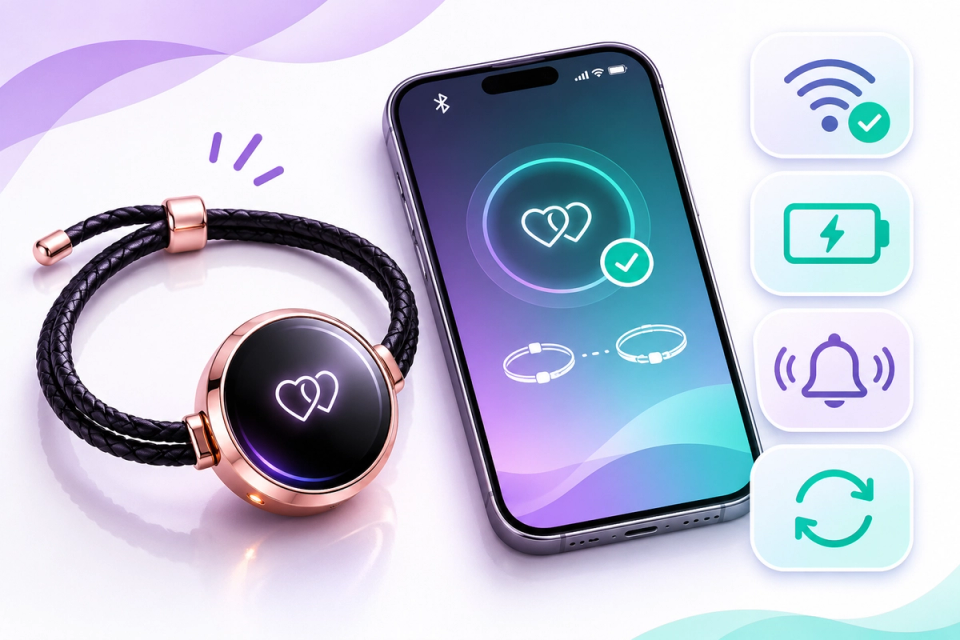
Test the designated touch rather than chat
Totwoo's connection documentation explicitly distinguishes its dedicated touch signal from ordinary private chat messages. A chat message that appears normally in the application may not be intended to activate the jewellery. Ask the sender to perform the documented touch interaction for the model and confirm the intended recipient. Do not interpret a lack of vibration after an ordinary message as evidence of a defect.
Have the recipient bring their phone near the bracelet and open the app. Record whether the touch appears in the application and whether the device lights or vibrates. Then reverse the direction. If one side works and the other does not, the difference can narrow the investigation. A failure only when one user sends may be related to the other user's local setup, network or selection rather than a widespread fault affecting both pieces.
Review the applicable reminder settings
Totwoo's technical help describes reminder controls that can affect flashing and vibration for supported jewellery. Consult the current app interface and the instructions for your model to identify whether the relevant interaction has an enabled tactile output, an intensity setting or a particular light pattern. Interface labels and available options can change. Do not assume that a control described for another collection will be present on yours.
Change one relevant setting, then repeat the same test. If you change several settings simultaneously, you will not know which affected the result. If the wearer notices a light but cannot feel a vibration, check that the bracelet is comfortably positioned and that the tested interaction supports vibration. Avoid tightening the jewellery beyond a comfortable fit. If there is still no expected output after confirming power, settings and a working local connection, document the discrepancy for support.
Investigate delayed and unexpected signals
A delayed vibration is not necessarily a failure of the vibration mechanism. Totwoo explains that internet delivery and the local Bluetooth environment can influence when a physical signal arrives. Compare the time an event becomes visible in the app with the time the bracelet responds. Repeat the test under stable conditions with the phone close by.
If the jewellery flashes or vibrates when no intentional touch was sent, check for accidental activation by clothing, a bag or ordinary contact. Look at the app's event history if available. A series of delayed events could be relevant, but do not assume that a particular explanation is correct without observing it. If unexplained output continues after following the manufacturer's guidance, report it rather than attempting to dismantle or alter the electronics.
For background on physical light outputs, read the guide to bracelet light signals. For the differences between particular Totwoo collections, see the comparison of touch jewellery models.
Determine whether support is needed
When a charged bracelet is recognised by the app and a documented interaction consistently arrives but the supported light or vibration never appears, contact Totwoo with the exact model and phone information. Describe whether both physical outputs are missing or only one, and whether the problem occurs when the application is open and when it operates in the background. Include a short video where it demonstrates the visible symptoms.
A replacement should be considered only after the actual fault has been investigated. If the issue is a missing app event or an inappropriate interaction type, new jewellery may behave in the same way. Keep ordinary messages available while troubleshooting and agree on a test time with the other person. Do not treat a delayed or missing physical cue as a reliable measure of their attention or affection.
Frequently asked questions
Why do normal Totwoo chat messages not vibrate?
The manufacturer's documentation distinguishes chat from designated touch interactions; ordinary chat is not necessarily intended to trigger the jewellery.
Can I change vibration strength?
Some supported models expose reminder settings. Check the exact model and current application.
Manufacturer instructions and further information
Troubleshooting & Compatibility Library
Complete guide
Main guides
- Bond Touch Troubleshooting: Common Problems and Solutions
- Totwoo Troubleshooting: Common Problems and Solutions
- Touch Bracelet App Setup and Pairing Guide
- Touch Bracelet Connection Problems and Solutions
Supporting guides
- Why Is My Bond Touch Bracelet Not Working?
- Bond Touch Bracelet Not Vibrating: Causes and Solutions
- Bond Touch Bracelet Not Charging: Troubleshooting Guide
- How to Reset a Bond Touch Bracelet
- Why Is My Totwoo Bracelet Not Working?
- Totwoo Bracelet Not Charging: Troubleshooting Guide
- How to Reset a Totwoo Bracelet
- How to Set Up and Pair Bond Touch Bracelets
- How to Set Up and Pair Totwoo Bracelets
- How to Connect a Touch Bracelet to a New Phone
- Why Does My Touch Bracelet Keep Disconnecting?
- Touch Bracelet Notifications Not Working: How to Fix Them
- Touch Bracelet Bluetooth Pairing Problems: Causes and Fixes