What you need to know
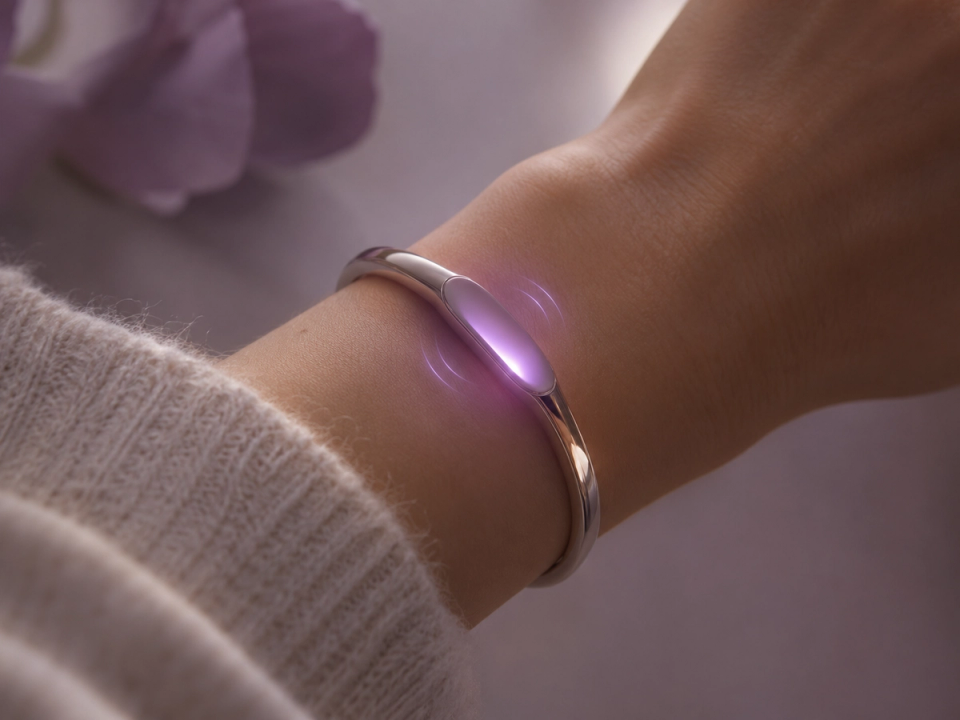
A connected bracelet can illuminate a small LED or light-diffusing element when it recognises an input or receives a message. The light might identify a sender, indicate a connection state, or accompany vibration. Colours and meanings depend on the model and its software; there is no universal colour code shared by all brands.
The role of light in a wearable
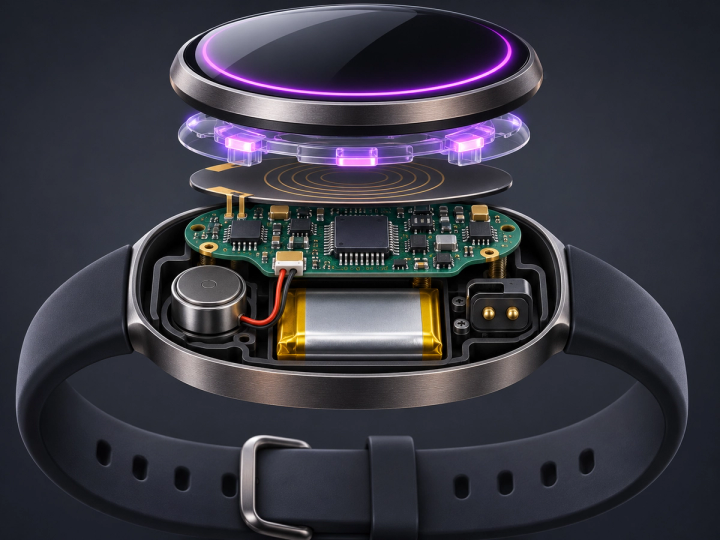
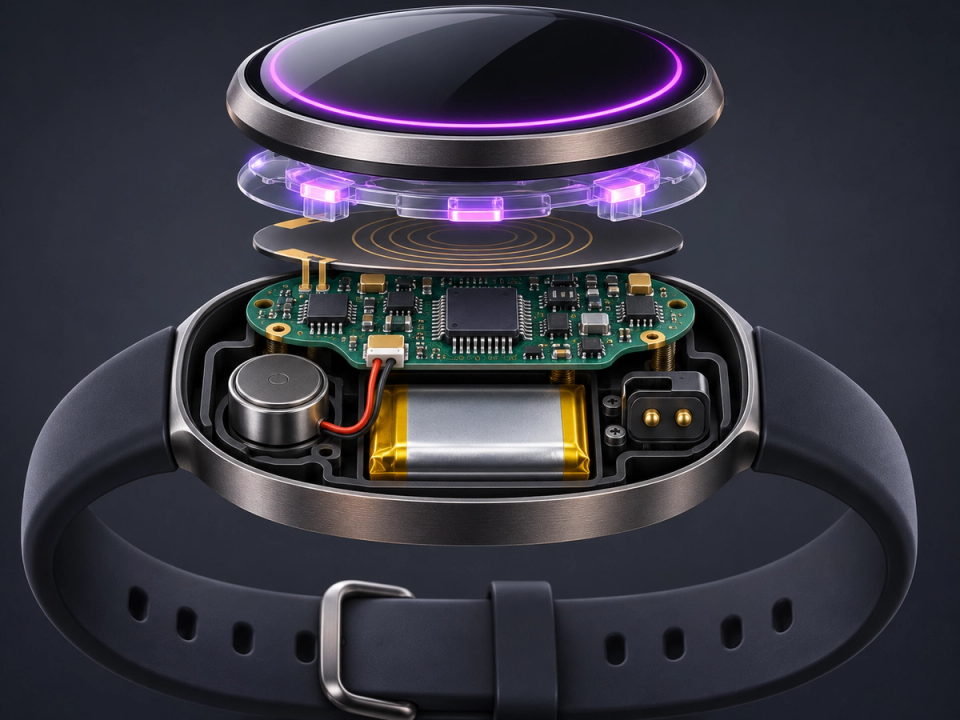
Light is one of the most compact ways of providing visual feedback on a piece of jewellery. A small emitter inside the module can illuminate a translucent window or a section of the case. The visible design is not always an accurate guide to the electronics underneath: a large reflective decoration might contain no light at all, while a discreet strip might be the actual indicator.
When a bracelet lights up, the event may have originated locally rather than remotely. It might be acknowledging a tap, reporting a charging state or indicating that the wearable is ready for another action. This is why a visual response does not by itself establish that the other person received a touch. The technical guide to how bracelets work explains how to distinguish an acknowledgement from the end-to-end communication process.
Colour as a personal signal
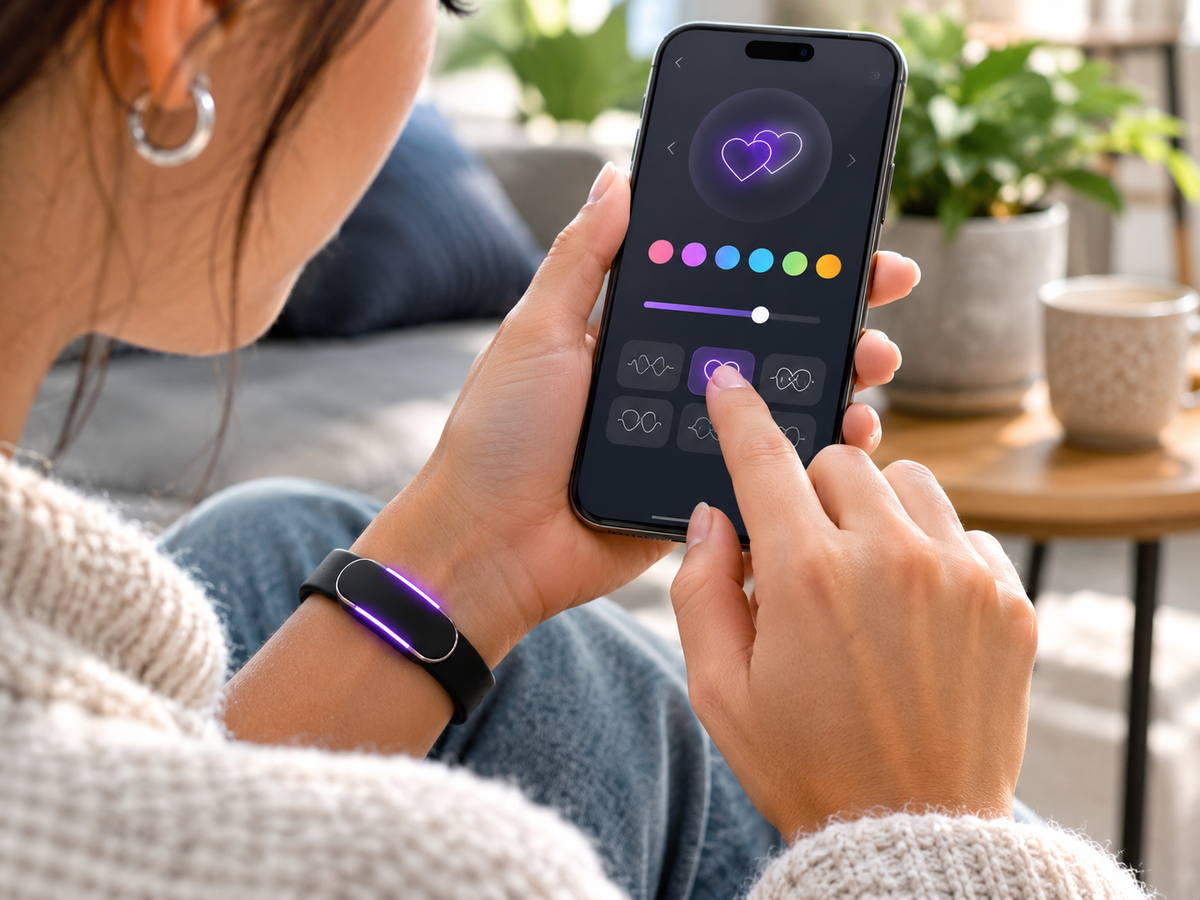
A manufacturer may offer selected colours or patterns to identify different messages or people. Bond Touch 4 documentation describes a white wake indication and a recipient-side colour selected through its system. These are examples from that model, not an instruction for every bracelet. Totwoo has different collections and app functions; check the supported options for the exact device and software version rather than assuming a product photograph reveals everything.
If you and a partner want to create a simple colour language, first establish what can actually be configured. A setting that changes your own indicator might not change the colour seen by the recipient. Some combinations may allow one colour per person rather than one colour per message. Distinguish the settings in the app from a marketing image showing several different colours around a product. For brand context, read the Bond Touch review and Totwoo review on the main website.
Relevant connected jewellery examples
We may earn a commission through affiliate links. These examples are based on manufacturer and feed information, not hands-on tests. Check current availability and compatibility.

Totwoo Candy Original Touch Bracelets — Black + Pink
Two-bracelet set with the Totwoo companion app. Manufacturer lists light and vibration signals, Bluetooth connectivity and rechargeable batteries.
Check price at TotwooVisibility in ordinary conditions
A light that looks bright in a promotional photograph may be difficult to see outdoors in strong sunlight. At night, a much smaller amount of light can be noticeable. The angle of the wrist, a sleeve or the material of the case may hide the indicator. Someone who is sensitive to bright flashes may prefer a less conspicuous output if the model allows changes. A device intended for discreet communication does not necessarily have a display brightness adjustment.
Test your own bracelet when it is on your wrist, lying on a desk and covered by clothing. Look at it in daylight and in a dim room. If the device provides vibration as well, note whether you can detect one output when the other is obscured. It is not necessary to watch the indicator constantly. For many people a short tactile cue is the more useful feature, with light providing secondary information.
When lights have technical meanings
Charging and setup indicators can be confusing if you have read instructions for a different generation. A flashing light could denote an active charging cycle on one product, a pairing state on another, or a signal from a partner. Use the manufacturer manual or help centre to interpret the exact sequence. Do not assume that a lack of light means the battery is dead: the device could be asleep, out of range, or configured differently.
If the light appears but the recipient cannot receive anything, check both apps, local connectivity and battery status rather than repeatedly tapping the sending bracelet. A normal local indication can coexist with a failed remote link. An indicator that stays illuminated unexpectedly or behaves differently after an update is worth documenting, including the colour and timing, before contacting support. The practical benefit of visual feedback is that it helps you understand the device's current state. Its emotional significance should come from an agreed ritual rather than from guesses about the meaning of unexplained flashes.
Frequently asked questions
Can I choose any colour?
Only if the exact model and app support that option. Check whether it affects the sender, recipient or both.
Does a flashing bracelet always mean someone sent a touch?
No. Charging, wake and pairing states can also produce light indications.
Manufacturer sources
Touch Bracelet Technology Library
Complete guide
Main guides
- How Do Long-Distance Touch Bracelets Work?
- Touch Bracelet Connectivity and Distance Explained
- Touch Bracelet Battery Life and Charging Guide
- Touch Bracelet Features and Smartphone Compatibility
Supporting guides
- How Do Touch Bracelets Send Vibrations?
- Do Touch Bracelets Work Without a Phone?
- Do Touch Bracelets Work Without Internet?
- How Far Apart Can Touch Bracelets Work?
- Do Touch Bracelets Work in Different Countries?
- How Bluetooth Works in Touch Bracelets
- How Long Do Touch Bracelet Batteries Last?
- How Long Does It Take to Charge a Touch Bracelet?
- Can You Replace a Touch Bracelet Battery?
- Are Touch Bracelets Waterproof?
- Do Touch Bracelets Work With iPhone and Android?
- Can You Connect More Than Two Touch Bracelets?
- Can Different Brands of Touch Bracelets Connect to Each Other?