What you need to know
Touch bracelets need periodic charging, and the time between charges varies by model and use. Compare the manufacturer's estimate, included charger, compatible replacements and the way you actually wear the device. A long stated battery life is less useful if its charging setup is inconvenient for either wearer.
Understanding the energy budget
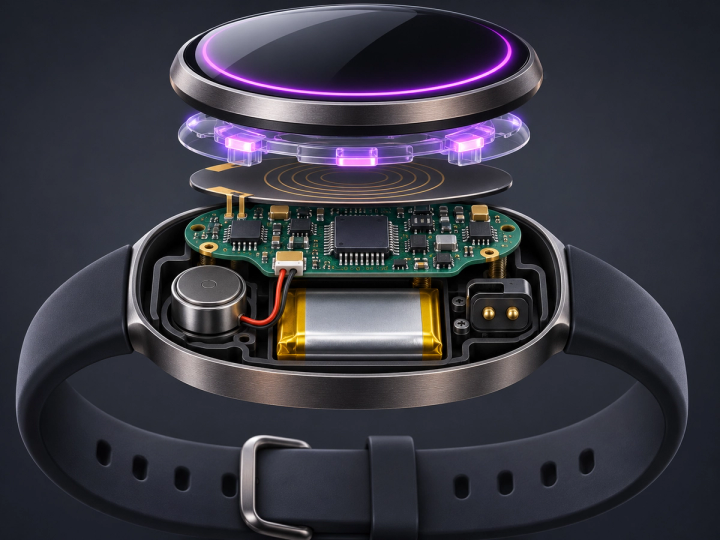
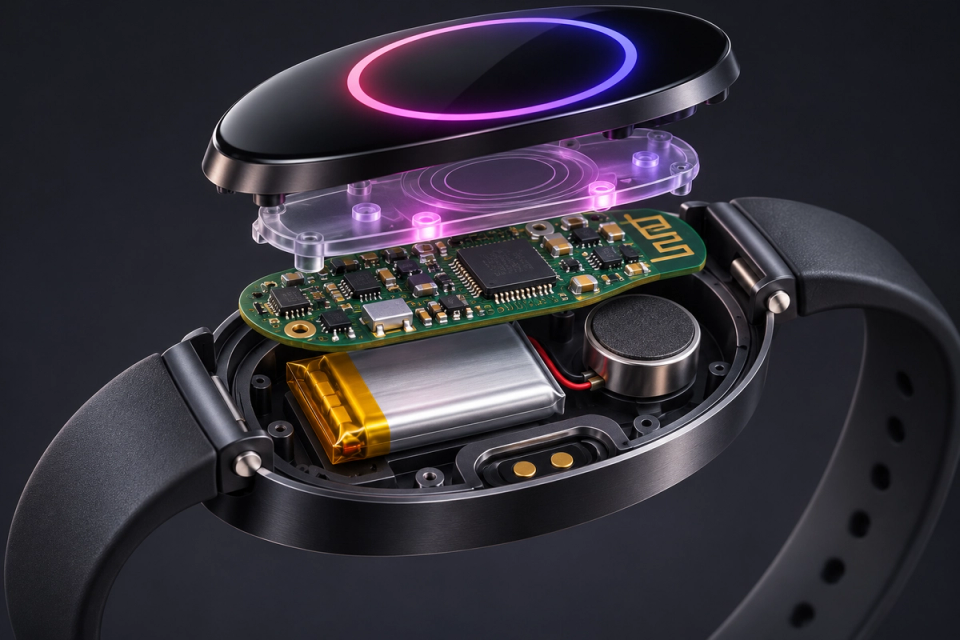
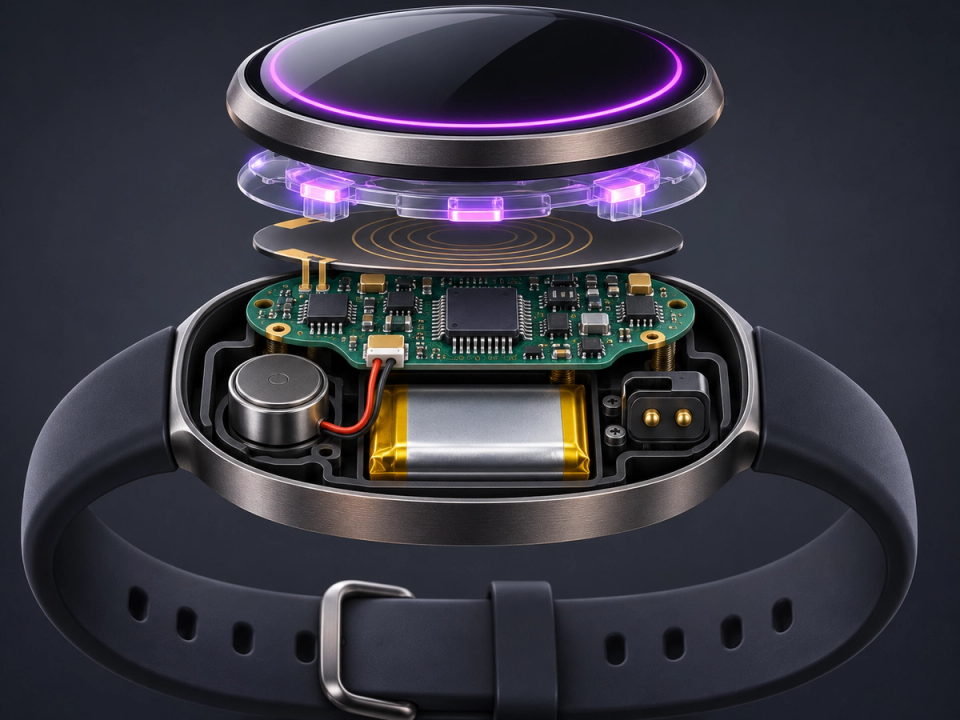
A connected bracelet contains a compact energy store and electronics that must fit a small jewellery enclosure. The battery powers the controller, local wireless communication, sensing and the physical outputs. A pattern with illumination and vibration uses energy differently from an idle period. The phone's battery is a separate consideration because the companion app also requires power to remain available. Neither battery can compensate for the other running out.
Manufacturers publish estimates under their own assumptions; these should not be treated as results of identical laboratory tests across brands. For example, Totwoo advertises approximately three to five days for a specified Candy Duo model, with the actual duration depending on settings and use. The guide to battery duration explains how to evaluate a claim and track your own experience. Keep the exact model and firmware in mind rather than transferring a number from one generation to another.
What charging time really means
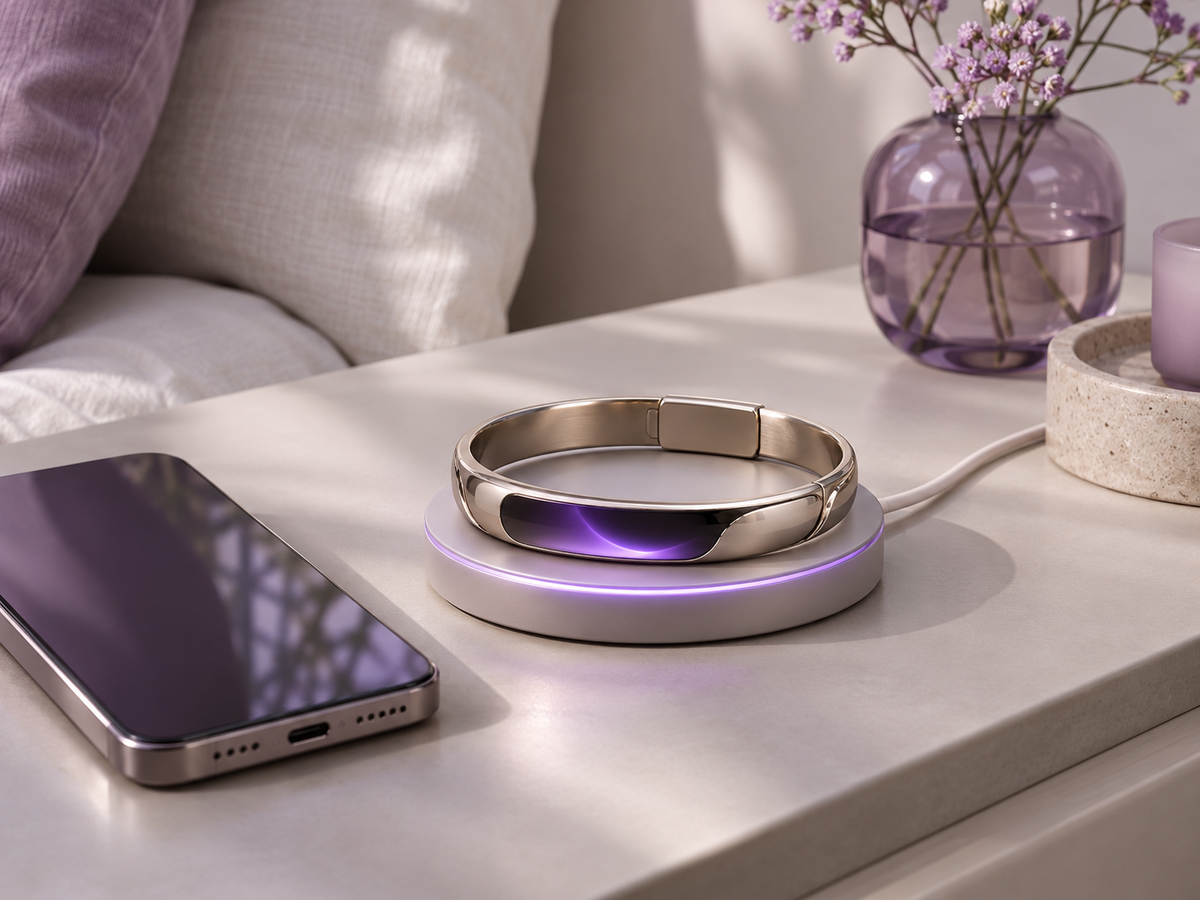
A quoted charging time normally describes a particular starting charge and a compatible power supply. A charger may be a proprietary cable, a contact dock or a model-specific attachment. The fact that its other end uses USB does not mean the bracelet itself can be placed on any wireless charger. Look at the contacts and manufacturer instructions before buying a replacement.
The charging time guide distinguishes a full recharge from a quick top-up. A sensible schedule is to charge during a predictable period when you would not be using the device anyway. Two people do not need to charge at the same time; in fact, staggering their routines might reduce the chance that both bracelets are unavailable together. If a charging indicator is unfamiliar, use the manual for that generation rather than interpreting colour conventions from a different device.
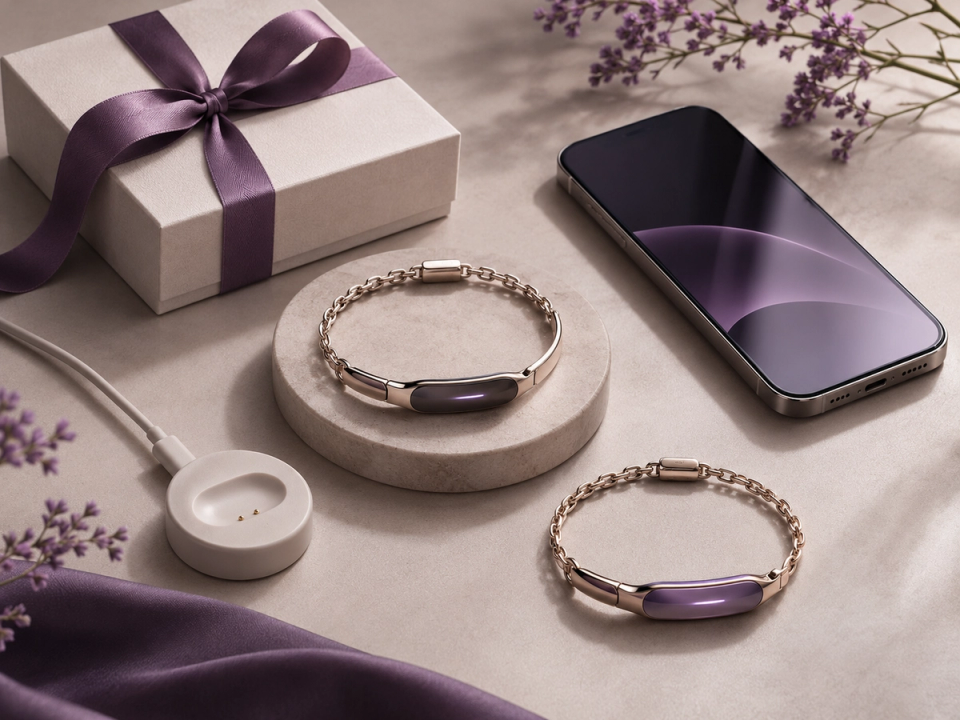
Model-specific charging accessories
We may earn a commission through affiliate links. These examples are based on manufacturer and feed information, not hands-on tests. Check current availability and compatibility.

Bond Touch 4 Charger — Black
Replacement accessory for the Bond Touch 4 generation. Check exact model and current listing.
Check price at Bond Touch
Totwoo Extra Charger for vibration bracelets
Replacement dock for specified collections including Candy and Sun & Moon. Confirm exact compatibility; exclusions apply.
Check price at TotwooA practical comparison before buying
When comparing two bracelets, write down the stated battery duration, charge time, charger type, availability of replacement chargers and the number of devices included. A boxed pair might contain two chargers, but verify the contents. A single device may be the appropriate purchase for someone whose partner already owns a compatible wearable. The cost of an extra charger is a legitimate part of the purchase if someone travels frequently or lives between two homes.
The examples below distinguish chargers from jewellery. The Bond Touch 4 cable is a generation-specific replacement. Totwoo's general replacement dock has a manufacturer compatibility list and exclusions. Do not choose a cable on visual resemblance alone. For broader model selection, the existing touch bracelet comparison covers consumer buying considerations beyond power. Prefer a manufacturer-approved accessory and avoid making claims about unlisted compatibility.
Ageing, water and unexpected shutdowns
Rechargeable batteries gradually lose useful capacity. A device that used to last several days may eventually need more frequent charging, but an app reporting an unusual percentage is not necessarily a worn cell. Check the approved charging equipment, charge indication and software first. Temperature extremes and poor contact can also affect the experience. Stop charging a device that is visibly damaged, swollen, unusually hot or wet, and seek the manufacturer's advice.
Our battery replacement guide explains why a sealed wearable is not usually a suitable DIY repair project. Replacing a strap or charger is different from opening the electronics enclosure. Do not pry apart a sealed module simply because a conceptual illustration shows a battery inside it. The complete technology guide connects these considerations to the communication system: if either wearable or its phone is out of power, the whole path can fail. Building a predictable charging routine is therefore more valuable than chasing the largest advertised number.
For a model-specific example of charging and band choices, see the Candy Duo collection guide for the product-specific selection considerations.
For owners choosing between replacing a worn accessory and buying new hardware, read the Bond Touch replacement bands guide for the relevant product-specific considerations.
Frequently asked questions
Can a bracelet receive touches while charging?
It depends on the model and its operating state; check the manual and test without relying on it as your only means of contact.
Should I charge after getting the bracelet wet?
No. Follow the manufacturer's drying and charging instructions first.
Manufacturer sources
Touch Bracelet Technology Library
Complete guide
Main guides
- How Do Long-Distance Touch Bracelets Work?
- Touch Bracelet Connectivity and Distance Explained
- Touch Bracelet Features and Smartphone Compatibility
Supporting guides
- How Do Touch Bracelets Send Vibrations?
- How Do Touch Bracelets Light Up?
- Do Touch Bracelets Work Without a Phone?
- Do Touch Bracelets Work Without Internet?
- How Far Apart Can Touch Bracelets Work?
- Do Touch Bracelets Work in Different Countries?
- How Bluetooth Works in Touch Bracelets
- How Long Do Touch Bracelet Batteries Last?
- How Long Does It Take to Charge a Touch Bracelet?
- Can You Replace a Touch Bracelet Battery?
- Are Touch Bracelets Waterproof?
- Do Touch Bracelets Work With iPhone and Android?
- Can You Connect More Than Two Touch Bracelets?
- Can Different Brands of Touch Bracelets Connect to Each Other?