What you need to know
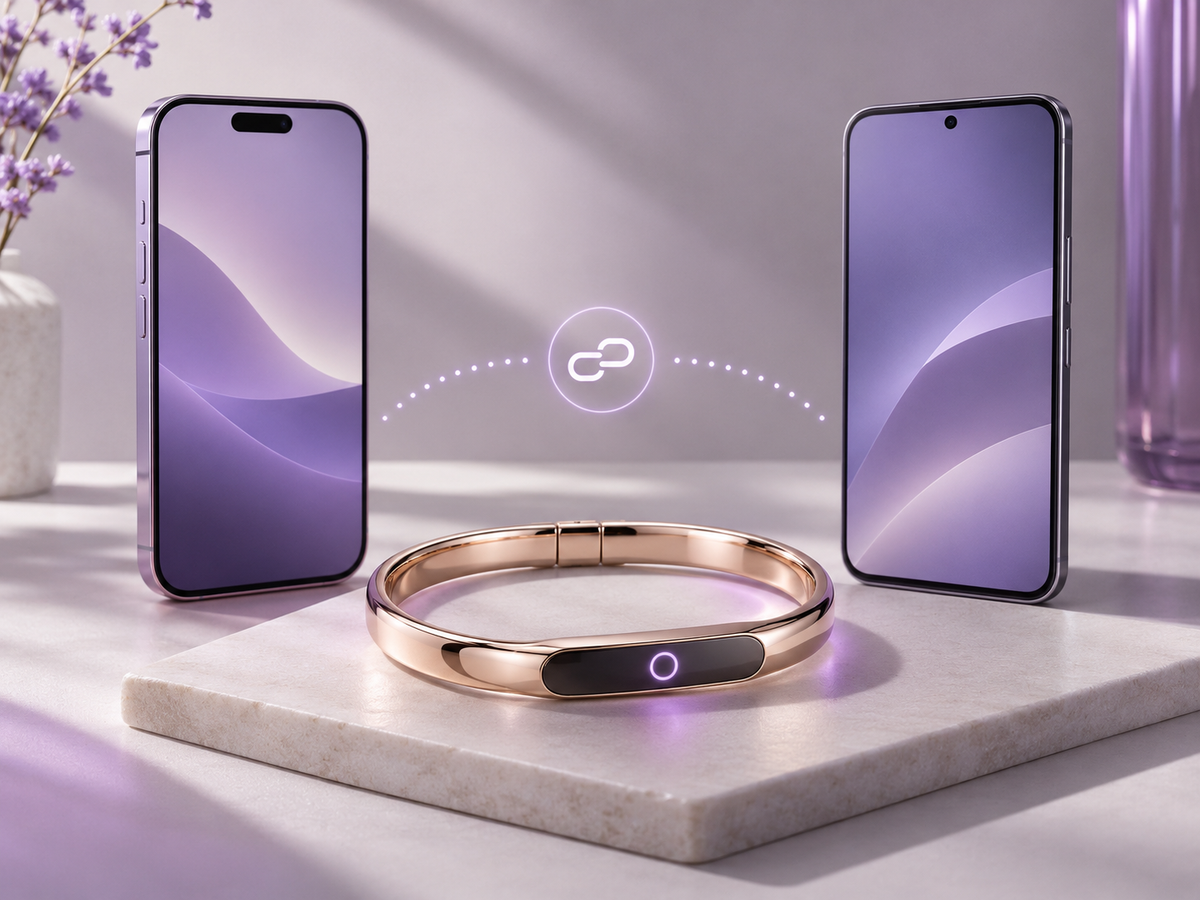
Many touch bracelets support both iPhone and Android through their manufacturer's companion app. An iPhone user and an Android user can normally exchange touches when both phones and wearables meet the same compatible service's requirements. Check the current app-store listing and exact model documentation before purchasing.
Check the operating system as well as the handset
The name of a phone does not establish its current software version. Two people may own phones from the same manufacturer yet have different operating systems or update availability. Before buying, open the settings on each handset and identify the installed version. Then check whether the companion app is offered in the appropriate app store for that phone and region. Look at its current installation requirements rather than relying on a number in an old blog post.
Bond Touch publishes model-specific mobile requirements, and different help pages give different minimum versions. This is a reason to check the current listing rather than treating one minimum as universal. Totwoo describes support for compatible iOS and Android smartphones. The features and compatibility guide explains why app support is only part of the complete system. Both users must also have compatible wearable models, internet access and the required local connection.
What mixed phone platforms change
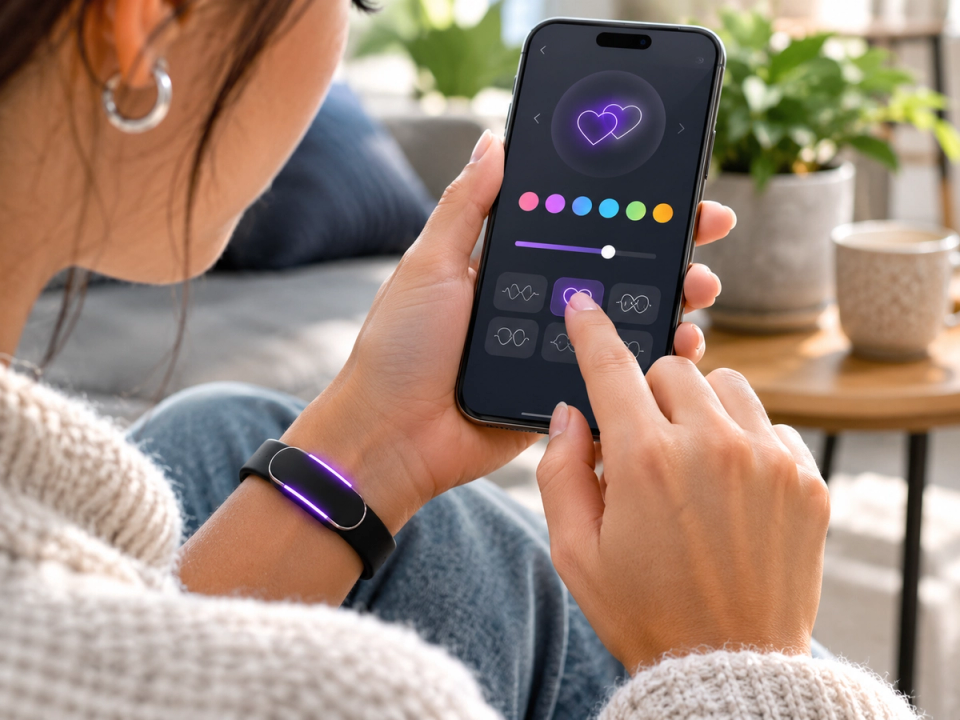
The two phones do not need to share the same operating system to communicate through a service that supports both. Each phone is responsible for connecting to its own wearable and communicating with the manufacturer's service. The software on the receiving phone then handles the message for its paired device. The fact that one phone uses Android and another uses iOS does not itself prevent this workflow.
However, settings menus and permission behaviour differ. A Bluetooth permission may be displayed differently, background operation may be managed in different places and power-saving restrictions can affect the app. If one wearer can send but the other cannot receive, look at the individual phone's settings rather than assuming a mixed-platform relationship is incompatible. The Bond Touch 4 review and Totwoo review can help identify the product family before you consult model-specific instructions.
Relevant connected jewellery examples
We may earn a commission through affiliate links. These examples are based on manufacturer and feed information, not hands-on tests. Check current availability and compatibility.

Bond Touch 4 — Black (single bracelet)
Fourth-generation touch module with pattern-based signalling. One bracelet; verify partner device and app requirements.
Check price at Bond Touch
Totwoo Candy Original Touch Bracelets — Black + Pink
Two-bracelet set with the Totwoo companion app. Manufacturer lists light and vibration signals, Bluetooth connectivity and rechargeable batteries.
Check price at TotwooSet up and test with locked screens
Install the official app on each supported phone and follow the pairing process for its exact model. Avoid pairing from system settings first unless the instructions tell you to do that. Complete the account connection and use a recognisable test signal while both people can confirm receipt through another channel. Then test with both screens locked and the apps operating as they normally would in the background.
If it works only with the app visible, review the required background and notification permissions in the manufacturer's guidance. Totwoo explicitly discusses notification permission and background operation in its support material. Battery-saving features may interfere with an app that is expected to remain available. Change only settings that are relevant and understand any effects on phone battery usage or privacy. Do not grant unrelated data access as a generic troubleshooting step.
Changing phones later
Replacing a phone does not necessarily mean replacing the bracelet, but it may require a new local pairing. Check how the manufacturer handles account recovery and removing an old device before disposing of the previous phone. Keep access to the relevant email address or phone number and follow the current migration instructions. If changing from iOS to Android or the reverse, confirm that the app and your particular wearable are still supported.
Before giving someone a bracelet, ask them to check their device rather than assuming they will be able to install the app. A work-managed phone may restrict installations or background access. A person using a basic feature phone may not have a supported platform at all. The best compatibility check is performed before ordering, not after unwrapping the gift. A working connection depends on the two individual setups and a compatible service, not on both people choosing the same brand of smartphone.
Frequently asked questions
Do both people need an iPhone?
No, provided the chosen service supports both intended phones and devices.
Can I use a tablet instead?
Only if the manufacturer explicitly supports that tablet and its operating system for the required functions.
Manufacturer sources
Touch Bracelet Technology Library
Complete guide
Main guides
- How Do Long-Distance Touch Bracelets Work?
- Touch Bracelet Connectivity and Distance Explained
- Touch Bracelet Battery Life and Charging Guide
- Touch Bracelet Features and Smartphone Compatibility
Supporting guides
- How Do Touch Bracelets Send Vibrations?
- How Do Touch Bracelets Light Up?
- Do Touch Bracelets Work Without a Phone?
- Do Touch Bracelets Work Without Internet?
- How Far Apart Can Touch Bracelets Work?
- Do Touch Bracelets Work in Different Countries?
- How Bluetooth Works in Touch Bracelets
- How Long Do Touch Bracelet Batteries Last?
- How Long Does It Take to Charge a Touch Bracelet?
- Can You Replace a Touch Bracelet Battery?
- Are Touch Bracelets Waterproof?
- Can You Connect More Than Two Touch Bracelets?
- Can Different Brands of Touch Bracelets Connect to Each Other?