What you need to know
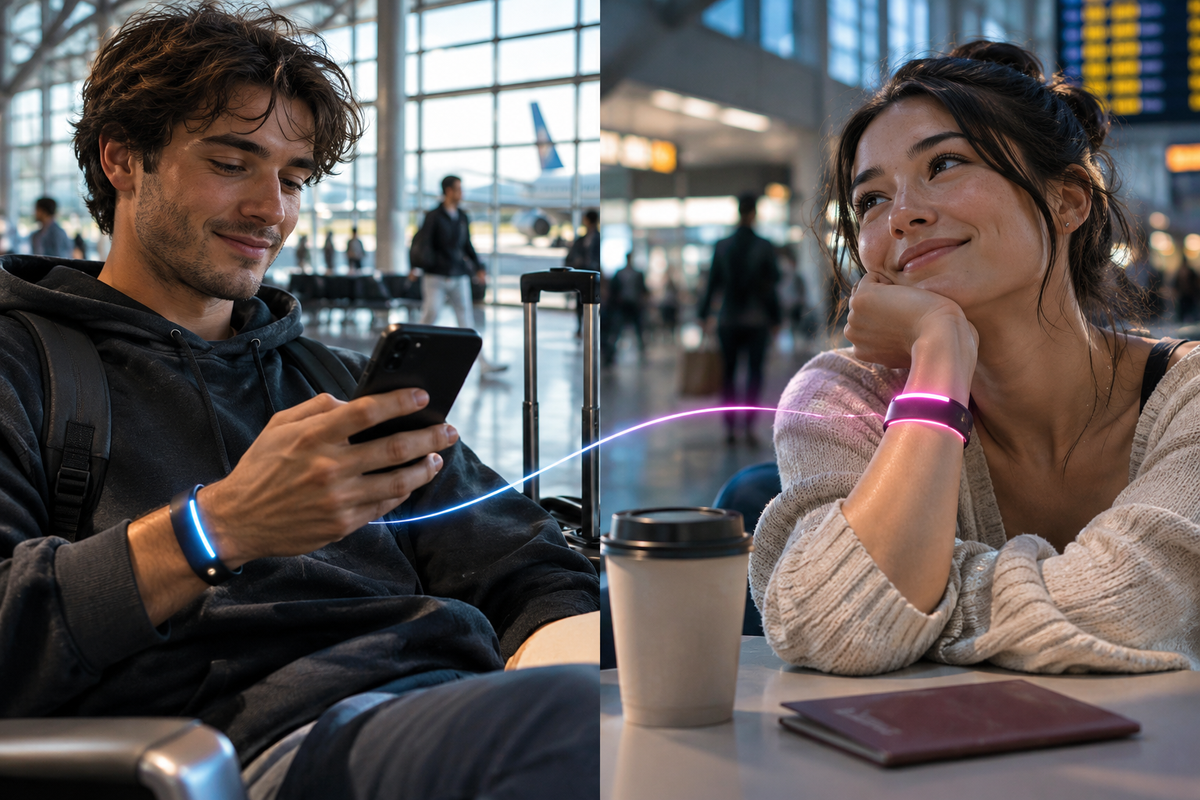
Touch bracelets can be used by people in different countries if their compatible phones can reach the manufacturer's service and maintain the local bracelet connections. International distance does not itself prevent delivery, but roaming arrangements, app availability, travel rules and local network access deserve attention before departure.
Check the system before leaving
Set up the two wearables while both people have dependable internet access. Confirm the exact model and its compatible app, create the accounts and complete the intended partnership. Totwoo explicitly describes remote setup as possible with working data connections, so being in the same room is not always required. Nevertheless, testing before travel makes it easier to distinguish an existing setup problem from a new network issue.
Keep a note of the model name and account recovery method, not just the colour of the bracelet. If you replace a SIM or change a phone number during travel, account verification may become relevant. Do not assume that a new SIM will automatically remove an existing partnership, but check whether the service relies on a particular phone number or login. The connectivity and distance guide explains why phone and app access are central to international communication.
Roaming, Wi-Fi and different countries
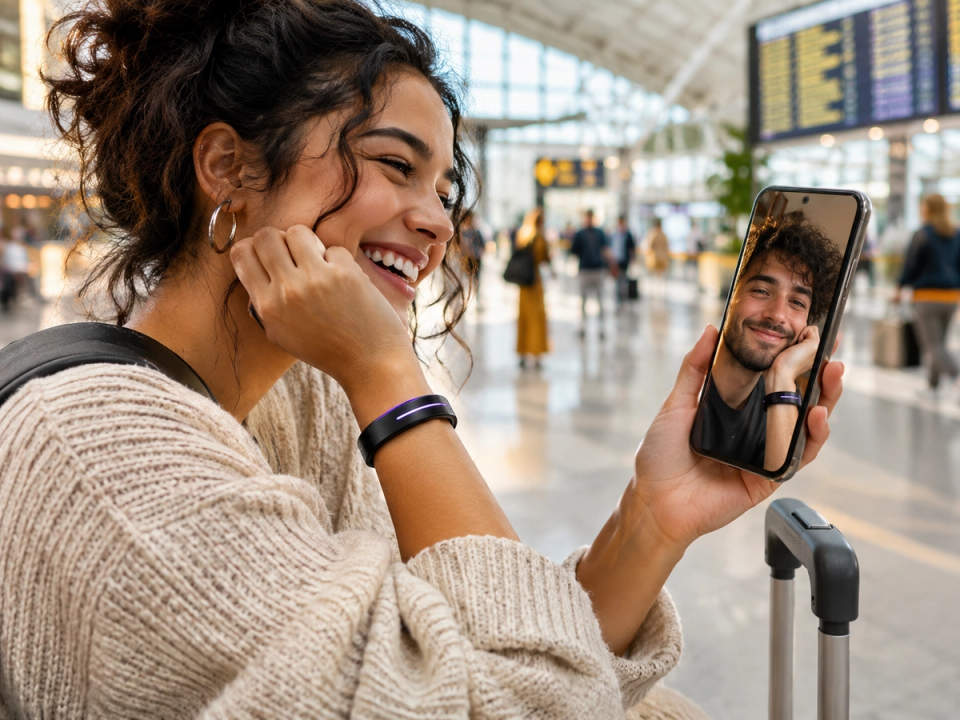
A mobile plan that works in your home country may have different allowances abroad. Check the carrier terms before turning on roaming. Where mobile data is expensive or unavailable, a trusted Wi-Fi connection can be an alternative. Some public networks require a sign-in or have rules that restrict applications. Check that the app itself is connected, not just that the phone displays a network icon.
App distribution and regional service availability can also vary. A bracelet purchased in one market might be physically the same as another but shipped with different support or warranty conditions. If buying for someone abroad, verify both the service's regional support and the merchant's shipping and returns policy. The touch bracelet comparison on the main website is a useful starting point for choosing products, but the seller's current regional terms remain important.
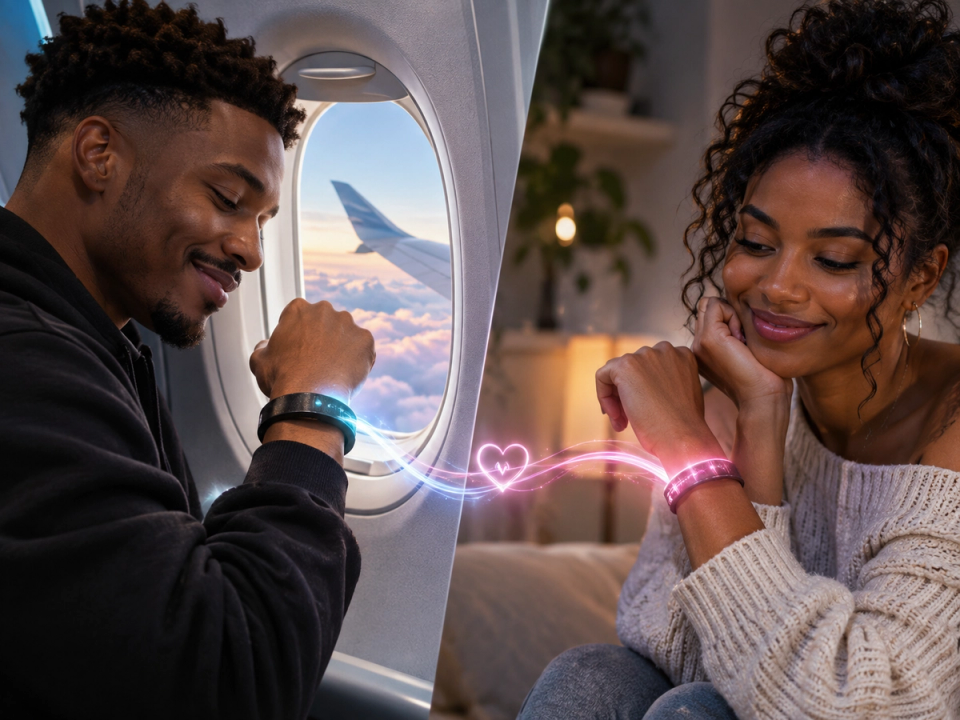
Air travel and practical preparation
Follow the airline's rules about electronic devices and wireless communication throughout the trip. Airplane mode and restricted connectivity can interrupt the phone's link to the internet or the bracelet. Even if onboard Wi-Fi is offered, the touch service may not be reachable through that network. Do not rely on a remote touch to communicate arrival, gate changes or other important information.
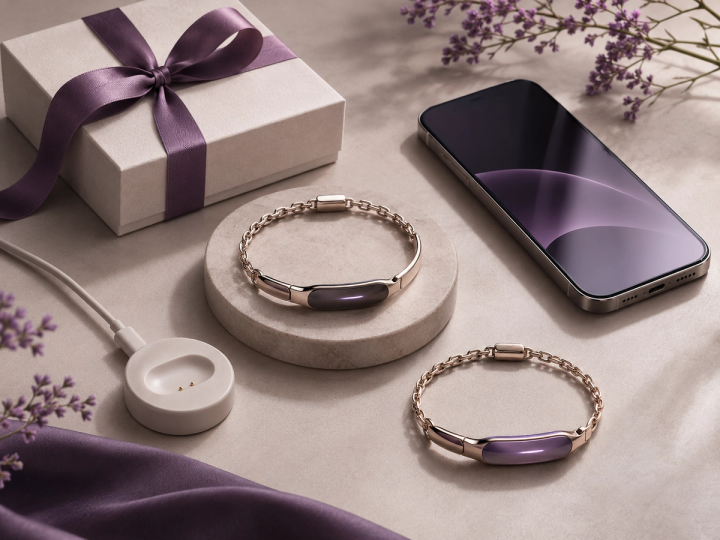
Pack the correct charging accessory and check the applicable airline requirements for devices containing rechargeable batteries. A charger that works in your home country might need a suitable travel plug or USB power supply at the destination. Keep the module protected from damage and moisture. If a pair is shipped to two different addresses, confirm each person will receive the necessary device and charging equipment. An attractive gift box is not a substitute for verifying the contents.
Time zones and expectations
Two people may be able to exchange touches across countries while having almost no overlapping waking hours. Discuss when a touch is welcome and whether a late-night vibration or light might be disruptive. A missed or unanswered signal may simply indicate that one person is sleeping or travelling without a working connection. The Left Unsaid time zone guide and communication guide offer practical context for these arrangements.
After arriving, check the phone's connection to a fresh internet service, the app's local connection status and any required permissions. Send a single agreed test signal and confirm it using a separate channel. If one person cannot connect, avoid unnecessary changes to the other person's working setup. Restore ordinary connectivity first, and contact the relevant manufacturer if the problem persists. The value of these devices is that they can make a small expression of affection available during separation, not that they guarantee contact from every location under all travel conditions.
Frequently asked questions
Do we need to buy the bracelets in the same country?
Not necessarily. Confirm model compatibility, regional service support and local shipping and warranty terms.
Will they work on an aeroplane?
Do not assume so; follow airline rules and check whether permitted connectivity can actually reach the service.
Manufacturer sources
Touch Bracelet Technology Library
Complete guide
Main guides
- How Do Long-Distance Touch Bracelets Work?
- Touch Bracelet Connectivity and Distance Explained
- Touch Bracelet Battery Life and Charging Guide
- Touch Bracelet Features and Smartphone Compatibility
Supporting guides
- How Do Touch Bracelets Send Vibrations?
- How Do Touch Bracelets Light Up?
- Do Touch Bracelets Work Without a Phone?
- Do Touch Bracelets Work Without Internet?
- How Far Apart Can Touch Bracelets Work?
- How Bluetooth Works in Touch Bracelets
- How Long Do Touch Bracelet Batteries Last?
- How Long Does It Take to Charge a Touch Bracelet?
- Can You Replace a Touch Bracelet Battery?
- Are Touch Bracelets Waterproof?
- Do Touch Bracelets Work With iPhone and Android?
- Can You Connect More Than Two Touch Bracelets?
- Can Different Brands of Touch Bracelets Connect to Each Other?