What you need to know
Charging time depends on the model, the starting battery level and the approved charger. Bond Touch describes approximately two hours for a full Mini charge, while Totwoo specifies about an hour for a Candy Duo example. Check the exact model instructions rather than assuming any bracelet with magnetic contacts charges at the same speed.
Full charge versus a top-up
A quoted charging time is usually the time required to move from a low or empty state towards a full charge under suitable conditions. If a bracelet already has substantial power remaining, a top-up may take less time. Charging electronics can change the rate during the session, so it is not sensible to calculate a precise remaining duration simply by dividing the advertised full charge time by a battery percentage.
For a real schedule, the important question is how often the device needs to be removed and for how long. Someone who wears the bracelet throughout the working week might find a regular evening top-up convenient. A traveller might prefer to recharge before leaving home. The battery and charging pillar describes the other factors that affect this routine. For an exact number, check the instructions for the product you actually own.
Check the charger, not just its connector
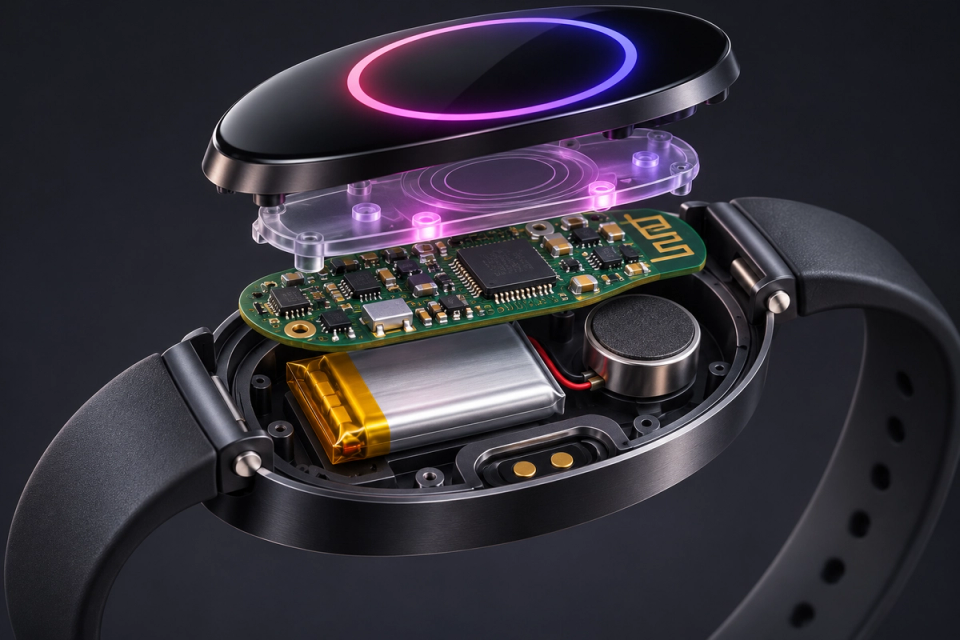
Many touch bracelets use a dedicated attachment that aligns with contacts on the wearable. A USB connector at the power-supply end does not imply compatibility with another wearable's charging dock. Magnetic attraction does not prove that the electrical connections are appropriate. Use the specified cable or a manufacturer-approved replacement.
The Bond Touch 4 replacement charger is intended for that generation. Totwoo's general replacement dock has a stated list of compatible collections and expressly excludes some ranges. The product examples in this guide are different accessories for different systems; they are not interchangeable. Before ordering a spare, verify the model name printed on the original packaging or listed in the app. A charger for a heartbeat necklace may be unsuitable for a touch bracelet from the same brand.
Model-specific charging accessories
We may earn a commission through affiliate links. These examples are based on manufacturer and feed information, not hands-on tests. Check current availability and compatibility.

Bond Touch 4 Charger — Black
Replacement accessory for the Bond Touch 4 generation. Check exact model and current listing.
Check price at Bond Touch
Totwoo Extra Charger for vibration bracelets
Replacement dock for specified collections including Candy and Sun & Moon. Confirm exact compatibility; exclusions apply.
Check price at TotwooRecognising an actual charge
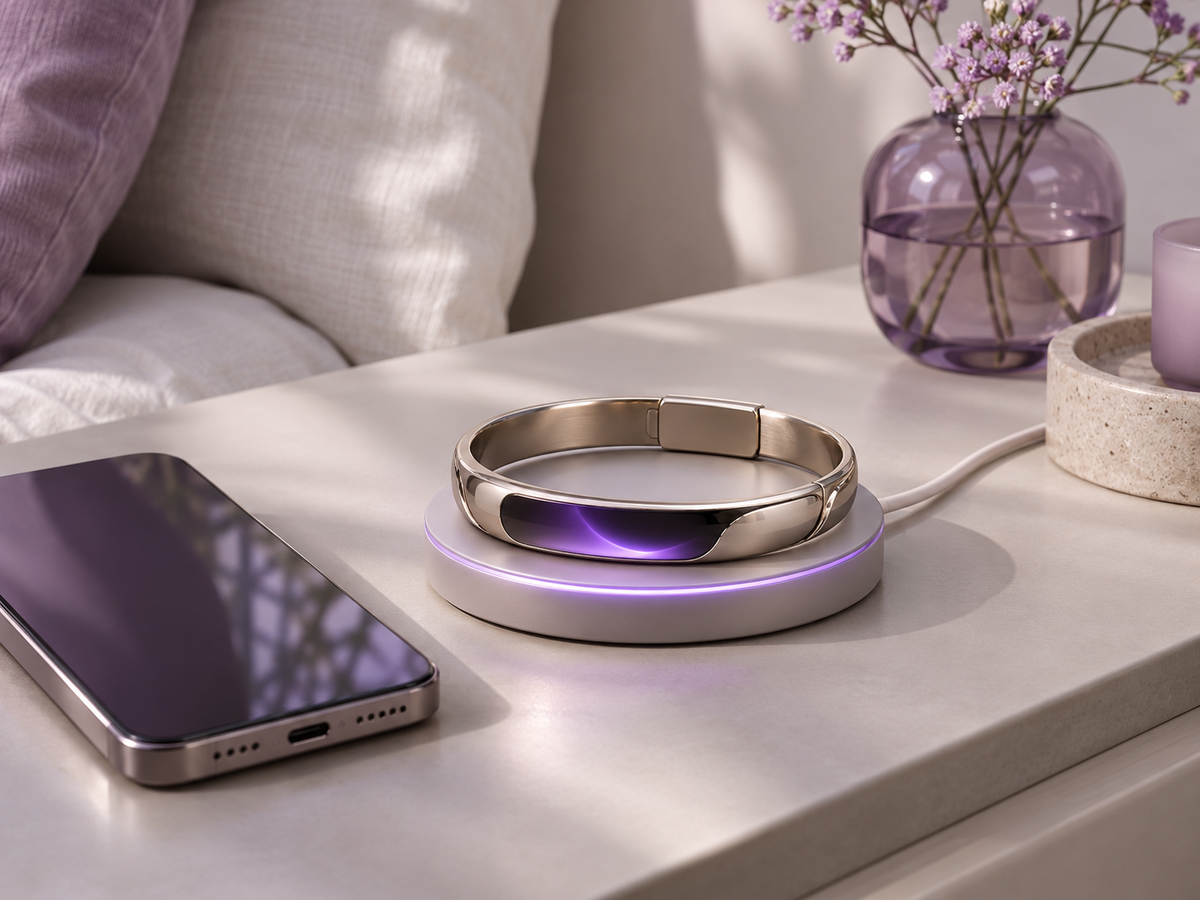
Once the charger is connected, look for the indicator described in the manufacturer's own instructions. A light might flash, remain steady or disappear depending on the particular model and state. Different generations can use different feedback. If the battery display in the app does not change immediately, wait for the information to refresh in the way the manufacturer recommends rather than repeatedly disconnecting the cable.
Place the wearable on a clean, dry and stable surface. Inspect the charging accessory for obvious damage and ensure that the contact area is clean according to the care instructions. Do not force a connector into place or use a metal object to bridge contacts. If a device is unusually hot, swollen, damaged or wet, stop charging and seek appropriate manufacturer advice. Normal charging is not a reason to experiment with unapproved equipment.
Making charging convenient for two people
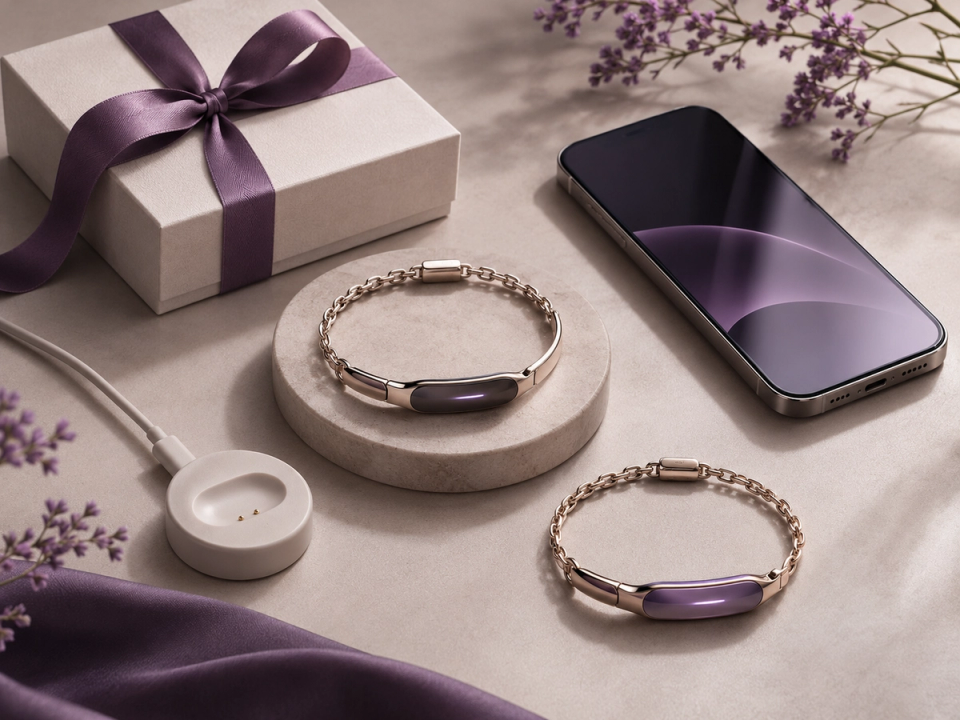
A pair of connected bracelets may contain two chargers, whereas a single-unit listing may provide only the equipment for that one user. Check the box contents if sending one bracelet to another address. Each person should be able to recharge independently. For a household with two compatible devices, having a spare may be helpful, but it does not eliminate the need to identify the correct accessory.
If the bracelet has stopped charging, note whether its usual indicator appears, whether the power source is working and whether the accessory is visibly damaged. Try the safe checks documented by the manufacturer. If those checks do not resolve the problem, contact support rather than trying progressively higher-power adapters. Totwoo specifically discusses power-supply suitability in its support instructions. The main-domain touch bracelet comparison is useful for buyers who are still choosing a model and want to factor charging convenience into their decision. A reliable charging routine is more valuable than a small difference in advertised minutes.
Frequently asked questions
Can I use a phone wireless charging pad?
Only if the specific bracelet explicitly supports that method. Most dedicated contact chargers are not generic wireless chargers.
Can I share a charger with my partner?
Possibly if both devices are confirmed compatible with that exact charger; check the model first.
Manufacturer sources
Touch Bracelet Technology Library
Complete guide
Main guides
- How Do Long-Distance Touch Bracelets Work?
- Touch Bracelet Connectivity and Distance Explained
- Touch Bracelet Battery Life and Charging Guide
- Touch Bracelet Features and Smartphone Compatibility
Supporting guides
- How Do Touch Bracelets Send Vibrations?
- How Do Touch Bracelets Light Up?
- Do Touch Bracelets Work Without a Phone?
- Do Touch Bracelets Work Without Internet?
- How Far Apart Can Touch Bracelets Work?
- Do Touch Bracelets Work in Different Countries?
- How Bluetooth Works in Touch Bracelets
- How Long Do Touch Bracelet Batteries Last?
- Can You Replace a Touch Bracelet Battery?
- Are Touch Bracelets Waterproof?
- Do Touch Bracelets Work With iPhone and Android?
- Can You Connect More Than Two Touch Bracelets?
- Can Different Brands of Touch Bracelets Connect to Each Other?