What you need to know
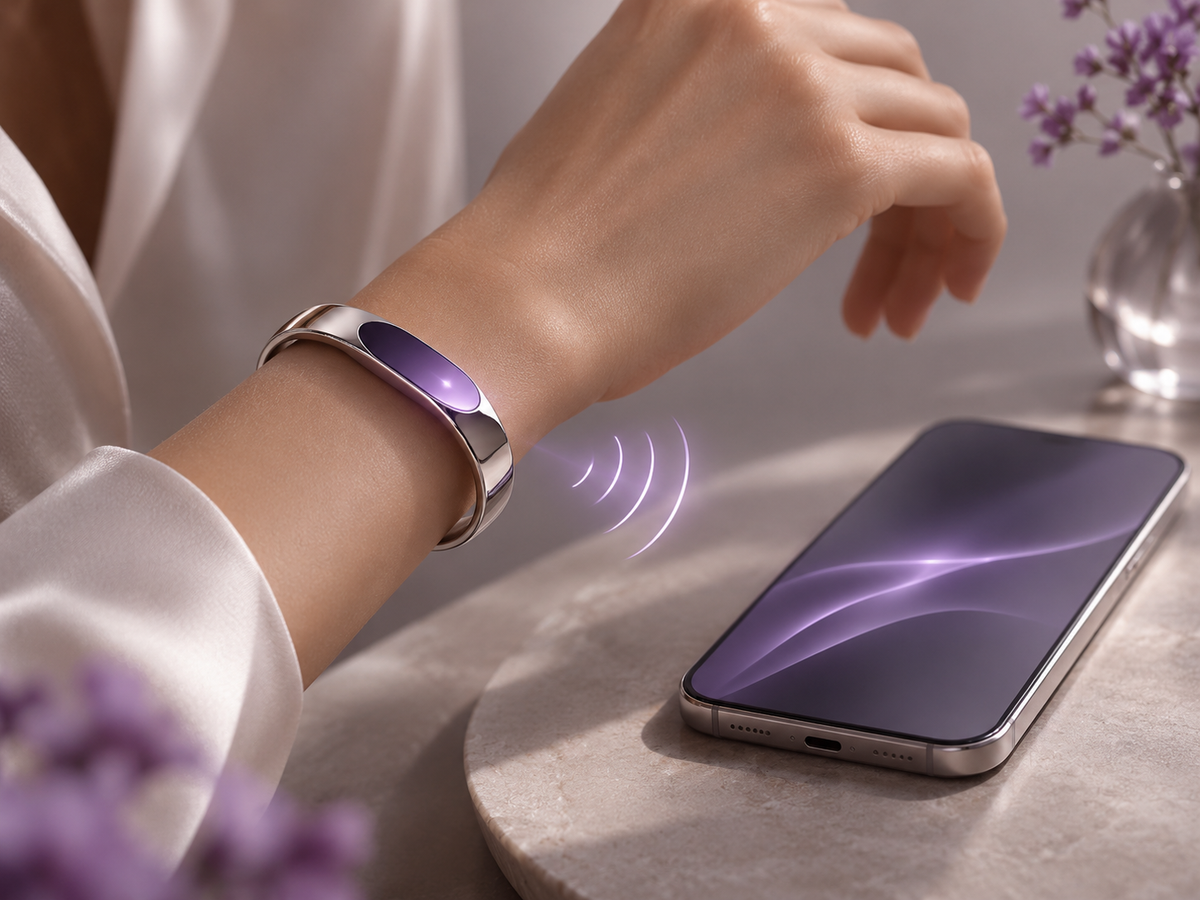
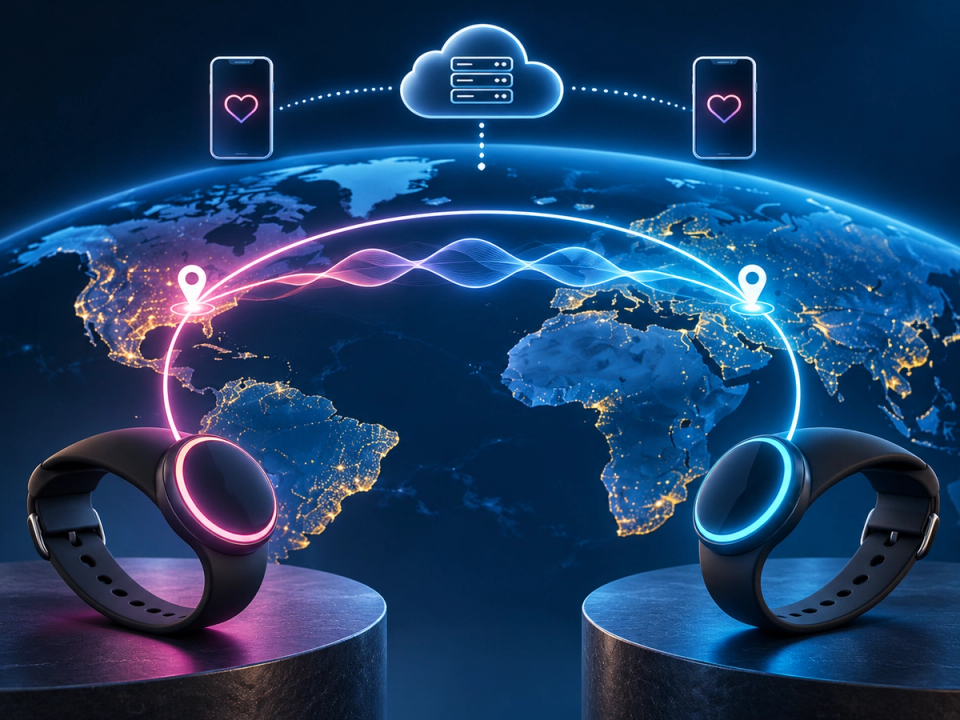
Bluetooth is the short-range connection between a touch bracelet and its companion phone. The remote connection between two wearers normally uses the internet instead. The manufacturer specifies the appropriate pairing procedure and practical local range; a phone's Bluetooth version alone does not establish that the bracelet or its app will work.
A low-energy local link
Bluetooth Low Energy is a wireless technology designed for devices that exchange relatively small amounts of information while managing power consumption. It is used in many wearables because their batteries and enclosures are compact. Bond Touch documents Bluetooth LE for its bracelet-phone connection. Totwoo describes Bluetooth communication with its app, with particular models listing Bluetooth 5.0. These statements describe a local communications method, not a common remote messaging standard.
A phone may connect to headphones, a fitness tracker and another accessory, but the number of touch bracelets that can be operated through one companion app is a separate matter. App design and account rules determine which devices can be paired and used together. Read the model's setup instructions rather than assuming the phone's list of available devices tells you what the service supports.
Pairing versus a working connection
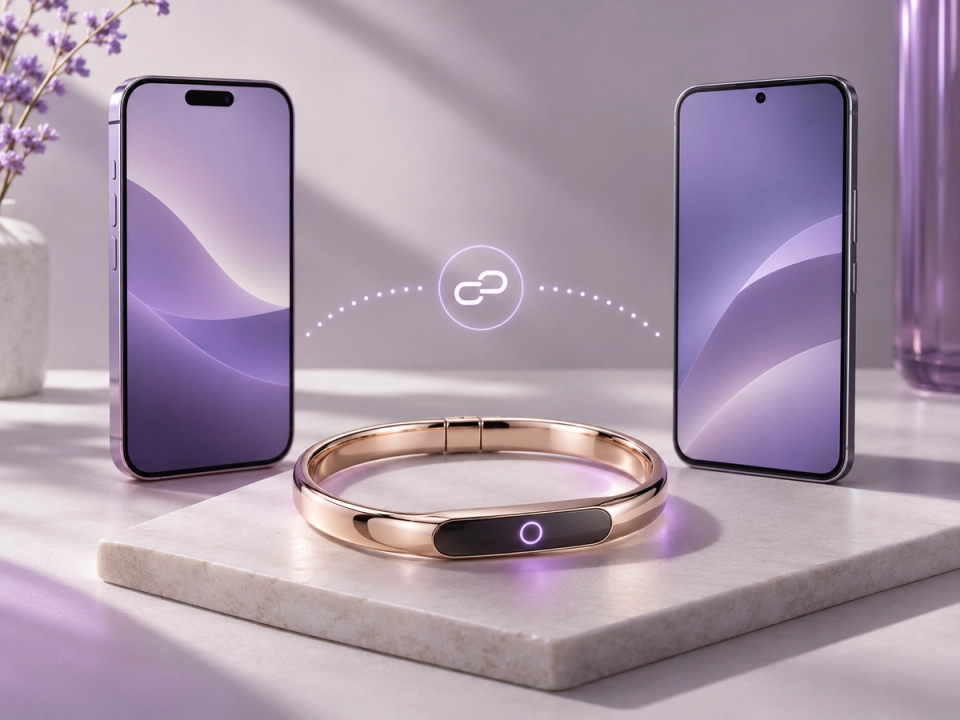
Pairing usually establishes an association between the wearable and the phone or app. A successful pairing can survive temporary disconnection; it does not mean the radio link is active at every moment. When a phone is moved out of range or Bluetooth is turned off, the bracelet may no longer be able to exchange information with it. The app can show a more useful status than a generic list of previously paired Bluetooth accessories.
Totwoo's troubleshooting documentation specifically discusses cases where the phone's system list indicates a connection but the app is still attempting to establish one. Use the official troubleshooting sequence for the device instead of randomly deleting every accessory from the phone. For an overview of the wider network, see the guide to connectivity and distance. It explains how a functioning Bluetooth link is only one part of successful remote delivery.
Understanding local range
Bond Touch's published guidance specifies approximately three metres between bracelet and smartphone. That figure is more relevant to a buyer than broad statements about the theoretical maximum range of Bluetooth standards. The actual environment, product design and recommended operating conditions matter. A phone on a kitchen counter may be within range in the same room but fail to communicate through a wall.
Test in the circumstances in which you expect to use the product: phone in pocket, on a desk or in an adjacent room. If the app indicates repeated disconnection, try moving the phone closer before changing any other setting. This helps establish whether local conditions are affecting the link. The Bond Touch 4 review offers additional model context; use current manufacturer support for troubleshooting instructions rather than relying on a review as a technical manual.
Bluetooth permissions and the internet
Modern phone operating systems control which applications can discover and communicate with nearby devices. Depending on the system and app version, a permission prompt may appear during setup. If that permission is denied, the app may be unable to establish the required wearable connection even while Bluetooth is globally enabled. Check the official requirements for your installed operating system. Do not grant unrelated permissions simply because a device is not connecting.
Once the local connection works, verify that the phone can reach the manufacturer's internet service and that the remote wearer has the same essential conditions. If the sender receives local feedback but the other bracelet remains silent, the issue could be elsewhere along the path. Check the receiving phone's network, app state and wearable connection. This is a more systematic approach than repeatedly switching Bluetooth off and on without a clear reason. A correct setup is one that works under everyday phone settings, not just when both people are actively watching their screens.
Frequently asked questions
Does Bluetooth 5.0 mean the bracelets can connect directly across countries?
No. Local wireless specifications do not describe the internet-based remote path.
Should I pair from phone settings or the app?
Follow the exact manufacturer's instructions; some devices require app-managed pairing.
Manufacturer sources
Touch Bracelet Technology Library
Complete guide
Main guides
- How Do Long-Distance Touch Bracelets Work?
- Touch Bracelet Connectivity and Distance Explained
- Touch Bracelet Battery Life and Charging Guide
- Touch Bracelet Features and Smartphone Compatibility
Supporting guides
- How Do Touch Bracelets Send Vibrations?
- How Do Touch Bracelets Light Up?
- Do Touch Bracelets Work Without a Phone?
- Do Touch Bracelets Work Without Internet?
- How Far Apart Can Touch Bracelets Work?
- Do Touch Bracelets Work in Different Countries?
- How Long Do Touch Bracelet Batteries Last?
- How Long Does It Take to Charge a Touch Bracelet?
- Can You Replace a Touch Bracelet Battery?
- Are Touch Bracelets Waterproof?
- Do Touch Bracelets Work With iPhone and Android?
- Can You Connect More Than Two Touch Bracelets?
- Can Different Brands of Touch Bracelets Connect to Each Other?