What you need to know
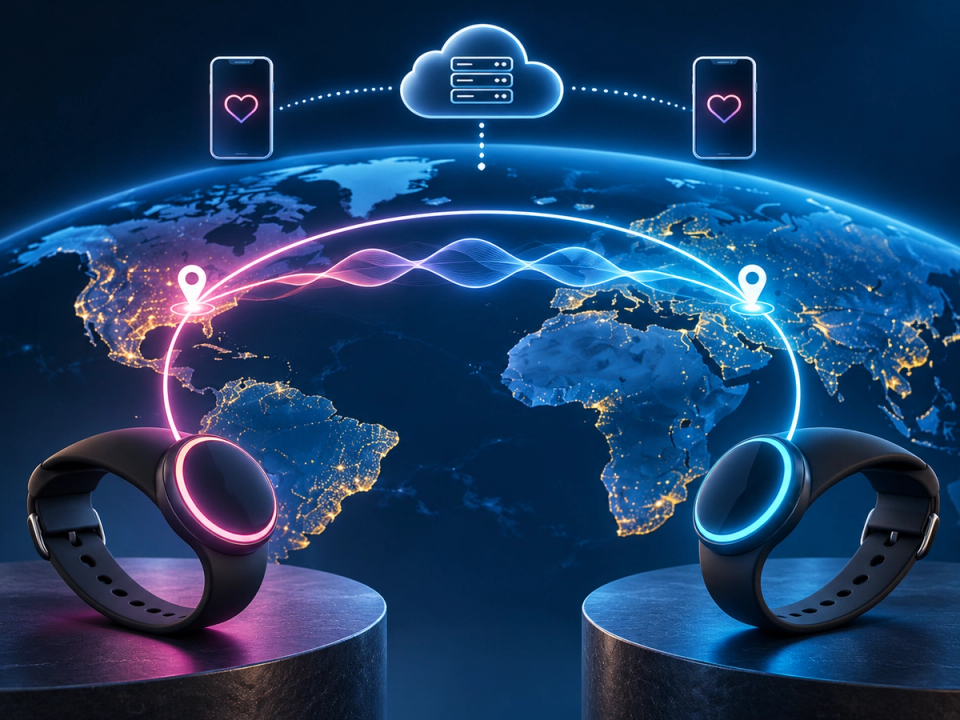
Touch bracelets that use a companion smartphone generally require internet access at both ends for remote messages. Wi-Fi is not specifically essential if working mobile data is available. Bluetooth alone connects a wearable to its nearby phone; it does not carry a touch to a distant partner without the required internet service.
Wi-Fi and internet are different things
Wi-Fi describes a local wireless network. An internet connection allows the phone to reach an external service. At home the two usually occur together, which makes the distinction easy to miss. In a hotel or airport, your phone may be associated with a wireless network but unable to communicate until you accept a login page. In that case the Wi-Fi symbol does not prove that the touch app can send anything.
Both Bond Touch and Totwoo document the use of Wi-Fi or cellular data for their remote communication. That gives people flexibility to switch networks, but it does not remove the need for working internet access. Our connectivity and distance guide explains the separate local and remote segments. The existing Totwoo review provides a related overview of the product experience rather than an alternative offline method.
What happens when data disappears?
If your phone loses internet access, the bracelet may still be connected to the phone through Bluetooth. A local tap could still generate light or vibration according to its programming. That visible response is not proof that the message has reached the intended recipient. It is important to distinguish a device registering your action from the service delivering it remotely.
Some services may keep records or offer delayed messages, but do not assume that every touch made offline is stored, sent automatically on reconnection or replayed in the correct order. Those behaviours depend on the manufacturer's software and version. If delayed delivery matters to you, ask the provider what the particular app does when offline. Test with an agreed non-urgent signal rather than relying on an assumption made from a different messaging service.
Mobile data as an alternative
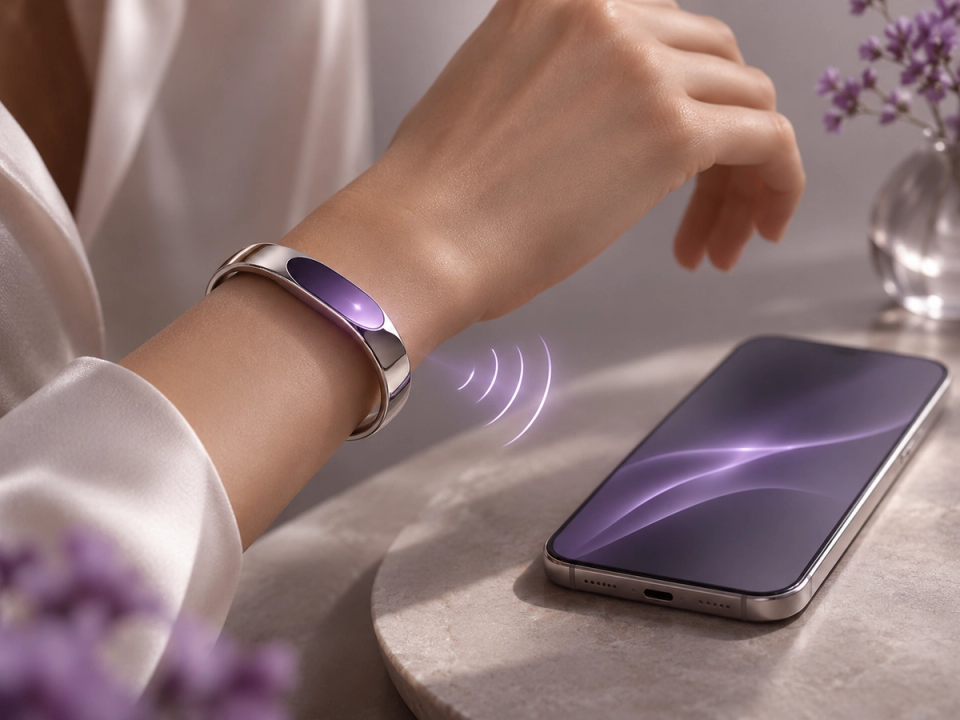
A phone that supports the app and has a working data plan can often communicate while away from home. Check whether the app is allowed to use cellular data. A system setting that restricts particular apps to Wi-Fi can prevent delivery even while other services work over mobile data. If you have reached a data allowance or turned off roaming, a connection indicator may not tell the whole story.
Exact data usage is not established by the presence of a small vibration: the app may communicate for account synchronisation, updates and other features as well. If you are concerned about roaming costs, examine the phone's own per-app data usage after ordinary use and check your carrier terms. Avoid assuming that a touch app has no data cost merely because its messages appear small. Switch to a trusted working network where possible.
A simple way to identify an outage
Start with an ordinary internet service on the phone and confirm that it loads fresh content rather than a saved page. Open the wearable app and check its connection status. Confirm the bracelet is powered and nearby, then ask the other wearer to do the same. Use one agreed test signal, first over Wi-Fi and then over mobile data if available. Changing one condition at a time helps identify which connection is causing the problem.
When neither network works, there could be a service-side interruption, a phone permission issue or an account problem. Consult the current support documentation rather than repeatedly unlinking the partnership. While offline, use an alternative communication channel when available and make an agreed plan for times with no service. The Left Unsaid guide to managing time zones offers a useful way to schedule contact across distance. A missed touch during an outage should be treated as an ordinary possibility, not as a reliable measure of someone else's availability or intentions.
Frequently asked questions
Can two bracelets communicate using Bluetooth only?
Not for the ordinary remote touch feature of companion-phone systems.
Does my partner need the same mobile provider?
No shared carrier is generally required; each phone needs its own usable internet connection and compatible app.
Manufacturer sources
Touch Bracelet Technology Library
Complete guide
Main guides
- How Do Long-Distance Touch Bracelets Work?
- Touch Bracelet Connectivity and Distance Explained
- Touch Bracelet Battery Life and Charging Guide
- Touch Bracelet Features and Smartphone Compatibility
Supporting guides
- How Do Touch Bracelets Send Vibrations?
- How Do Touch Bracelets Light Up?
- Do Touch Bracelets Work Without a Phone?
- How Far Apart Can Touch Bracelets Work?
- Do Touch Bracelets Work in Different Countries?
- How Bluetooth Works in Touch Bracelets
- How Long Do Touch Bracelet Batteries Last?
- How Long Does It Take to Charge a Touch Bracelet?
- Can You Replace a Touch Bracelet Battery?
- Are Touch Bracelets Waterproof?
- Do Touch Bracelets Work With iPhone and Android?
- Can You Connect More Than Two Touch Bracelets?
- Can Different Brands of Touch Bracelets Connect to Each Other?