What you need to know
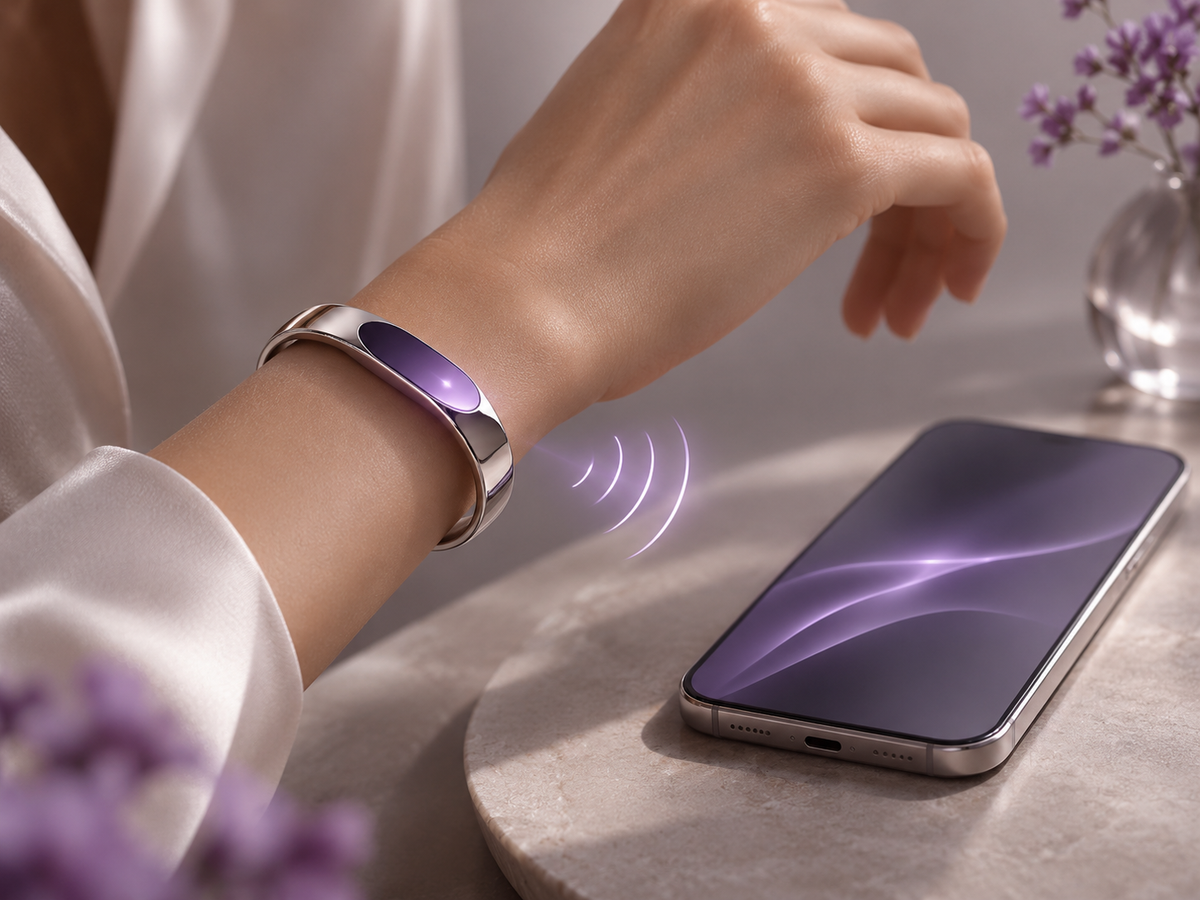
Mainstream Bond Touch and Totwoo bracelets generally need their own compatible smartphone nearby to exchange remote touches. The bracelet uses local wireless communication with the phone; the phone supplies access to the companion app and internet service. A wearable may still light up or respond locally without a phone, but that is not the same as delivering a message to another person.
Why the phone matters
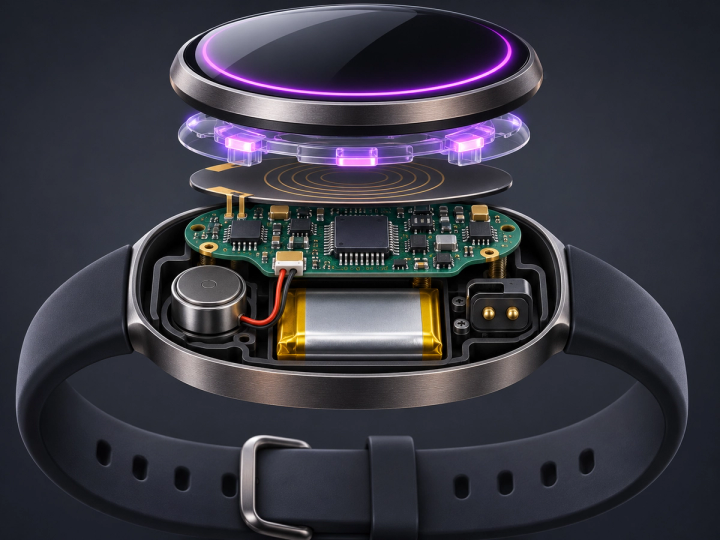
The electronics inside a touch bracelet are designed around a small wearable form. A phone handles the much broader task of communicating with the internet, managing accounts and exchanging messages with the manufacturer's service. A conventional touch bracelet does not have the same capabilities as a cellular smartwatch with its own activated data plan. Do not infer standalone mobile communication from a glowing case or the word smart.
Bond Touch's documentation explicitly describes the smartphone and internet requirements for its fourth-generation device. Totwoo also describes a compatible phone and its own app as essential to the normal touch process. The technical explanation of how bracelets work walks through the steps from the sender's wearable to the recipient. For the consumer perspective, the existing touch bracelet buying guide compares products without treating smartphone dependency as optional.

When your phone is nearby but not in your hand
You do not generally need to hold the phone every time you send a touch. The important conditions are that the wearable is connected locally and that the app can operate under the phone's settings. A phone in a handbag or jacket pocket may work perfectly well. Leaving it in another building or a distant locker is a different situation. Local range varies by model and surroundings.
An app that only works when its screen is open will be less convenient for ordinary use. After setup, test the device with the phone locked and the app in its normal background state. Confirm necessary Bluetooth and background permissions according to the official guide. If the phone is set to an aggressive battery-saving mode, the app may not behave as expected. Check both ends of the connection rather than assuming the receiver is responsible.
What if you have a tablet or watch?
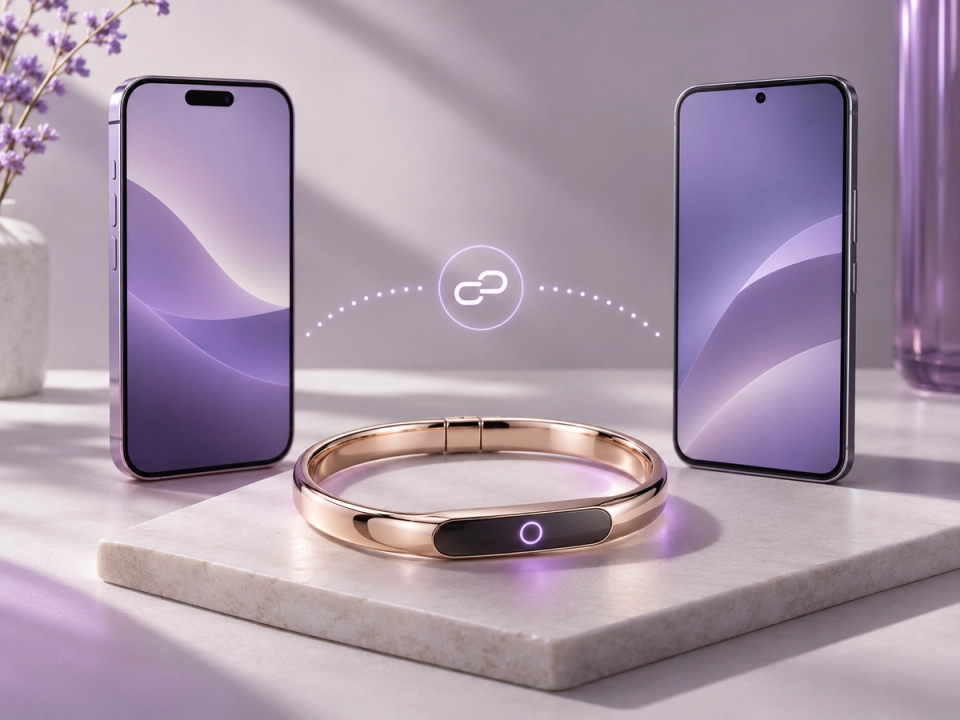
A tablet with Bluetooth and Wi-Fi may look like an obvious substitute for a smartphone, but whether it works depends on official app support and the account setup requirements. The same applies to a cellular smartwatch. A smartwatch having an internet connection does not mean it can run a third-party wearable app or act as a gateway for a separate bracelet. A device that can display notifications from a phone is not necessarily able to replace that phone.
Check the manufacturer's supported platforms before making a purchase for a child or an adult who does not carry a smartphone. Ask whether the service permits the account you intend to create, whether the app is available on the device, and whether it can remain connected in the background. Do not buy two bracelets for a shared household phone assuming it will operate both simultaneously. The system may restrict the number of wearable connections per phone.
Planning around work and time away from a phone
If one wearer cannot carry a phone at work, the solution is often to adjust expectations rather than to search for a way to extend the wearable's range beyond its documented limit. Agree that touches can wait until breaks or the end of a shift. If the workplace prohibits connected jewellery, follow that rule. A bracelet is not a dependable means of contacting someone in an urgent situation.
Before ordering, discuss how each person uses their phone during a normal weekday, on a journey and while sleeping. A short daily window when both are connected may be entirely sufficient for the ritual you want. If constant connectivity is essential to your intended use, a different communication tool may be a better fit. The Left Unsaid guide to long-distance communication can help you choose routines that suit the actual relationship. A good device fits the existing routine; it should not require either person to carry a phone in situations where that would be unsafe or impractical.
Frequently asked questions
Will a phone in my pocket be enough?
Usually, if the model's local connection works and the app has internet access and required permissions.
Can I leave the phone at home and still use the bracelet remotely?
Do not count on it. Mainstream companion-phone models need the local link for remote signalling.
Manufacturer sources
Touch Bracelet Technology Library
Complete guide
Main guides
- How Do Long-Distance Touch Bracelets Work?
- Touch Bracelet Connectivity and Distance Explained
- Touch Bracelet Battery Life and Charging Guide
- Touch Bracelet Features and Smartphone Compatibility
Supporting guides
- How Do Touch Bracelets Send Vibrations?
- How Do Touch Bracelets Light Up?
- Do Touch Bracelets Work Without Internet?
- How Far Apart Can Touch Bracelets Work?
- Do Touch Bracelets Work in Different Countries?
- How Bluetooth Works in Touch Bracelets
- How Long Do Touch Bracelet Batteries Last?
- How Long Does It Take to Charge a Touch Bracelet?
- Can You Replace a Touch Bracelet Battery?
- Are Touch Bracelets Waterproof?
- Do Touch Bracelets Work With iPhone and Android?
- Can You Connect More Than Two Touch Bracelets?
- Can Different Brands of Touch Bracelets Connect to Each Other?