Why is my new Totwoo bracelet completely unresponsive?
A Totwoo bracelet that appears inactive needs a model-specific power and activation test before you change the relationship between users.
Identify the jewellery you actually own
A Totwoo bracelet can resemble an ordinary piece of jewellery, and the decorative face does not necessarily identify the underlying electronics. Find the exact product name in the order confirmation or packaging and use the matching user instructions. Different connected collections may have different activation gestures, charging equipment and available outputs. Some older support material also discusses products with different battery arrangements.
Our Totwoo troubleshooting overview maps the main categories of fault. This article addresses an apparently unusable bracelet rather than a single missing vibration. Write down whether it has ever worked, whether it stopped suddenly or gradually, and whether it behaves differently when connected to its charger. If the bracelet has never been activated, check the initial setup instructions. A new wearable that has not been charged may not produce the expected response when first touched.
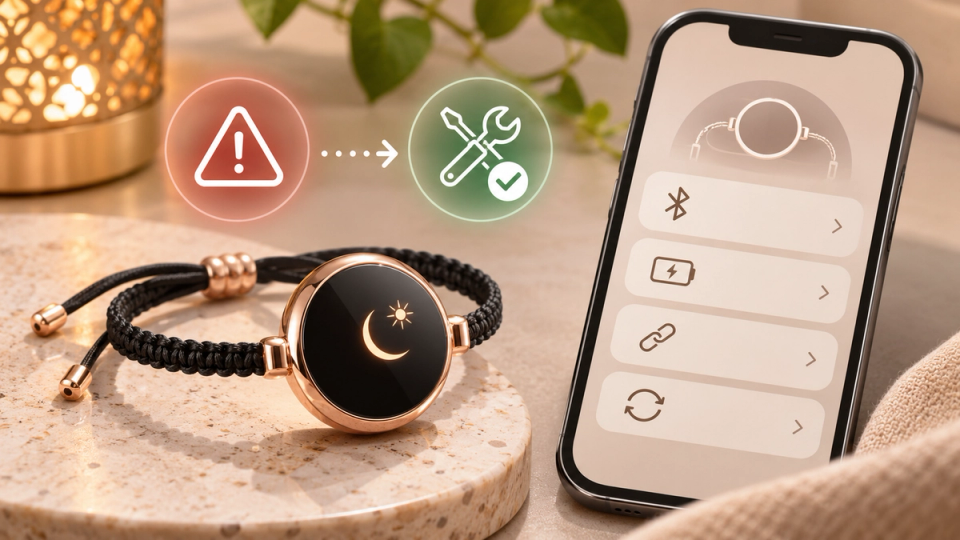
Check the power and activation response
Follow the charging procedure for the exact jewellery module. Totwoo's official help centre recommends checking power and the charging arrangement for an inactive product. Use only a suitable accessory and power source, and check the visible parts for damage. If the device has unusual heat, swelling, a damaged cable or signs of water entering the electronics, discontinue use and ask for help. Do not open the decorative module to inspect the battery.
Once the charging instructions have been followed, use the documented gesture to activate the jewellery. Look for the expected response rather than treating a particular colour from an unrelated tutorial as universal. If it gives a local response, the device may not be completely inactive. If it produces no response on or off the charger, note exactly what happens. This information is useful when seeking support because a silent module and a disconnected but active module require different investigations.
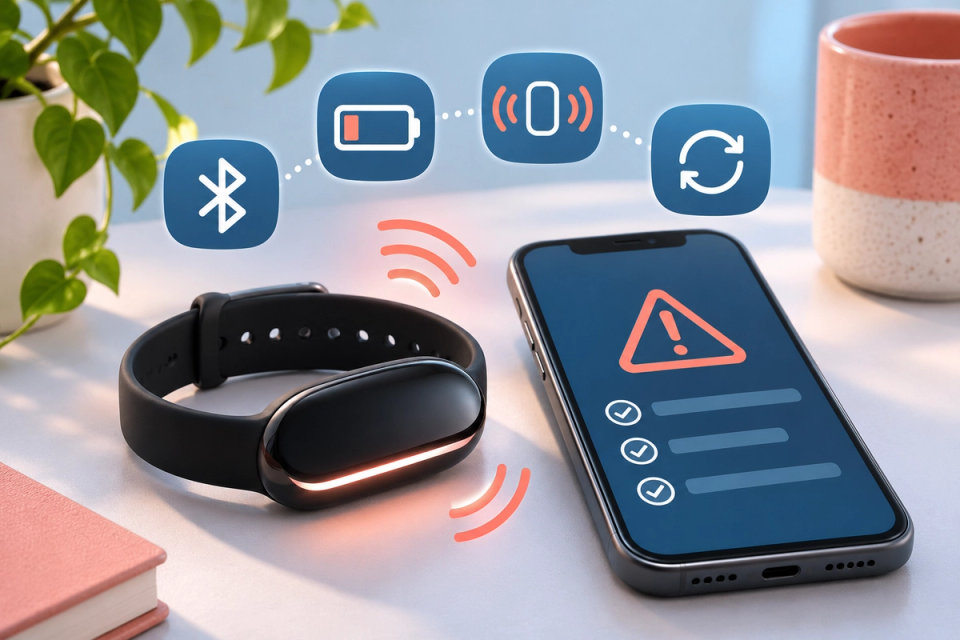
Check recognition inside the Totwoo app
Bring the phone close to the bracelet and enable the required Bluetooth connection. Open the official app and follow its device management or discovery workflow. The manufacturer advises Android owners not to establish the system Bluetooth association in advance of the app's pairing procedure. iPhone owners may encounter a different Bluetooth confirmation process. Check the platform-specific instructions rather than using a general guide to pairing headphones.
A bracelet that responds locally but does not appear in the app may have an association with another phone or a stale connection entry. Think about whether another family member attempted setup, or whether the wearable was used with a previous handset. Confirm the appropriate disconnection procedure before trying to connect it elsewhere. Avoid changing the account relationship while diagnosing a hardware-to-phone connection.
Check what type of signal is missing
If the app recognises the jewellery, arrange a test using the designated touch interaction. Ask the other person whether they see the event in their own app and whether their bracelet responds. Ordinary private chat messages may not trigger a wearable signal; Totwoo's technical help distinguishes these interactions. A successful connection screen is not proof that the remote recipient is currently connected to their own bracelet.
If the failure occurs only when the receiving phone is locked, check the app's background and notification permissions. If it occurs on one network but not another, investigate internet access before changing the hardware. Test one variable at a time. If the jewellery remains completely inactive even when the appropriate power and activation conditions have been established, the next useful step is manufacturer assistance rather than repeatedly inviting the other person again.
To distinguish the different model families, see our Totwoo collection guide. For an overview of the intended features of current popular models, consult the touch bracelet comparison.
Report the fault precisely
Totwoo's help centre requests information such as the order number, jewellery model and a photograph or short video for relevant technical problems. Include the phone model, operating system and app version as well. If the product responds when charging but not during ordinary use, state that. If the application detects it but it gives no expected physical signal, state that instead. The distinction may help the support team choose an appropriate recovery procedure.
Do not assume that two matching bracelets must both be replaced if only one is faulty. Ask whether the exact charger, electronic module or another component requires attention. If a replacement is necessary, verify its compatibility with the working jewellery. Keep your original account access and ordinary means of communication available. An inactive touch bracelet is inconvenient, but it need not interrupt the relationship it was intended to support.
Frequently asked questions
Why is my new Totwoo bracelet completely unresponsive?
Check the exact model's initial charge and activation instructions. If it remains inactive on the approved setup, contact Totwoo.
Does an inactive bracelet mean my partner has disconnected from me?
No. Power and local hardware faults are independent of the account relationship.
Manufacturer instructions and further information
Troubleshooting & Compatibility Library
Complete guide
Main guides
- Bond Touch Troubleshooting: Common Problems and Solutions
- Totwoo Troubleshooting: Common Problems and Solutions
- Touch Bracelet App Setup and Pairing Guide
- Touch Bracelet Connection Problems and Solutions
Supporting guides
- Why Is My Bond Touch Bracelet Not Working?
- Bond Touch Bracelet Not Vibrating: Causes and Solutions
- Bond Touch Bracelet Not Charging: Troubleshooting Guide
- How to Reset a Bond Touch Bracelet
- Totwoo Bracelet Not Vibrating or Lighting Up
- Totwoo Bracelet Not Charging: Troubleshooting Guide
- How to Reset a Totwoo Bracelet
- How to Set Up and Pair Bond Touch Bracelets
- How to Set Up and Pair Totwoo Bracelets
- How to Connect a Touch Bracelet to a New Phone
- Why Does My Touch Bracelet Keep Disconnecting?
- Touch Bracelet Notifications Not Working: How to Fix Them
- Touch Bracelet Bluetooth Pairing Problems: Causes and Fixes