Why is there no light when I tap my bracelet?
A completely inactive Bond Touch bracelet calls for a power and local-response check before you investigate remote touch delivery.
Decide whether the bracelet is genuinely inactive
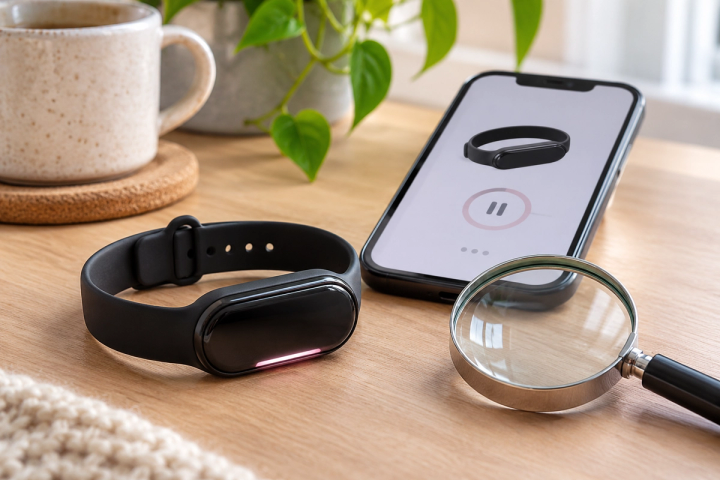
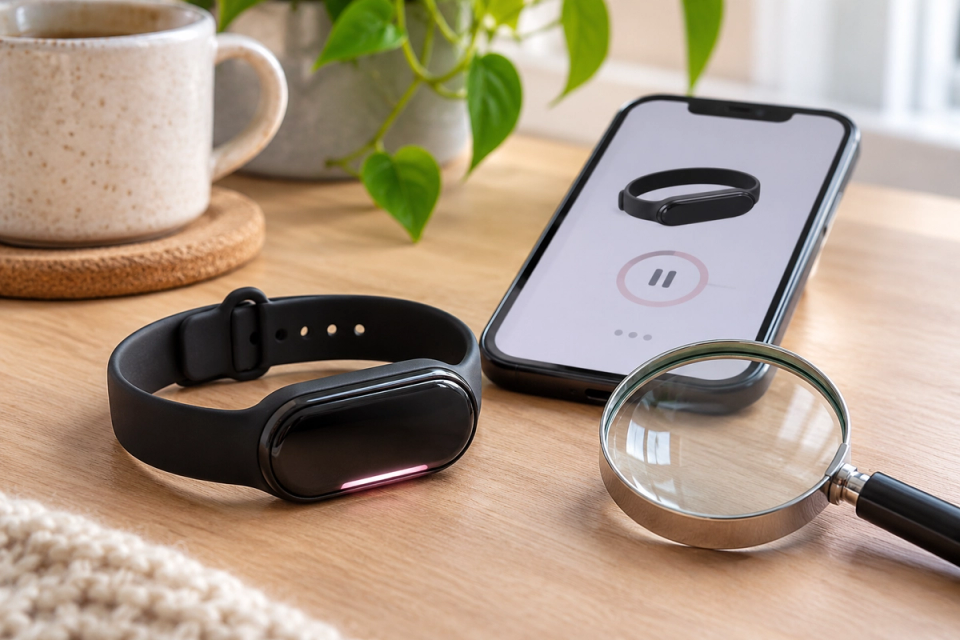
When a bracelet appears to have stopped working, it is tempting to begin with the phone's settings. First establish what the physical module actually does. Follow the normal wake or sending gesture described for the exact generation. Look for its expected indication rather than assuming it must display a particular colour from a video about another model. A device that acknowledges a gesture but does not reach a partner is not necessarily dead.
Our Bond Touch troubleshooting overview separates the symptoms into different repair paths. In this guide, the central question is whether the module itself can respond. Note whether the fault began immediately after unpacking, after an ordinary battery discharge, following a drop, or after a period during which it was unused. The timing can help support distinguish activation issues from possible physical damage. It does not by itself prove a defect.
Check the power source
Use the charger supplied for the particular module or a replacement confirmed by the manufacturer to be compatible. Ensure the connector is correctly seated, check the power source and inspect the visible parts of the cable. If the device or charger has exposed conductors, signs of swelling, abnormal heat or other visible damage, stop using it. Do not bend electrical contacts into place or use a metal tool to bridge them.
Bond Touch's charging help article explains the white charging and full-charge indicators for its applicable modules. Allow the device to charge for the period recommended for that model. A battery indication in the app may be old if the wearable is no longer connected, so compare it with the module's actual behaviour. See the charging fault guide if there is no charging indication on an otherwise appropriate setup. If you have a spare approved charger for the identical module, a careful comparison can be informative.
Test a local interaction
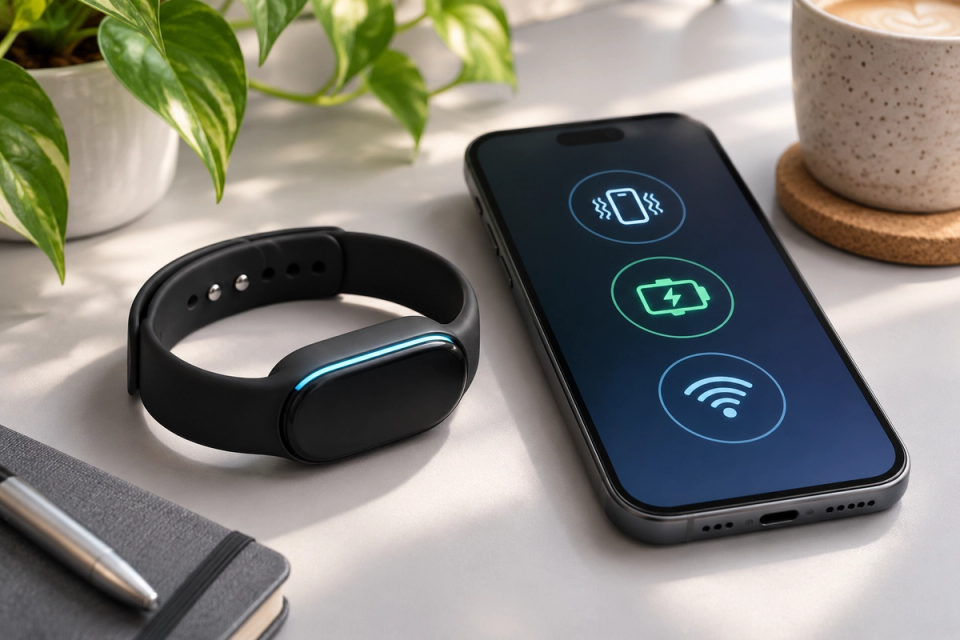
Once the bracelet has had a chance to charge, bring it close to the phone and open the official application. Check the device status and follow the supported interaction or tutorial. A response at this stage is evidence that some functions are operating, even if a remote signal remains unsuccessful. A lack of response is more useful evidence when the charge, model and gesture have all been confirmed.
If the module responds to being connected to its charger but becomes inactive immediately after removal, describe that precise behaviour to support. Do not interpret it as definitive proof that the battery needs replacing. Several power-related faults can present similarly, and the manufacturer is better placed to determine which component is affected. Avoid opening a sealed bracelet or attempting a battery replacement that the manufacturer has not authorised.
Check whether the fault belongs to the phone
If the bracelet appears alive, use the app to see whether it is recognised. Ensure Bluetooth is enabled and check that the phone can reach the internet. Try reopening the application and restoring its local connection using reversible steps. If the phone has recently been replaced, an old device association may be relevant. The existence of a partner in the app does not prove that the local hardware connection is working.
Do not remove the partner, create a second account or erase the entire application as a first step. If a local re-pair is required, use the official disconnection workflow and retain access to your existing account. A test with the app open can help determine whether a failure that normally occurs while the phone is locked is related to background operation rather than an inactive module.
If the wearable's model is uncertain, consult the Bond Touch 4 model guide. For the expected everyday behaviour of Bond Touch 4, see the Bond Touch 4 review.
Prepare an effective support request
Record the device generation, purchase channel, phone model, app version and charging equipment used. If possible, provide a short video showing the expected gesture and the lack of response. Include whether the device gives an indicator on charge and whether the app can recognise it. This allows support to ask more targeted questions than a report that the bracelet has stopped working.
Check the applicable warranty or returns terms before buying another device. If a cable is the faulty component, replacing the whole bracelet may be unnecessary. If the module is faulty, ask which compatible replacement can be used with the other person's existing wearable. Preserve the working account relationship until the manufacturer explains what needs to change. In the meantime, use normal messages to stay in contact; the absence of a touch is not a dependable indicator of the other person's intentions.
Frequently asked questions
Why is there no light when I tap my bracelet?
Check the exact activation gesture and approved charging arrangement first. If it remains inactive, contact Bond Touch support.
Should I buy a new bracelet before testing the charger?
No. Establish whether the power source, charger, module or phone connection is responsible first.
Manufacturer instructions and further information
Troubleshooting & Compatibility Library
Complete guide
Main guides
- Bond Touch Troubleshooting: Common Problems and Solutions
- Totwoo Troubleshooting: Common Problems and Solutions
- Touch Bracelet App Setup and Pairing Guide
- Touch Bracelet Connection Problems and Solutions
Supporting guides
- Bond Touch Bracelet Not Vibrating: Causes and Solutions
- Bond Touch Bracelet Not Charging: Troubleshooting Guide
- How to Reset a Bond Touch Bracelet
- Why Is My Totwoo Bracelet Not Working?
- Totwoo Bracelet Not Vibrating or Lighting Up
- Totwoo Bracelet Not Charging: Troubleshooting Guide
- How to Reset a Totwoo Bracelet
- How to Set Up and Pair Bond Touch Bracelets
- How to Set Up and Pair Totwoo Bracelets
- How to Connect a Touch Bracelet to a New Phone
- Why Does My Touch Bracelet Keep Disconnecting?
- Touch Bracelet Notifications Not Working: How to Fix Them
- Touch Bracelet Bluetooth Pairing Problems: Causes and Fixes