Why does the bracelet disconnect when I leave my phone behind?
Repeated disconnection is best investigated by finding the condition that triggers it rather than clearing the pairing after every failure.
Record when the link actually drops
A bracelet that connects successfully during setup but loses its link several times a day presents a different problem from one that has never been discovered. The most useful first step is to identify the circumstances in which it fails. Write down whether the phone was nearby, whether its screen was locked, which network was active and whether the application had recently been closed or updated.
The touch bracelet connection troubleshooting guide explains the communications chain. For recurring faults, distinguish the app's local connection status from the arrival of a remote touch. If a touch does not arrive but the app still reports a connected wearable, the internet path or recipient's setup may be relevant. If the app itself reports a disconnected module, the local link is the more immediate concern. Avoid labelling both observations as identical Bluetooth failures.
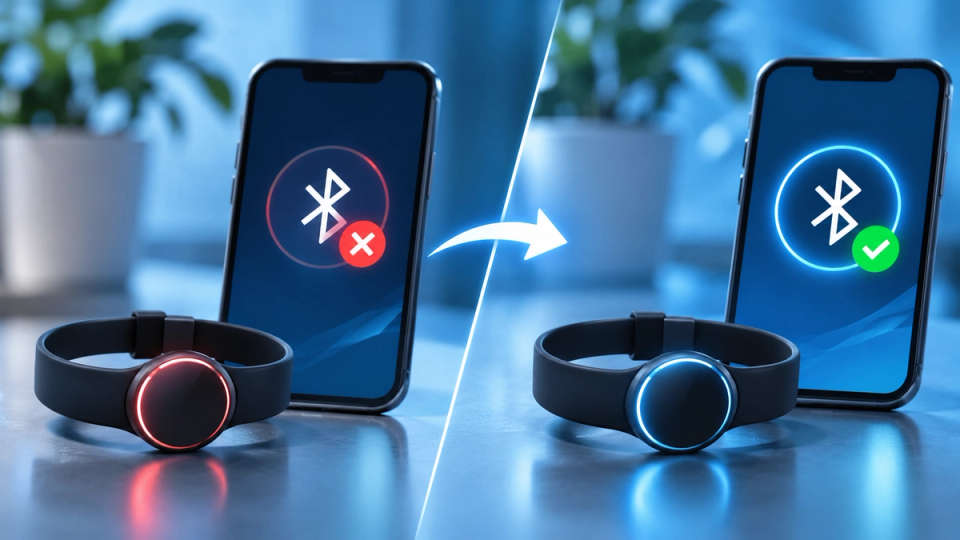
Compare distance and environment
Both Bond Touch and Totwoo publish guidance about keeping their jewellery close to the paired phone, with approximately three metres cited for stable local operation in their relevant support material. This is not a guarantee of effective range in every environment. Walls, furniture, body position and local conditions may affect the connection. Leaving the phone at a desk while walking into another room is a useful scenario to investigate.
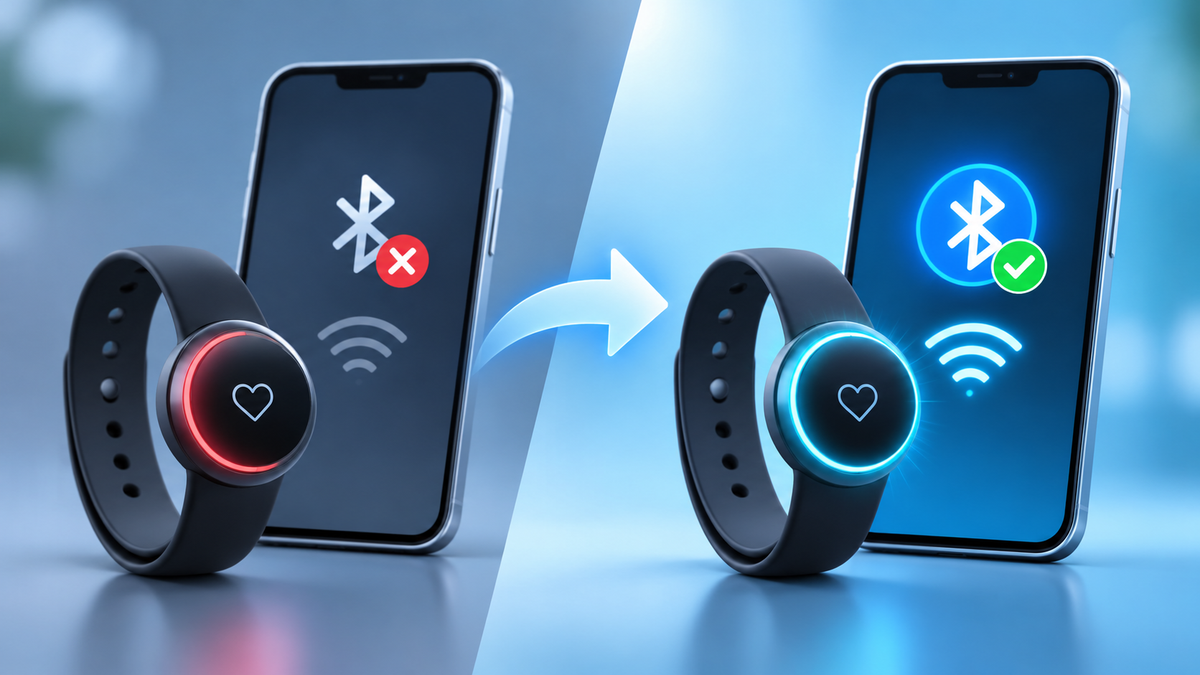
Test while the bracelet and phone are next to one another, then observe what happens during your ordinary routine. If the connection drops when the phone is left elsewhere and returns when they are brought together, local range may explain the pattern. If it disconnects repeatedly even when the two devices remain close, inspect application operation and device power instead. Do not confuse the separation between a wearable and its owner’s phone with the geographical distance between two connected users.
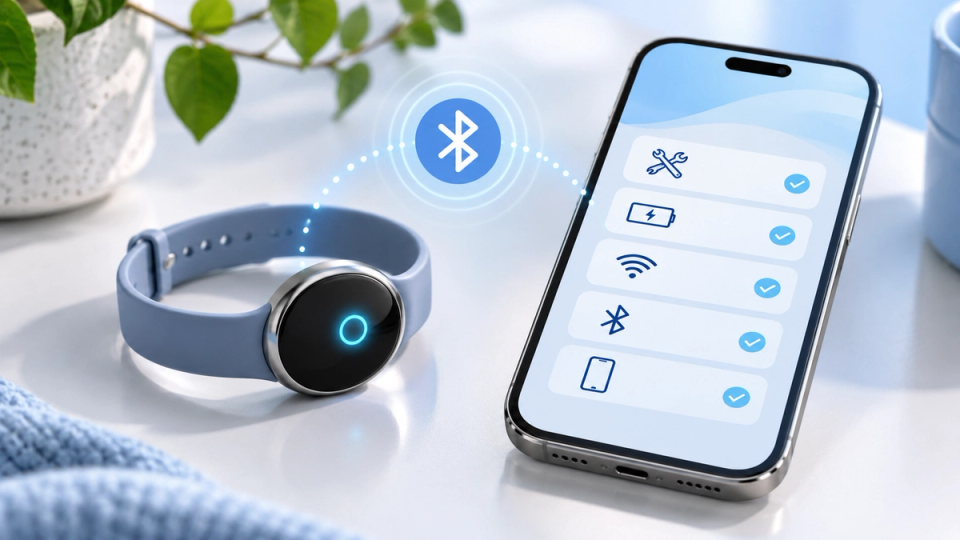
Investigate background activity and phone power modes
A recurring fault that appears only after locking the handset may indicate that the app is not able to maintain the necessary background operation. Check the manufacturer's current instructions for the operating system and phone model. Bond Touch recommends keeping its app available in the background; Totwoo also provides guidance on maintaining its local connection and reopening the application after a phone restart.
Compare a controlled test with the app visible and one with the phone locked. Keep the wearable position and network unchanged. If the locked-phone test consistently fails, review the specific application's background activity and applicable permissions. Android manufacturers may implement different battery-management behaviour, so use device-specific instructions. Do not disable every power-saving or privacy setting globally. Change only a relevant setting, record what changed and repeat the same test to see whether it helped.
Check changes to the phone and wearable
Think about whether the disconnections began after a software update, installation of a new app version, a replacement phone or a changed charging routine. A chronology is not proof of causation, but it helps identify useful checks. Compare the installed app and firmware information with the current manufacturer guidance and perform authorised updates using the appropriate method.
If the bracelet was previously used with another phone, verify whether that local association remains relevant. Do not repeatedly remove the current pairing until simpler checks have been completed. Observe whether a standard Bluetooth refresh or app restart restores the connection temporarily. A recovery that lasts only briefly is useful information for support. It may show that the underlying condition has not been addressed, even though the device can connect successfully under some circumstances.
For the distinction between the local radio connection and internet delivery, see the Bluetooth technology explainer. For context on ordinary connected wearable use, consult the Bond Touch 4 review.
Escalate with a reproducible example
If the issue continues, record two or three representative failures, including the phone state, approximate local distance, app connection display and whether reopening the app restored operation. Send that description to the manufacturer with the exact model and software information. If multiple users are involved, identify which phone and wearable actually lose their local connection.
Do not buy replacement hardware solely because an intermittent problem is frustrating. A phone setting, environmental condition or stale pairing could affect another wearable in the same way. Conversely, a repeated local failure after controlled tests may justify manufacturer investigation of the device. Keep ordinary messaging available during the diagnosis and avoid using the presence or absence of touches as a measure of another person's availability. A stable connection should be evaluated by its actual behaviour rather than by a manufacturer's advertised distance alone.
Frequently asked questions
Why does the bracelet disconnect when I leave my phone behind?
The wearable depends on a short local Bluetooth link to its phone. Moving beyond effective range can interrupt it.
Why does opening the app temporarily fix disconnections?
This suggests app operation or local reconnection may be relevant, but it does not establish the exact cause. Check background settings and manufacturer guidance.
Manufacturer instructions and further information
Troubleshooting & Compatibility Library
Complete guide
Main guides
- Bond Touch Troubleshooting: Common Problems and Solutions
- Totwoo Troubleshooting: Common Problems and Solutions
- Touch Bracelet App Setup and Pairing Guide
- Touch Bracelet Connection Problems and Solutions
Supporting guides
- Why Is My Bond Touch Bracelet Not Working?
- Bond Touch Bracelet Not Vibrating: Causes and Solutions
- Bond Touch Bracelet Not Charging: Troubleshooting Guide
- How to Reset a Bond Touch Bracelet
- Why Is My Totwoo Bracelet Not Working?
- Totwoo Bracelet Not Vibrating or Lighting Up
- Totwoo Bracelet Not Charging: Troubleshooting Guide
- How to Reset a Totwoo Bracelet
- How to Set Up and Pair Bond Touch Bracelets
- How to Set Up and Pair Totwoo Bracelets
- How to Connect a Touch Bracelet to a New Phone
- Touch Bracelet Notifications Not Working: How to Fix Them
- Touch Bracelet Bluetooth Pairing Problems: Causes and Fixes