What does a white charging light mean?
A Bond Touch charging problem should be isolated using the correct charging accessory and visible charging behaviour, without opening the module.
Recognise the charging indication
Bond Touch's charging help centre describes an intermittent white light during charging and a steady white light when full for its applicable modules. Consult the corresponding instructions for your exact generation, particularly if you own a smaller model or an older device. Do not expect every wearable in the connected jewellery category to use the same light sequence.
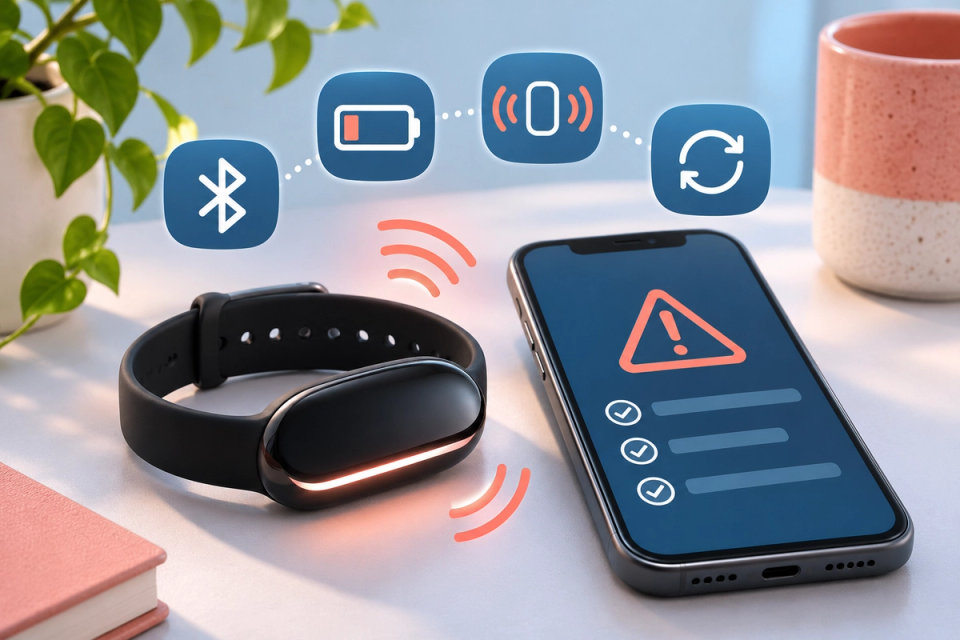
Our Bond Touch troubleshooting overview can help you choose another diagnostic path if the bracelet has power but cannot exchange touches. Here the goal is to establish whether electrical charging is taking place. Note whether an indicator appears at all, whether the battery status changes after charging and whether the device operates after the charger is removed. If the app has lost its connection, its battery reading may not reflect the module's current state. Recheck the reading once the device has reconnected.
Inspect the charging accessory without modifying it
Use the approved charger for the exact bracelet. Verify that the charging connector is correctly aligned according to the product manual and that the USB connection is fully seated. Check the visible cable and contacts for damage, debris or moisture. If cleaning is required, follow the manufacturer's care instructions and disconnect the accessory from power beforehand. Never scrape contacts with a sharp metal object or apply liquids to electronic openings.
A connector can appear to be attached without making the intended electrical contact. Reposition it gently within the documented arrangement rather than holding it at an awkward angle or applying pressure. If it repeatedly disconnects during normal charging, note that symptom. If the cable is frayed, a contact is broken, the module is swollen or the device becomes unusually hot, stop the charging attempt and obtain appropriate assistance. Repeated charging is not a safe diagnostic method for visibly damaged electronics.
Separate the power supply from the cable
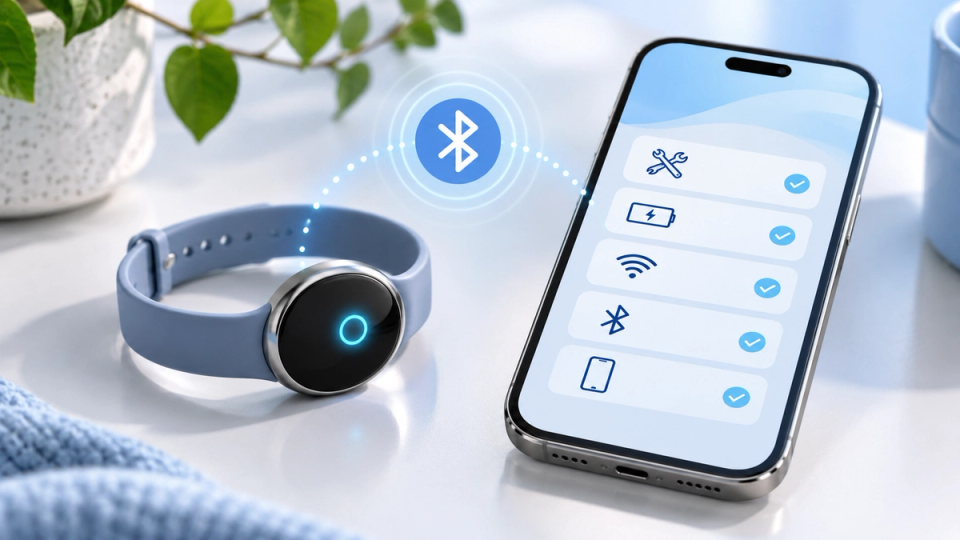
A USB outlet that charges one device does not necessarily establish that every connected charger is working. Follow the manufacturer guidance regarding the appropriate power source for your model. If the charger can be safely moved to another compatible, known-working source, change only that element and observe whether the indication changes. Do not use an incompatible adapter or attempt to increase the voltage to make the bracelet charge faster.
If two wearers own the same exact module and approved charging equipment, testing with a known-working compatible cable may help identify the failing component. Keep the tests separate and do not use a charger that is damaged or associated with unusual heating. Do not assume that different Bond Touch generations share an interchangeable charger. If the alternative charger is not explicitly compatible, skip the comparison and ask the manufacturer. The purpose is to isolate a fault, not to risk a second working device.
Interpret the results carefully
A normal charging indicator followed by successful operation suggests that the basic power path is functioning. An indicator that appears briefly and then disappears may have several explanations, including a connection problem or a model-specific behaviour. Check what the manufacturer says the device should do before treating it as a fault. A bracelet that loses power very quickly after a confirmed full charge may need a different investigation from one that never begins charging.
Record how long the device was connected, whether it displayed any indication and whether its battery reading changed. Do not claim that a particular component is defective merely because the bracelet will not hold a charge. A service technician may need to distinguish the battery, module and cable. The manufacturer can also determine whether the device should be returned under its applicable policy.
For ordinary battery expectations rather than fault diagnosis, see the battery life and charging guide. For context on the fourth-generation manufacturer's published charging figures, read the Bond Touch 4 review.
Choose repair or replacement responsibly
Contact Bond Touch support with the order details, exact model and a clear photograph of the charger arrangement if requested. Explain whether another confirmed compatible power source or charger changed the result. The official charging guide discusses distinguishing a damaged accessory from a manufacturing fault. Coverage and replacement eligibility depend on the actual circumstances and applicable warranty conditions.
If the fault is limited to the cable, ask for the correct replacement accessory rather than buying a complete pair. If the module needs replacement, confirm compatibility with the existing working bracelet and understand the local re-pairing process. Do not open the sealed housing or try to install an aftermarket battery. Until a safe charging arrangement is available, leave the device disconnected from power and use ordinary communication with the other person.
Frequently asked questions
What does a white charging light mean?
For applicable Bond Touch modules, the help centre describes blinking white while charging and steady white at full charge. Check your model's instructions.
Can I use a charger from another Bond Touch generation?
Only if the manufacturer confirms exact compatibility. Similar-looking connectors do not establish it.
Manufacturer instructions and further information
Troubleshooting & Compatibility Library
Complete guide
Main guides
- Bond Touch Troubleshooting: Common Problems and Solutions
- Totwoo Troubleshooting: Common Problems and Solutions
- Touch Bracelet App Setup and Pairing Guide
- Touch Bracelet Connection Problems and Solutions
Supporting guides
- Why Is My Bond Touch Bracelet Not Working?
- Bond Touch Bracelet Not Vibrating: Causes and Solutions
- How to Reset a Bond Touch Bracelet
- Why Is My Totwoo Bracelet Not Working?
- Totwoo Bracelet Not Vibrating or Lighting Up
- Totwoo Bracelet Not Charging: Troubleshooting Guide
- How to Reset a Totwoo Bracelet
- How to Set Up and Pair Bond Touch Bracelets
- How to Set Up and Pair Totwoo Bracelets
- How to Connect a Touch Bracelet to a New Phone
- Why Does My Touch Bracelet Keep Disconnecting?
- Touch Bracelet Notifications Not Working: How to Fix Them
- Touch Bracelet Bluetooth Pairing Problems: Causes and Fixes