Does resetting Totwoo remove my partner?
For supported Totwoo models, a restart may resolve a stalled connection. It is not necessarily a factory reset or a reason to remove your partner.
Decide which reset you need
Resetting a Totwoo bracelet can mean several different things: restarting its electronics, removing its local phone connection, or changing the relationship between two accounts. These actions have different purposes and may have different consequences. If the device is responding normally and only a particular contact is affected, resetting the hardware may not address the problem. First determine whether the wearable is recognised, whether the app can reach the internet and whether the intended account relationship is present.
The Totwoo troubleshooting guide maps these symptoms to the relevant repair paths. The current article concentrates on recovering a stalled local connection. Identify the exact model and consult its current instructions before performing any physical gesture. The manufacturer sells several jewellery collections, and an older procedure should not automatically be applied to a different electronic module. If the device is physically damaged or overheats, discontinue use instead of trying to restart it.
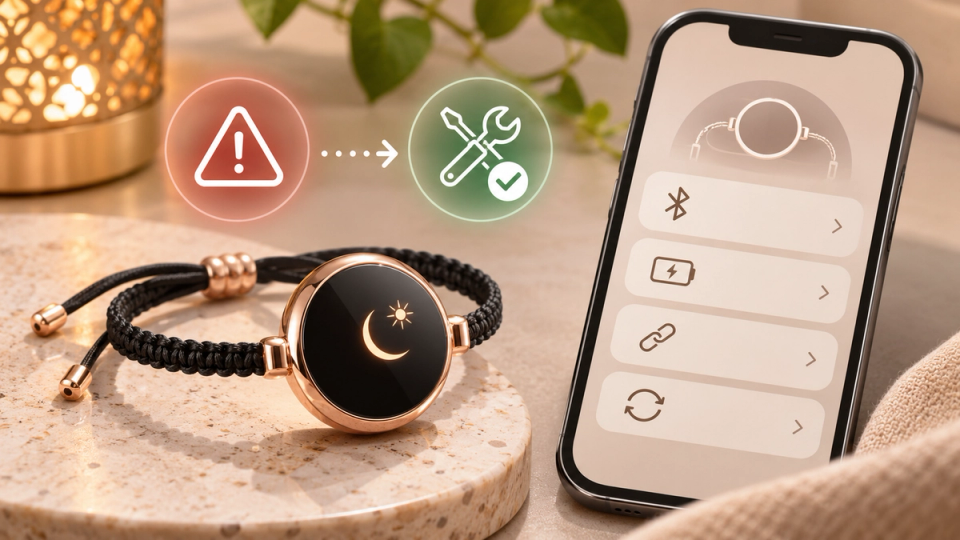
Use the documented restart only where applicable
Totwoo's official connection troubleshooting page describes a restart for jewellery whose phone reports a Bluetooth connection while the app remains stuck connecting. For the hardware covered by that instruction, the front panel is held for approximately thirty seconds until alternating red, green and blue indications appear. This is described as a device restart, not a confirmed universal factory erase. Check whether the instruction applies to your particular model before attempting it.
Ensure the bracelet has sufficient power and keep it near the phone. Follow the applicable manufacturer sequence without using tools or pressing harder than normal. If the expected indication does not appear, do not repeat increasingly prolonged gestures in the hope of finding another undocumented reset. Record the observed behaviour and consult the official manual or support service. Some symptoms require a charging investigation rather than a restart. An unpowered module may not respond to a recovery gesture at all.
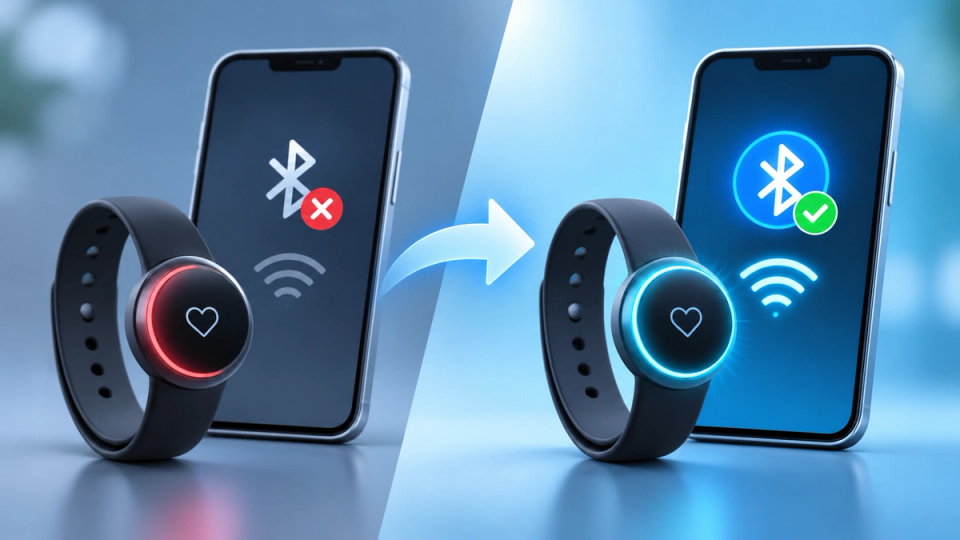
Restore the app connection
After an applicable restart, reopen the official app and follow its device connection procedure. Totwoo's guidance suggests refreshing the app and allowing it to discover the activated jewellery. Make sure Bluetooth is enabled and that the required app permissions are available. Keep the module close to the handset. Do not select an unfamiliar device simply because its name resembles the expected Bluetooth identifier.
If you are using Android, the maker advises starting the connection from within the app rather than pre-pairing the jewellery through general system settings. An iPhone may retain an old device entry that needs removal during a documented reconnection. These are platform-specific differences. If a normal in-app reconnection succeeds, there is no need to remove your existing account relationship. Verify the wearable's status in the application before sending a test touch.
Unbind the device only when necessary
If the ordinary restart and connection checks fail, Totwoo's help page describes removing the connected jewellery through its device-management area before reconnecting. In the documented iPhone procedure, the old Bluetooth entry is then forgotten. Android instructions also address removing a stale system pairing when present. Interface wording can change, so read each confirmation carefully and follow the current guide for your device.
Do not confuse removing a piece of jewellery with removing the person you exchange touches with. Preserve the account login and note the existing relationship before changing device settings. If another phone still connects to the jewellery, resolve that local association using the manufacturer instructions. Do not erase every Bluetooth device on either phone. Work only with the identified Totwoo module and avoid changing settings belonging to other wearables.
Identify the exact jewellery collection using the Totwoo model collection guide. For the broader differences between connected products, see the touch bracelet comparison.
Verify recovery under the original conditions
Once the app recognises the jewellery, ask the intended contact to send one supported touch while both phones are nearby and online. Check the event in the receiving app and its expected physical output. Repeat in the reverse direction, then test in the phone state in which the problem originally occurred. A successful foreground test does not guarantee that background operation has been restored.
If the fault recurs, report the model, phone and software versions, the original symptom and the result of the restart. Totwoo's official support page provides contact details and explains what information to include. Do not assume a restart has repaired a mechanical or battery fault. If you cannot establish that the procedure is appropriate for your model, contact support rather than guessing. Maintain ordinary communication while the device is being investigated.
Frequently asked questions
Does resetting Totwoo remove my partner?
A hardware restart and removal of an account relationship are distinct operations. Read the current instructions and confirmations before making changes.
What if the documented restart gives no response?
Check the model and power requirements, then contact Totwoo rather than trying undocumented gestures.
Manufacturer instructions and further information
Troubleshooting & Compatibility Library
Complete guide
Main guides
- Bond Touch Troubleshooting: Common Problems and Solutions
- Totwoo Troubleshooting: Common Problems and Solutions
- Touch Bracelet App Setup and Pairing Guide
- Touch Bracelet Connection Problems and Solutions
Supporting guides
- Why Is My Bond Touch Bracelet Not Working?
- Bond Touch Bracelet Not Vibrating: Causes and Solutions
- Bond Touch Bracelet Not Charging: Troubleshooting Guide
- How to Reset a Bond Touch Bracelet
- Why Is My Totwoo Bracelet Not Working?
- Totwoo Bracelet Not Vibrating or Lighting Up
- Totwoo Bracelet Not Charging: Troubleshooting Guide
- How to Set Up and Pair Bond Touch Bracelets
- How to Set Up and Pair Totwoo Bracelets
- How to Connect a Touch Bracelet to a New Phone
- Why Does My Touch Bracelet Keep Disconnecting?
- Touch Bracelet Notifications Not Working: How to Fix Them
- Touch Bracelet Bluetooth Pairing Problems: Causes and Fixes