Why does Bond Touch stop working even with charge?
Bond Touch problems become easier to solve when you identify whether the module, its phone connection or the remote touch is failing.
Recognise the model and the symptom
A Bond Touch 4 that no longer acknowledges a gesture is not the same problem as a fully responsive bracelet that fails to receive a partner's signal. Before looking for a reset sequence, establish the exact generation of your device from the order confirmation or product information. Bond Touch Mini and Bond Touch Lite have their own interaction methods; the latter is an app-based smartwatch experience rather than a physical Bond Touch bracelet. A tutorial made for the wrong product can create new confusion.
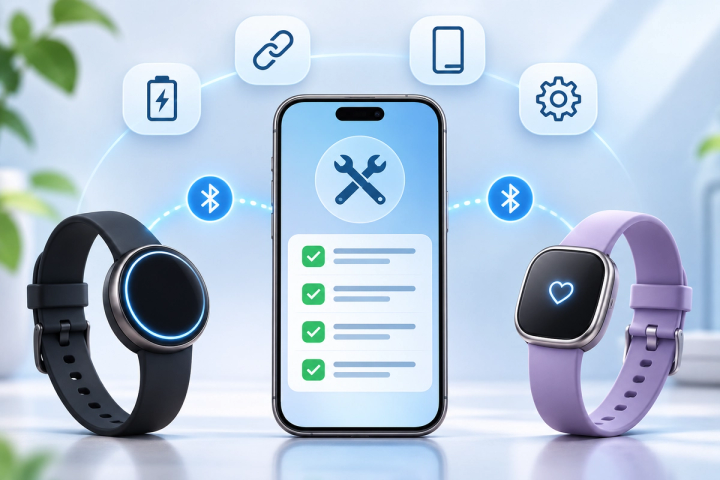
Our complete troubleshooting and compatibility guide gives the cross-brand diagnostic sequence. For Bond Touch specifically, start by checking the application rather than relying on the appearance of the module alone. Note whether the bracelet is reported as connected, whether it has an indicated battery level and whether the intended contact remains available. These observations can identify which specialist guide below is relevant before you begin disconnecting anything.
The module does not respond
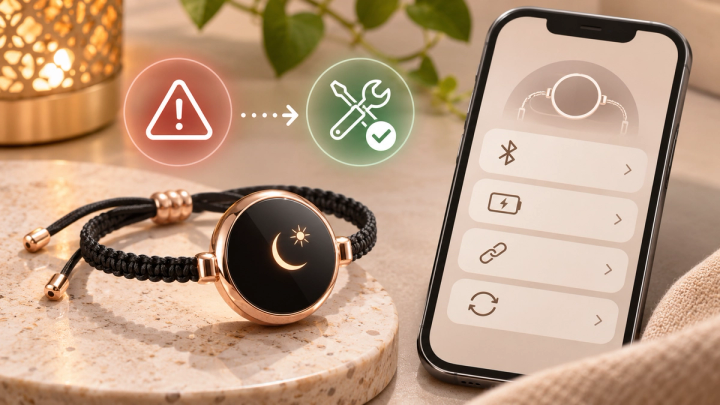
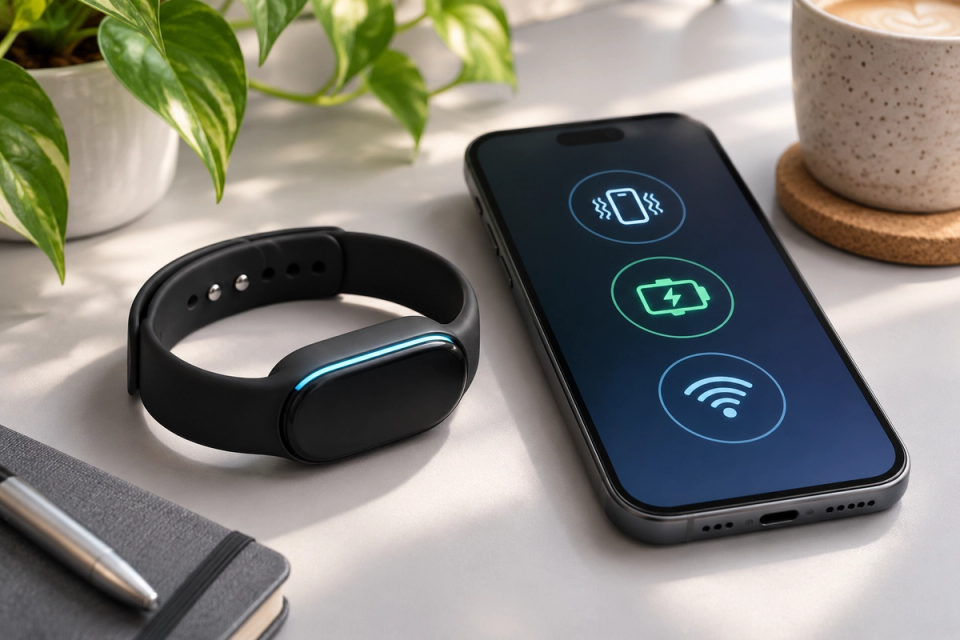
If the module gives no expected reaction to the manufacturer's documented gesture, determine whether it has enough power. Check the approved charging equipment for damage and ensure that it makes the correct connection with the module. Bond Touch's help material describes a white charging indication on its supported bracelet modules; consult the instructions for your exact device rather than comparing it with an unfamiliar model.
Our unresponsive Bond Touch guide is intended for a bracelet that seems completely inactive, while the Bond Touch charging troubleshooting guide concentrates on isolating a charger fault from a module fault. A new device that has been stored in its packaging may require initial charging. A used device that became inactive after a fall or water exposure needs more caution. Do not try to force a connector into place or open the electronic housing to inspect its battery.
The bracelet responds but touches are missing
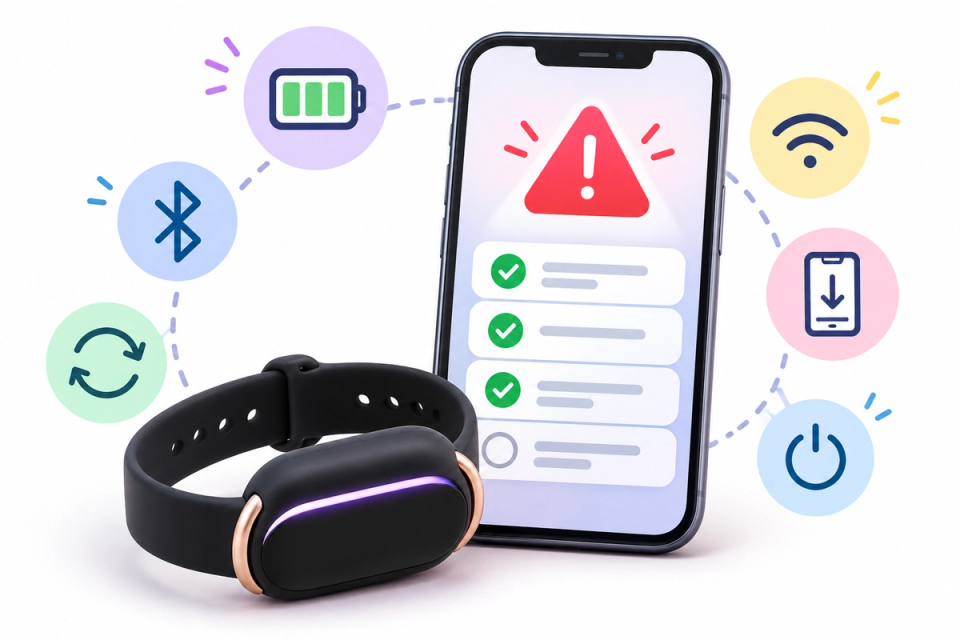
A physical response to your own interaction suggests that some parts of the module are operating, but it does not prove that the remote communication chain is working. Bond Touch advises checking local Bluetooth range, internet access, battery status, app operation and firmware. Bring the phone close to the wearable and inspect its status in the app. Then ask the other person to carry out the same checks on their own phone.
Use our Bond Touch vibration troubleshooting guide when the app or light appears to work but the expected tactile response is missing. Test the two directions separately. A failure only when one person sends may point to a different stage than a failure in both directions. Keep a note of whether a touch appears in the application and whether the receiver's bracelet produces any signal. This will help you distinguish a connectivity issue from a possible vibration mechanism issue.
Recover a broken local pairing
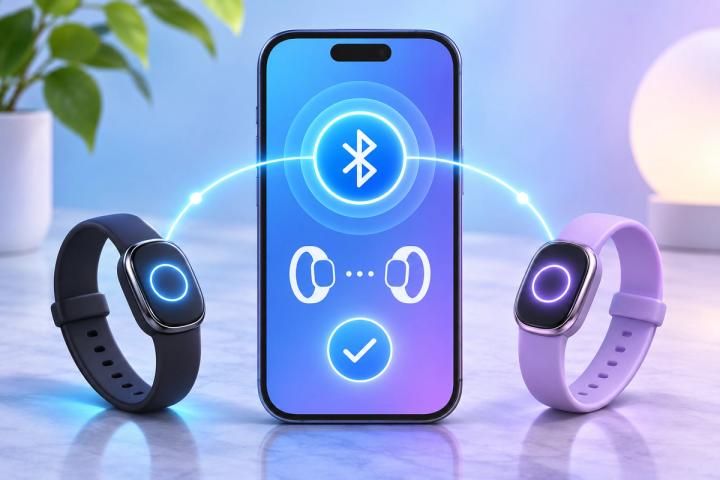
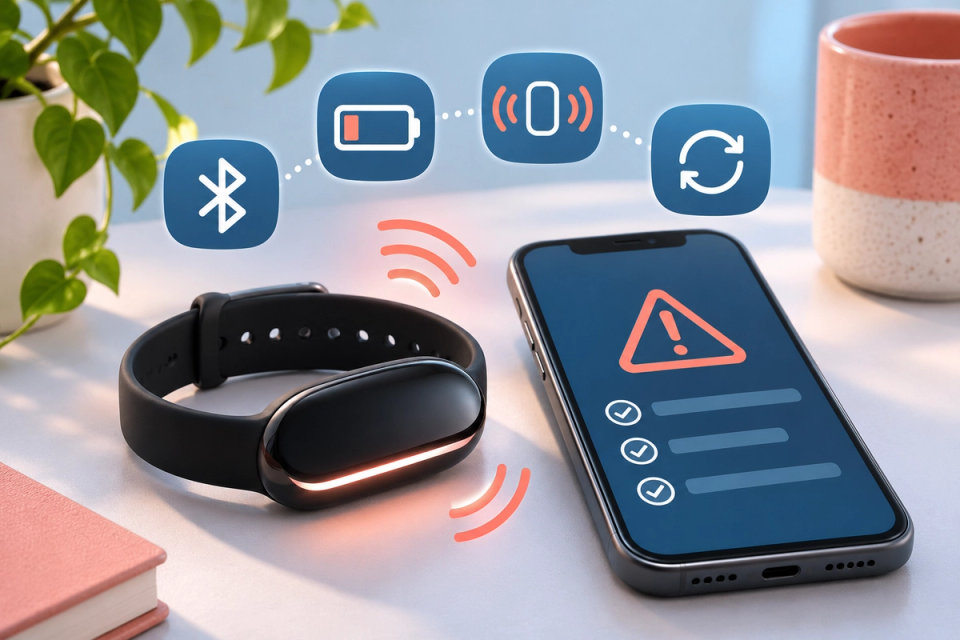
A bracelet that previously worked may stop connecting after a phone update, a phone replacement or a change to permissions. Check whether Bluetooth is enabled, whether the app still has the permissions needed for the connection and whether a previous phone remains associated with the wearable. Try reversible steps such as reopening the app and restarting the Bluetooth connection before removing an established pairing.
If those checks do not work, follow the manufacturer's documented disconnection and reconnection instructions. The Bond Touch reset and reconnection guide explains the difference between clearing a local device connection and removing a relationship. Keep access to your existing account and avoid deleting it simply because a wearable cannot connect. A replacement phone does not normally justify creating a new identity before you have checked the official account and pairing process.
To establish which generation you own, consult the Bond Touch model comparison. For a wider discussion of the fourth-generation device's everyday limitations, read the Bond Touch 4 review.
Know when to seek assistance
If the bracelet remains connected but cannot reproduce a supported test touch, or it remains entirely inactive on verified compatible charging equipment, collect evidence for Bond Touch support. Include the model, phone type, software versions and a concise record of the unsuccessful checks. Use the reporting option within the official app when accessible, or the manufacturer's help centre. Describe the exact symptoms rather than asking whether every Bond Touch bracelet has a particular defect.
If a repair or replacement is proposed, confirm whether the module, charging accessory or entire set needs to be replaced. Do not assume that both partners need new bracelets simply because one unit is faulty. Where the working device is an older generation, check compatibility before selecting a replacement. A deliberate troubleshooting process is useful because it preserves the parts of the existing setup that already work.
Frequently asked questions
Why does Bond Touch stop working even with charge?
Power is only one requirement. Check the app connection, phone internet access, permissions and the other user's setup.
Do both people need replacement bracelets if one fails?
Not automatically. First establish which device or accessory is defective and check compatibility with the working unit.
Manufacturer instructions and further information
Troubleshooting & Compatibility Library
Complete guide
Main guides
- Totwoo Troubleshooting: Common Problems and Solutions
- Touch Bracelet App Setup and Pairing Guide
- Touch Bracelet Connection Problems and Solutions
Supporting guides
- Why Is My Bond Touch Bracelet Not Working?
- Bond Touch Bracelet Not Vibrating: Causes and Solutions
- Bond Touch Bracelet Not Charging: Troubleshooting Guide
- How to Reset a Bond Touch Bracelet
- Why Is My Totwoo Bracelet Not Working?
- Totwoo Bracelet Not Vibrating or Lighting Up
- Totwoo Bracelet Not Charging: Troubleshooting Guide
- How to Reset a Totwoo Bracelet
- How to Set Up and Pair Bond Touch Bracelets
- How to Set Up and Pair Totwoo Bracelets
- How to Connect a Touch Bracelet to a New Phone
- Why Does My Touch Bracelet Keep Disconnecting?
- Touch Bracelet Notifications Not Working: How to Fix Them
- Touch Bracelet Bluetooth Pairing Problems: Causes and Fixes