Can a fast charger cause Totwoo charging problems?
Check the exact Totwoo module and its charging requirements before trying another USB supply or replacing a charger.
Confirm the type of jewellery and its power requirements
Totwoo's jewellery designs are visually varied. Do not identify a charging accessory simply by matching the decorative face or band colour. Find the product model and the corresponding manual or order information. Some older documentation discusses battery arrangements that do not apply to every rechargeable product, so use instructions intended for your actual module.
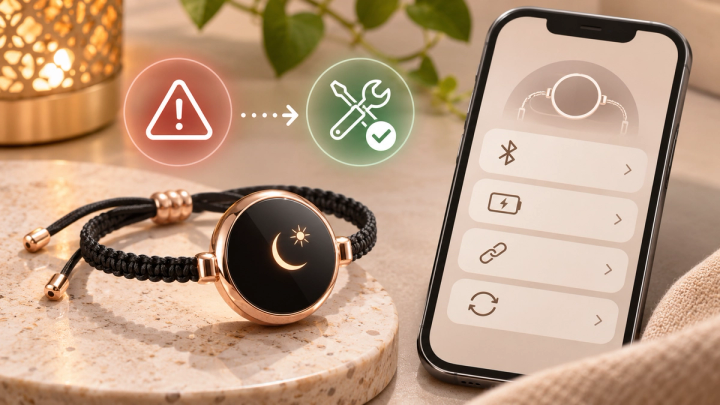
The Totwoo troubleshooting guide explains how to distinguish a power problem from a failed phone connection. Here the key question is whether the device can receive and retain charge. Note whether it shows its expected charging indication, whether it responds to the documented gesture after charging and whether the app reports a changed battery status when connected. A stale app reading can be misleading if the wearable has lost its local connection. The physical charging behaviour and the current application status are separate pieces of evidence.
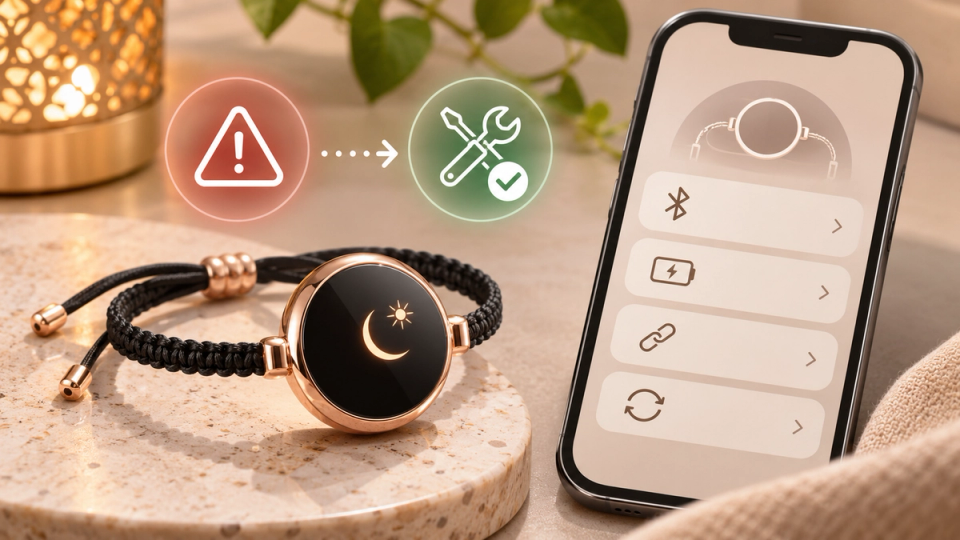
Inspect the charger and module
Use the supplied or manufacturer-confirmed compatible charging accessory. Follow the manual for positioning the jewellery on the charger or attaching its connector. Make sure all surfaces that are intended to meet are clean and dry according to the maker's care instructions. Do not force the module onto an accessory, scrape the contacts or introduce liquids into electronic openings.
Inspect the charger for damaged insulation, distorted connectors and loose parts. A visibly damaged charger should not be tested repeatedly. Stop using the jewellery if it becomes unusually hot, swells or shows exposed electrical components. These observations matter more than whether an app still shows an old percentage. If the charging arrangement appears intact but the connection is intermittent, note whether normal placement changes the indicator. Do not hold it in an unnatural position or apply pressure to make a suspected faulty connector work.
Use the correct USB power source
Totwoo's official help centre discusses charging difficulties caused by a mismatch between its charger and certain power adapters. Its guidance refers to standard five-volt USB power for the compatible charger discussed there and suggests trying an appropriate phone adapter or computer USB port. Check the manual for your specific charger and its input requirements rather than assuming every fast-charging arrangement is suitable.
If you have a known-working, approved alternative USB source, test it while keeping the bracelet and charger unchanged. Observe whether charging starts. Do not use a higher-voltage adapter in an attempt to revive a depleted module or modify the charger. If another source works, the original source or its interaction with the charger may be relevant, but this alone does not establish a definitive electrical diagnosis. If none of the approved arrangements works, stop repeating the same test and seek assistance.
Compare accessories only when compatibility is established
If both wearers own identical modules and each has a confirmed compatible charger, a comparison with a known-working accessory may help distinguish the charger from the jewellery. Before attempting this, check the model information. Two different Totwoo collections may have visually similar charging accessories but different requirements. Do not risk a working device on an unverified charger.
Record whether one bracelet charges on both suitable accessories while another does not, or whether neither charges using a particular accessory. Those observations can help technical support decide which component to investigate. They do not prove which internal electrical part has failed. If the module becomes inactive soon after an apparently successful full charge, explain that separately. A device that cannot begin charging and one that cannot retain charge may require different assistance.
For general charging time expectations rather than fault diagnosis, read the touch bracelet charging time guide. For published battery claims for several Totwoo models, see the connected bracelet comparison.
Contact support before replacing electronics
Totwoo asks customers reporting charging faults to provide their order number, jewellery model and a photograph or video of the charging arrangement. Include the compatible power sources and accessories tried, along with the observed indicators. This is especially helpful if the fault only occurs intermittently or began after a particular incident.
Ask whether the charging accessory can be replaced independently and verify the exact model compatibility. The existing bracelet pair may not need replacing if only one charger is faulty. If the manufacturer identifies a module problem, follow the appropriate repair, return or replacement process. Do not dismantle a sealed jewellery module or attempt to install an unapproved battery. A sentimental wearable is not worth compromising electrical safety for, and ordinary communication remains available while the charging problem is being addressed.
Frequently asked questions
Can a fast charger cause Totwoo charging problems?
Totwoo's help material describes adapter compatibility problems for its charger. Use the specified compatible source rather than assuming every fast charger works.
Should I buy another pair if one bracelet cannot charge?
No. Identify whether the charger, source or module is faulty and ask about a compatible replacement.
Manufacturer instructions and further information
Troubleshooting & Compatibility Library
Complete guide
Main guides
- Bond Touch Troubleshooting: Common Problems and Solutions
- Totwoo Troubleshooting: Common Problems and Solutions
- Touch Bracelet App Setup and Pairing Guide
- Touch Bracelet Connection Problems and Solutions
Supporting guides
- Why Is My Bond Touch Bracelet Not Working?
- Bond Touch Bracelet Not Vibrating: Causes and Solutions
- Bond Touch Bracelet Not Charging: Troubleshooting Guide
- How to Reset a Bond Touch Bracelet
- Why Is My Totwoo Bracelet Not Working?
- Totwoo Bracelet Not Vibrating or Lighting Up
- How to Reset a Totwoo Bracelet
- How to Set Up and Pair Bond Touch Bracelets
- How to Set Up and Pair Totwoo Bracelets
- How to Connect a Touch Bracelet to a New Phone
- Why Does My Touch Bracelet Keep Disconnecting?
- Touch Bracelet Notifications Not Working: How to Fix Them
- Touch Bracelet Bluetooth Pairing Problems: Causes and Fixes