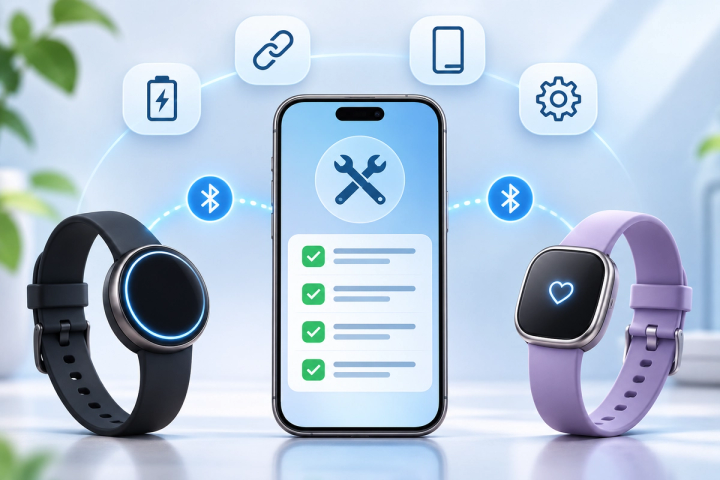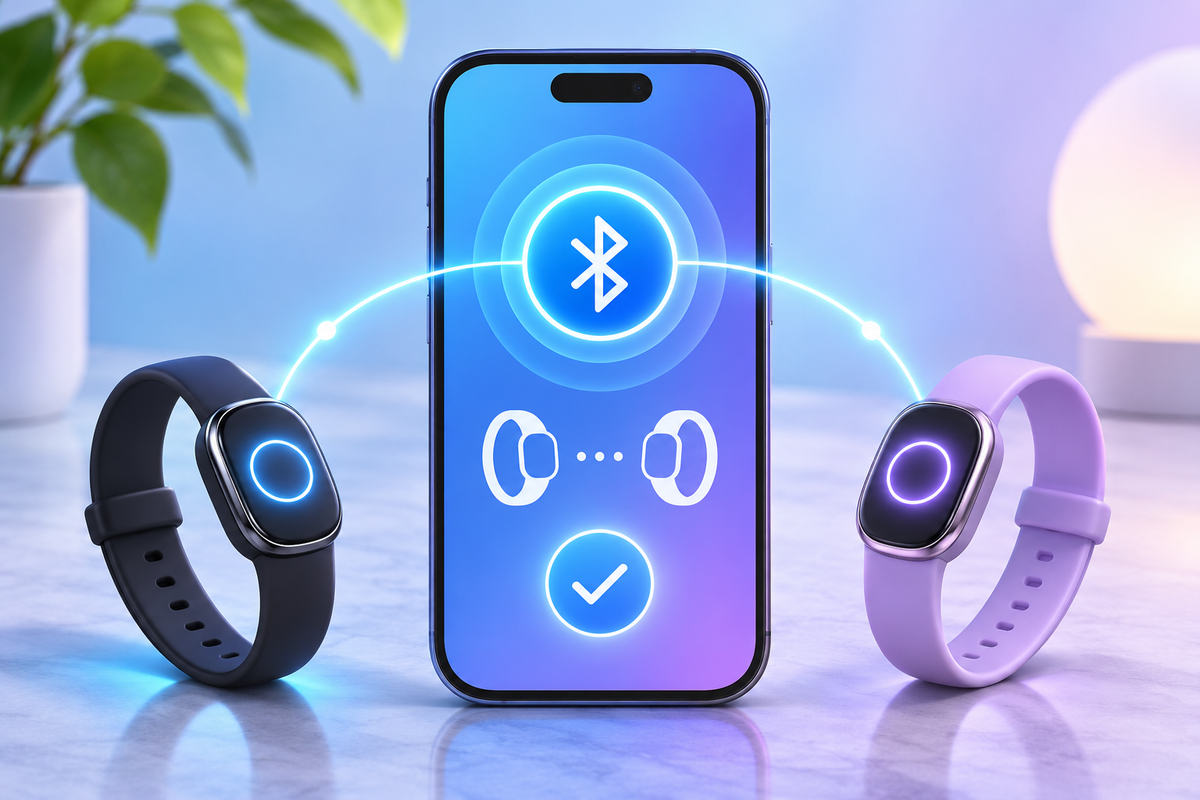
Do I pair both bracelets through one phone?
A successful setup requires both a local phone-to-bracelet connection and the intended relationship within the manufacturer's app.
Prepare the device and the phone
Unbox the complete wearable and identify the manufacturer, exact model and included charger. Some retail listings show multiple bracelets while supplying only one electronic module, so confirm that each intended wearer has the appropriate device. Charge it according to its instructions before installation. If the package contains a band without electronics, it cannot create a Bluetooth connection by itself.
Next check that each phone can install the current official application. Our complete troubleshooting and compatibility guide explains why Bluetooth alone is insufficient. Supported operating system versions, app availability and required permissions can change, so use the current official listing and support documentation for the exact model. Do not install an application from an unofficial download link simply because it has a similar name. Where an existing account is already in use, confirm the login method before creating another one.
Understand two different pairings
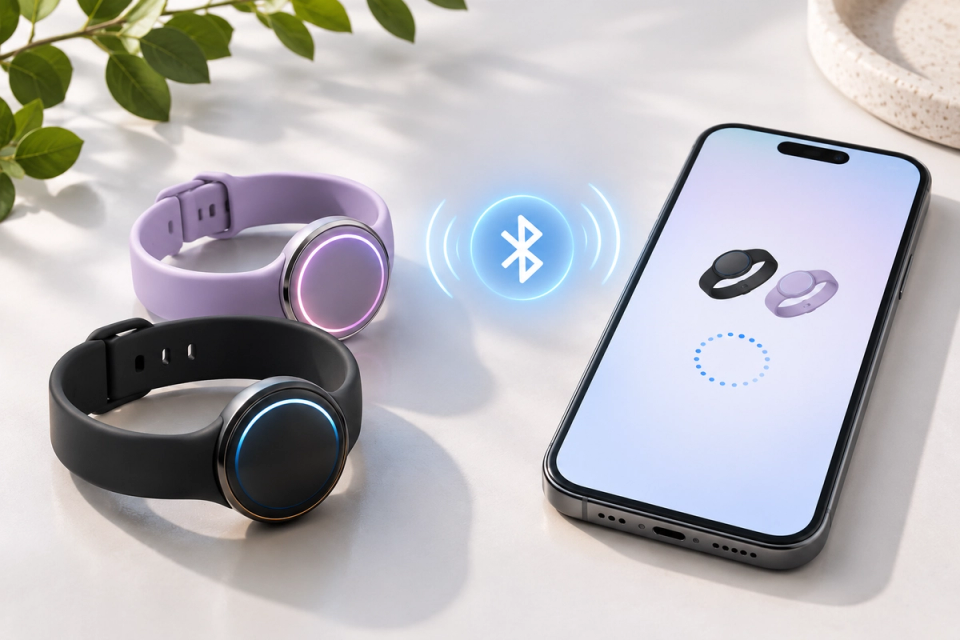
People often use the word pairing for two unrelated actions. The first is connecting a physical wearable to the phone that belongs to its owner. The second is connecting that person's account to the intended friend or partner in the manufacturer's service. Seeing the bracelet in the Bluetooth menu does not establish the second connection; accepting a friend's invitation does not establish the first. Keeping these two steps separate is particularly useful when only one person in a pair has a technical problem.
A local device connection should be established using the manufacturer's application workflow. Bond Touch's published setup describes charging and wearing the bracelet, searching within its app and confirming the discovered device. Totwoo's published Android guidance advises against pre-pairing in system settings. Neither instruction should be replaced by a generic Bluetooth tutorial that was written for headphones or speakers.
Follow the correct brand workflow
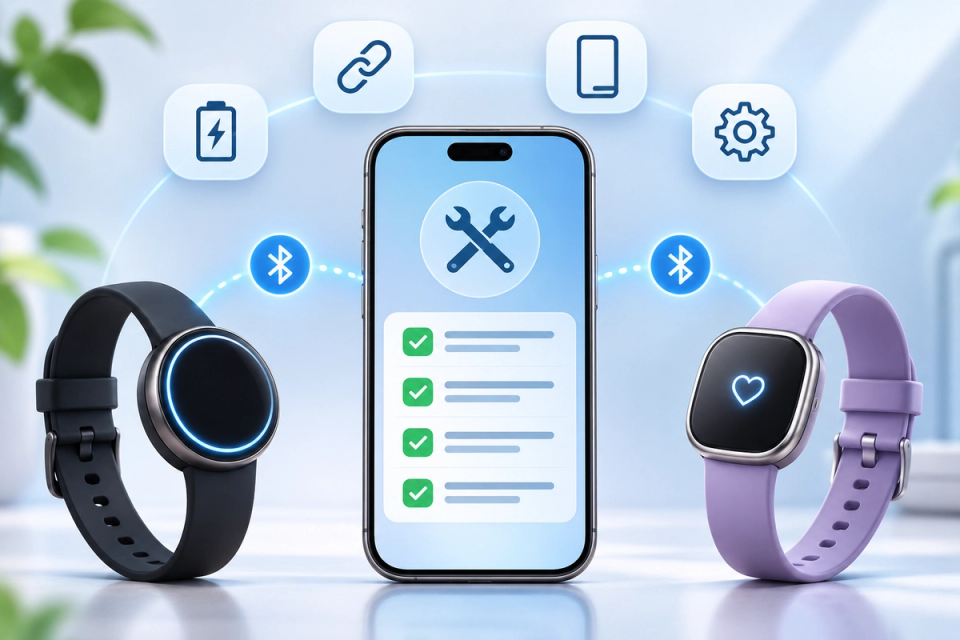
For Bond Touch owners, the Bond Touch pairing instructions explain the documented in-app process and the different confirmation screens that may appear on iOS and Android. If you own a Mini or a different generation, consult its manual for the exact physical gesture. Avoid pairing two bracelets to the wrong owners by leaving unnecessary devices nearby during discovery. Each wearer should be responsible for their own account.
The Totwoo pairing instructions explain how to wake the jewellery, connect it inside the app and establish the intended user relationship. When an invitation fails, check that the recipient registered using the expected account identifier; for the phone-number flow documented by Totwoo, the international country code can matter. A missed invitation is not a reason to reset a physical module that is otherwise recognised and connected.
Test in realistic conditions
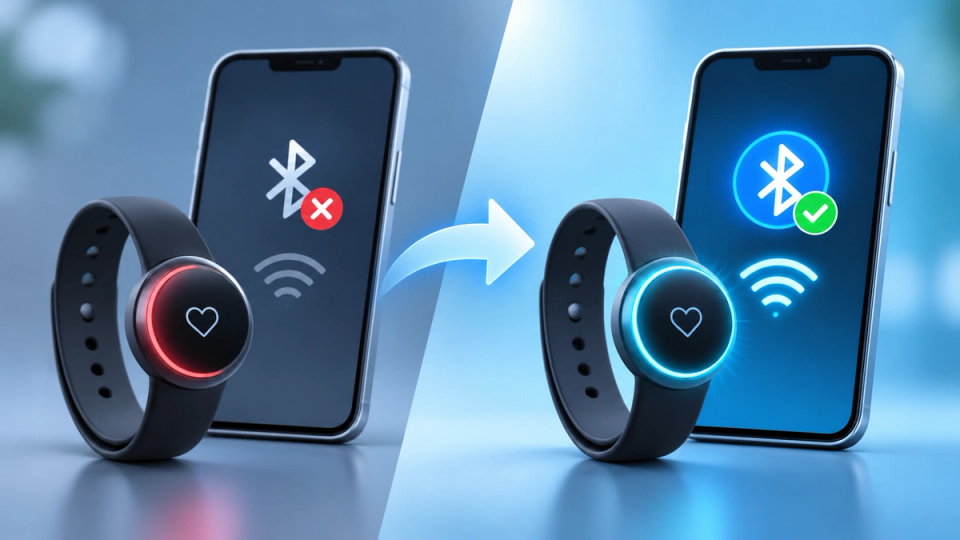
Do not finish the setup simply because a success message appears on one phone. Confirm that both intended users can exchange the designated touch interaction. Have the recipient say whether they noticed a light, vibration or app event, and repeat in the opposite direction. Keep the phones close to the wearables during this first test so that local range is not another uncontrolled variable.
Then perform a separate test with both applications operating in their normal background state. If touches arrive only when the application is open, investigate the relevant permissions and background activity rather than abandoning the relationship pairing. Test mobile data if the bracelet will regularly be used away from home. A successful test on the home Wi-Fi network does not establish that all other networks and phone states will behave identically.
Before installing either brand's app, review our iPhone and Android compatibility guide. For the decision about which ecosystem to buy into, see the comparison of long-distance bracelets.
Prepare for changing phones
When moving to another handset, establish whether the same account can be restored and whether the manufacturer requires disconnection from the old phone first. The new phone transfer guide covers preserving the relationship while changing the local connection. Before wiping a phone for trade-in, confirm that you know the original account's recovery method and have the appropriate charging accessories available. If the old phone is inaccessible, consult the official recovery instructions instead of trying to bypass the device ownership process.
Document which module belongs to which account if multiple family members use similar bracelets. Once the new phone is working, check the permissions again and test the connection in both directions. Keep ordinary phone calls and messages available until the new configuration has been confirmed. A sentimental wearable should never be the sole method of exchanging important information.
Frequently asked questions
Do I pair both bracelets through one phone?
Normally each physical wearable connects to its intended user's compatible phone. The account relationship is a separate step.
Can I use a replacement phone without changing my partner?
Often the account relationship can be preserved, but follow the manufacturer's transfer and recovery instructions for your model.
Manufacturer instructions and further information
Troubleshooting & Compatibility Library
Complete guide
Main guides
- Bond Touch Troubleshooting: Common Problems and Solutions
- Totwoo Troubleshooting: Common Problems and Solutions
- Touch Bracelet Connection Problems and Solutions
Supporting guides
- Why Is My Bond Touch Bracelet Not Working?
- Bond Touch Bracelet Not Vibrating: Causes and Solutions
- Bond Touch Bracelet Not Charging: Troubleshooting Guide
- How to Reset a Bond Touch Bracelet
- Why Is My Totwoo Bracelet Not Working?
- Totwoo Bracelet Not Vibrating or Lighting Up
- Totwoo Bracelet Not Charging: Troubleshooting Guide
- How to Reset a Totwoo Bracelet
- How to Set Up and Pair Bond Touch Bracelets
- How to Set Up and Pair Totwoo Bracelets
- How to Connect a Touch Bracelet to a New Phone
- Why Does My Touch Bracelet Keep Disconnecting?
- Touch Bracelet Notifications Not Working: How to Fix Them
- Touch Bracelet Bluetooth Pairing Problems: Causes and Fixes