Saved content can be viewed offline on supported lockets
The answer depends on the specific task. Totwoo's Tree of Life smart locket is described as allowing already-transferred memories to be viewed without a phone or Wi-Fi. Adding new content requires the companion app and Bluetooth. Account functions or AI processing may involve internet access. Do not confuse offline viewing with an entirely offline setup process.
Separate viewing from changing content
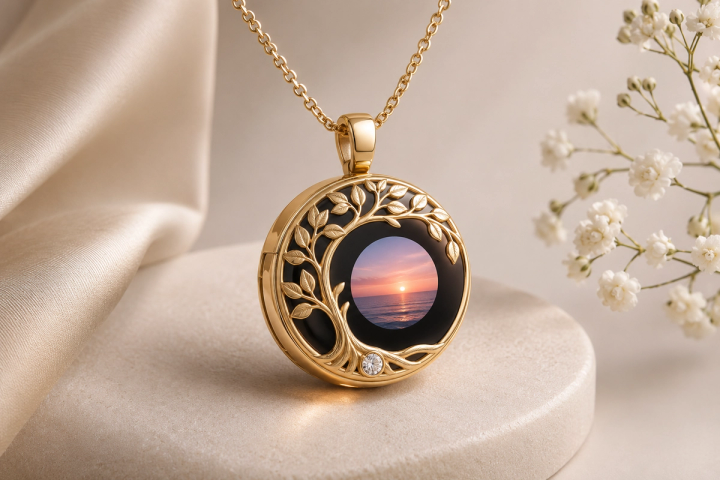
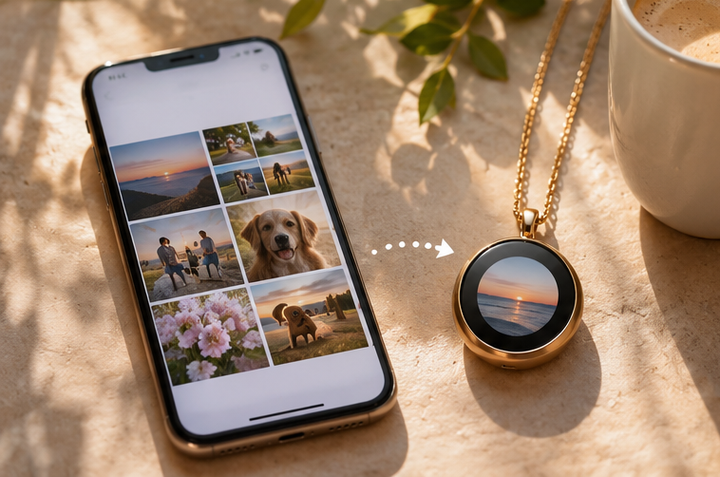
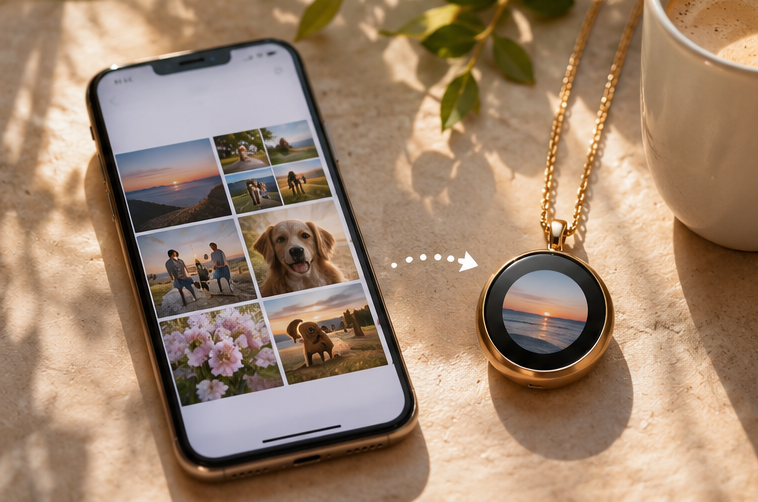
Once a photograph is stored on the pendant, the device can display it using its own battery and screen. A network connection is not necessarily needed for that operation. Transferring a new picture is different: the phone must prepare the media and establish communication with the wearable. An app may also need to sign in or retrieve account information. The How Smart Lockets Work: Photos, Videos and AI Memories explains those stages. Before leaving home, complete any transfer or animation you want to take with you, and test that the correct media appears when your phone is not nearby.
Bluetooth and internet are different things
Bluetooth is a short-range wireless connection between devices, whereas an internet connection links a device to online services through mobile data or a local network. Turning off Wi-Fi does not necessarily turn off Bluetooth, and enabling Bluetooth does not provide internet access by itself. The exact app determines which services are required at each stage. If you are trying to change content while travelling without mobile data, you may be able to connect locally but still encounter an account or media-processing requirement. Follow the app's instructions rather than assuming all digital lockets behave identically.
What happens during a flight or a holiday?
Prepare the locket before travelling, while you have a reliable internet connection and access to your usual phone. Charge it, load a small selection of photographs and test playback. If you are relying on a clip, confirm that it is the correct version and that the image is legible. Carry the appropriate charger if you expect to be away long enough to need a recharge. Follow any transport or airline rules that apply to battery-powered devices. The point of local playback is that a saved photo is accessible even when you cannot use a normal network connection.
Will a partner be able to send a new image from abroad?
A local photo memory does not necessarily update automatically because someone else uploads a new picture on another phone. Check the model's account and transfer design. For Totwoo's Tree of Life, the documented memory update process uses the companion app and Bluetooth near the pendant. That is different from touch bracelets that relay live signals through online services. A couple hoping for a remote exchange should read the connected necklaces guide and check the exact functions before buying. You can still send a photograph through ordinary messaging and let the wearer choose whether to transfer it to their necklace.

When gifting to somebody without a smartphone
A prepared locket may be useful for a recipient who is comfortable opening the necklace and charging it but does not want to manage an app. Totwoo describes a gift setup option and local viewing after synchronisation. Explain that future changes may still require access to a compatible phone. The recipient should know whether they can ask a family member to help without losing control of their account. If ongoing help is unlikely to be available, a conventional locket or a printed photo can be a more reliable gift. Do not promise independence for a feature that has not been tested.
Run a simple offline test
After transferring an ordinary test image, confirm playback with the phone away from the locket. Repeat after charging if the display does not activate. If the image fails to appear, return to the How to Upload Photos and Videos to a Smart Locket and confirm that the original synchronisation completed. Keep a backup of the photo so that a later troubleshooting step does not put the only copy at risk. If offline viewing is essential for your use, check that it works on your specific device rather than relying on a description of a different generation. Compare this with the offline connected necklace guide, which distinguishes saved memories from real-time signals.
Frequently asked questions
Does offline viewing mean the app never needs internet?
No. Account services and AI generation may still need connectivity.
Can I view a saved image if my phone is at home?
Totwoo states that its supported locket can do so once synchronisation is complete.
Sources
Smart Lockets Library
Complete guide
Main guides
- Totwoo Tree of Life AI Smart Locket: Features, Benefits and Limitations
- How Smart Lockets Work: Photos, Videos and AI Memories
- Smart Lockets as Meaningful Personalised Gifts
- Smart Locket Setup, Maintenance and Troubleshooting
Supporting guides
- Smart Lockets vs Traditional Photo Lockets
- Totwoo Smart Locket: Gold vs Silver
- Digital Photo Lockets vs Heartbeat Necklaces
- How AI Moving Memories Bring Photos to Life
- How to Upload Photos and Videos to a Smart Locket
- Smart Locket Privacy and Personal Photo Security
- Smart Lockets for Long-Distance Relationships
- Smart Lockets for Mothers and Grandmothers
- Smart Memorial Lockets for Remembering Loved Ones
- Smart Lockets for Remembering Pets
- Smart Locket Battery Life and Charging Guide
- Smart Locket Not Connecting: Bluetooth and App Troubleshooting
- Are Smart Lockets Waterproof? Everyday Care and Protection