Treat water resistance as a model-specific specification
Do not assume that a smart locket is waterproof. An electronic necklace may contain a display, battery, charging contacts and a moving cover, each of which can have its own design limitations. Unless the manufacturer confirms a suitable rating for the exact model and activity, remove it before bathing, swimming or other substantial water exposure.
Waterproof is not the same as water-resistant
A product described as suitable for everyday wear may still have restrictions around moisture. A documented ingress-protection rating describes a particular enclosure test, not permission to expose the device to every type of liquid or every possible activity. Salt water, soaps and hot showers can present conditions different from those in a laboratory test. A necklace with a decorative hinge may also have areas that are not obvious from a product photograph. Check the exact Tree of Life listing and care instructions before making any claim about protection. Do not borrow the rating of a different Totwoo bracelet or another connected necklace.
Remove it before wet activities
A practical default for an unverified electronic pendant is to remove it before showering, swimming, washing dishes or doing wet cleaning. Place it in a dry location away from the immediate activity. Consider whether a long chain might catch during exercise or manual work and remove it when necessary. Heavy perspiration may also expose a necklace to moisture and salts, so review the manufacturer's guidance if you want to wear it during workouts. A conventional jewellery finish can react to some products, while the electronic parts can have their own restrictions. The Smart Locket Setup, Maintenance and Troubleshooting brings those issues together in a daily care routine.
Clean without damaging the surface
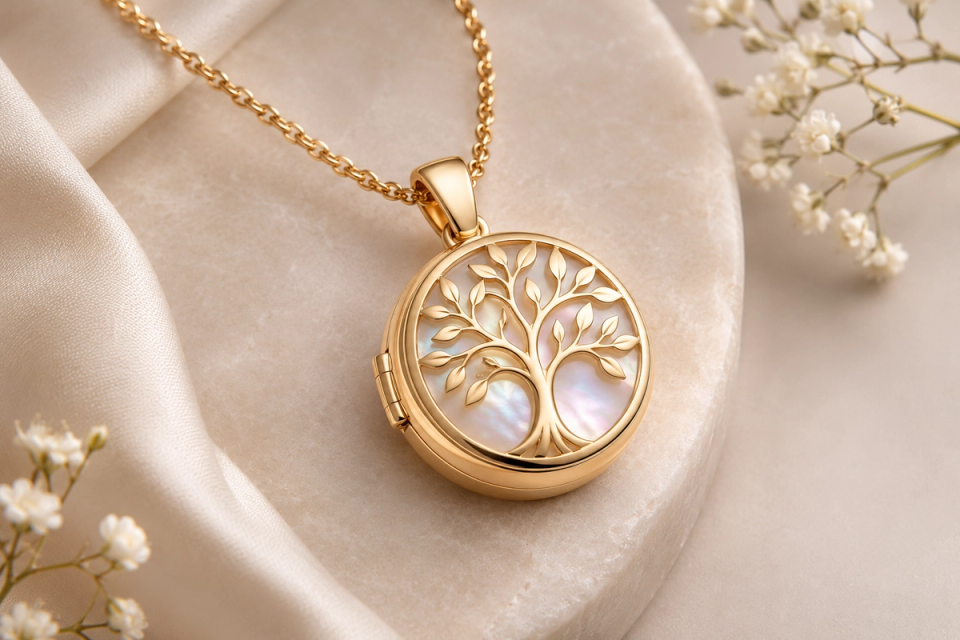
Use a clean soft dry cloth to remove ordinary fingerprints and dust, unless the model's instructions prescribe another method. Do not immerse an electronic locket in a jewellery cleaning solution or put it into an ultrasonic cleaner without explicit approval for that device. A plated surface and a screen may be damaged by abrasives, solvents or aggressive polishing. Apply perfume and cosmetic products before putting on jewellery to reduce direct exposure. Avoid scraping the edges of the screen or the hinge with tools. If dirt appears inside the mechanism, ask the manufacturer how to handle it rather than prying it apart.
Storage and charging
Keep the pendant in a dry place, away from sharp objects that could scratch it and away from locations where it might be crushed. Store the chain so it does not become tangled around other pieces. Inspect the charging contacts and the compatible cable before connecting them. Do not charge a device that is wet or has suspected liquid ingress; follow the manufacturer's instructions for handling moisture exposure. The Smart Locket Battery Life and Charging Guide explains why connector compatibility and normal charging behaviour are important. Avoid trying to dry electronic jewellery with a hairdryer or excessive heat, which could create additional damage.
If the necklace gets wet
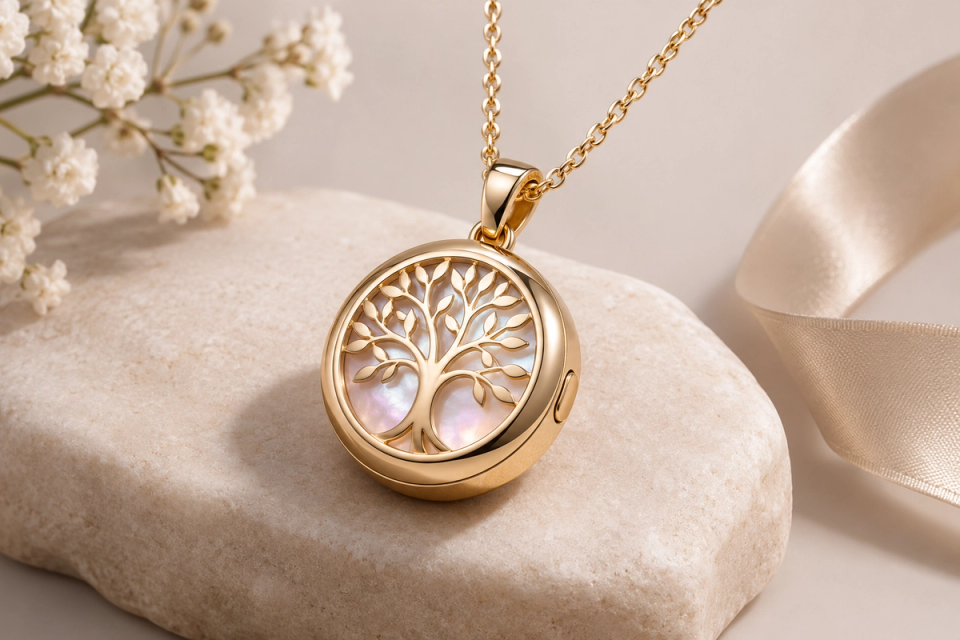
Remove it from further exposure and follow the model-specific care instructions. Do not immediately connect the charger to check whether it still works. If it behaves abnormally or you suspect water has entered the electronics, discontinue use and contact the manufacturer. Record what happened and whether the device had been exposed to fresh water, a cleaning product or salt water. Do not dismantle it yourself, as that can damage the device and affect warranty eligibility. If it stops communicating after it has been checked and is safe to use, the Smart Locket Not Connecting: Bluetooth and App Troubleshooting covers how to distinguish a connection issue from other faults.
Buy for the conditions in which it will actually be worn
Consider the recipient's job, hobbies and daily routine before selecting a digital necklace. Someone who works in wet conditions or wants jewellery for swimming should seek a device with a documented rating appropriate to that activity or choose a separate non-electronic piece. A wearer who uses the pendant occasionally in dry conditions may find the maintenance straightforward. Confirm the finish, clasp and care recommendations for the exact version rather than treating an attractive editorial picture as evidence of durability. Keep a backup of the memory so a damaged pendant cannot become the only inaccessible copy of a meaningful image. For other electronic necklace families, see our connected necklace care guide rather than assuming all devices share a rating.
Frequently asked questions
Can I shower while wearing it?
Only if the exact manufacturer guidance supports that activity; otherwise remove it.
Can I use a jewellery cleaning bath?
Avoid immersion or ultrasonic cleaning unless explicitly authorised for the exact electronic model.
Sources
Smart Lockets Library
Complete guide
Main guides
- Totwoo Tree of Life AI Smart Locket: Features, Benefits and Limitations
- How Smart Lockets Work: Photos, Videos and AI Memories
- Smart Lockets as Meaningful Personalised Gifts
- Smart Locket Setup, Maintenance and Troubleshooting
Supporting guides
- Smart Lockets vs Traditional Photo Lockets
- Totwoo Smart Locket: Gold vs Silver
- Digital Photo Lockets vs Heartbeat Necklaces
- How AI Moving Memories Bring Photos to Life
- How to Upload Photos and Videos to a Smart Locket
- Do Smart Lockets Work Without Internet?
- Smart Locket Privacy and Personal Photo Security
- Smart Lockets for Long-Distance Relationships
- Smart Lockets for Mothers and Grandmothers
- Smart Memorial Lockets for Remembering Loved Ones
- Smart Lockets for Remembering Pets
- Smart Locket Battery Life and Charging Guide
- Smart Locket Not Connecting: Bluetooth and App Troubleshooting