Do I need to replace both bracelets when one breaks?
Replace only the component that actually needs attention when a supported repair or accessory is available. Replace the whole wearable when the module is unsafe, irreparable or no longer suitable.
Separate failure from normal wear
A connected bracelet can lose its attractive appearance without losing its function. A faded band, minor surface mark or change in preferred style may be a cosmetic concern rather than a reason to discard the electronics. Conversely, an enclosure that is cracked or a clasp that no longer retains the module can be a serious problem even when the device still connects to its phone.
The touch bracelet lifespan guide describes maintenance across the different parts of the wearable. Begin a replacement decision by identifying the actual issue. Is the device unable to receive touches, failing to charge, uncomfortable to wear or mechanically damaged? These questions lead to different next steps.
If the device has unusual heat, swelling, exposed electronics or a damaged housing, discontinue use and seek the manufacturer's advice. Do not keep charging or wearing an unsafe-looking module while deciding whether a new model is worth the cost. The immediate priority is to avoid further damage or electrical risk.
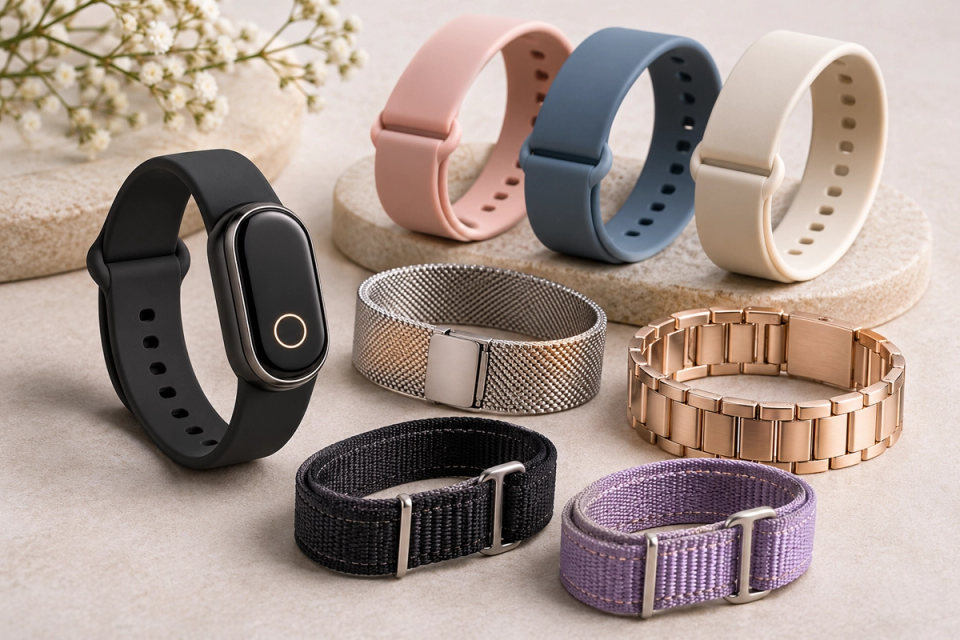
Consider an accessory first when appropriate
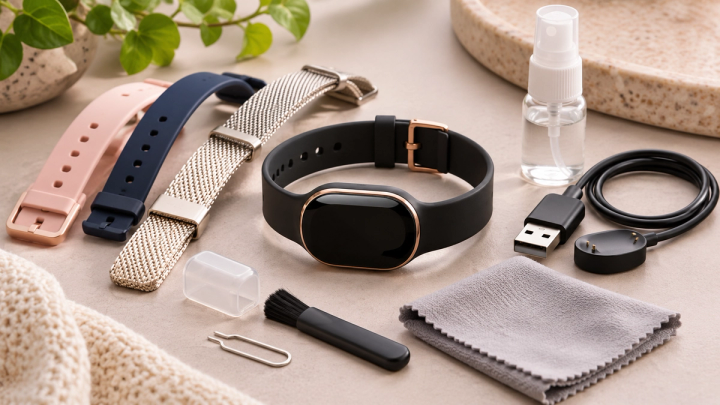
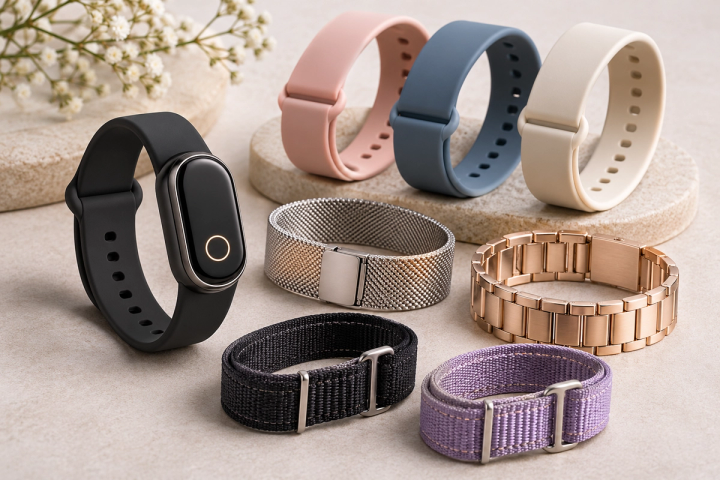
A compatible replacement band can restore a worn or unsuitable strap while retaining a functioning electronic module. Bond Touch's fourth-generation range includes dedicated bands, and certain Totwoo Candy designs have detachable accessories. Check the exact model and retention arrangement before ordering. If the module's own attachment point is damaged, a replacement band may not solve the problem.
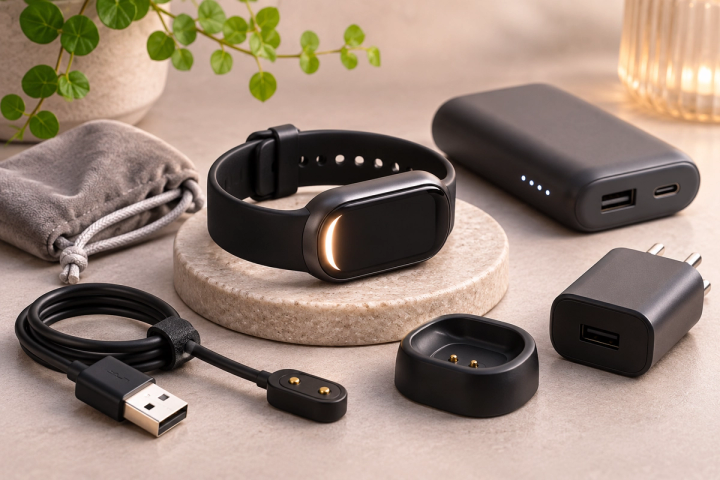
A lost or damaged charger is another case in which a dedicated accessory may be sufficient. Distinguish the wearable-side charging connector from the separate USB source. Check whether the charging issue actually follows the accessory before buying several replacements. A compatible new charger cannot guarantee that an ageing or damaged module will recover.
Keep the purchase information and consult the merchant's applicable repair, return or warranty process. A component that fails during ordinary use may have a supported remedy depending on the circumstances. Do not assume coverage or eligibility without checking the actual terms.
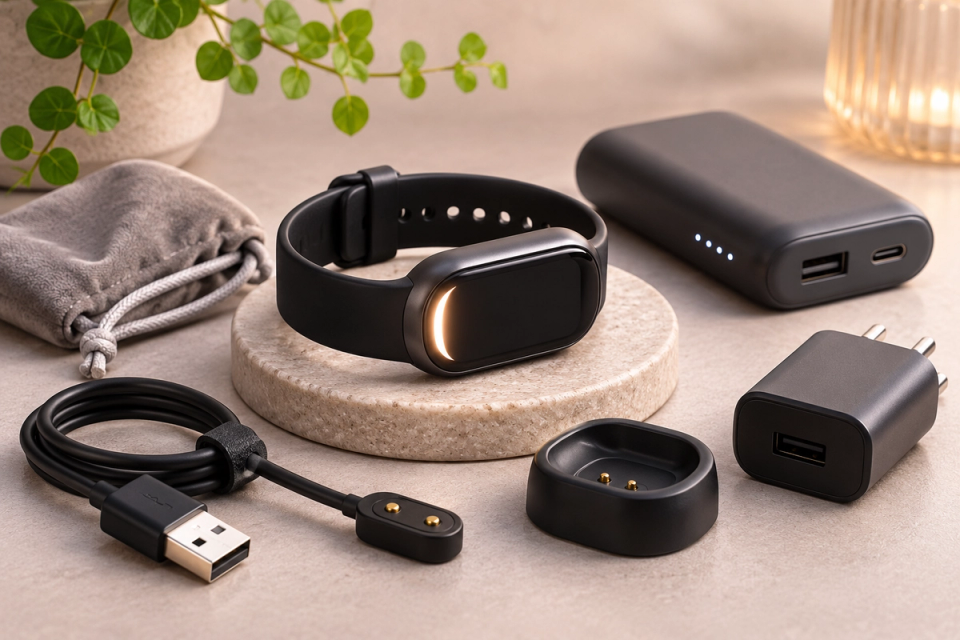
Investigate connectivity and battery symptoms
A missed touch is not necessarily a hardware defect. The sender's phone, local Bluetooth connection, internet service, recipient's account and receiving wearable all form part of the interaction. The troubleshooting and compatibility guide provides a diagnostic approach for identifying the failing stage. Buying another bracelet may not resolve a phone permission or account issue.
If the battery runtime appears shorter, compare similar use conditions and verify the normal charging behaviour. Record what you observe and consult support if the change is substantial and repeated. Do not open a sealed module to replace its battery without an approved service procedure. Ask whether the manufacturer offers an appropriate service or replacement.
A new phone or app version may also affect an old wearable. Check current compatibility and the support options before interpreting a software issue as irreparable hardware failure.
Replace one wearable or both?
If only one participant's device requires replacement, find out whether a compatible single device is available. The other participant may be able to keep their existing bracelet. Check the model generations, account relationship and intended touch features before ordering. The ability to connect two generations does not necessarily mean they share identical functionality.
If a service or feature is no longer suitable for your needs, compare the cost and practical benefits of continuing with existing hardware against changing to another system. A different brand may require replacing more than one device because its service and wearable arrangement are separate. Do not assume that cross-brand communication is supported.
Retain the original account access and follow the appropriate transfer or pairing instructions for a replacement device. Do not delete the existing relationship unnecessarily. Test the new configuration in both directions before relying on its ordinary use.
Make a proportionate decision
A new wearable may be justified when the existing module is unsafe, cannot be repaired through an appropriate route, or no longer supports the desired use. A compatible accessory is often more proportionate when the working electronics are sound. If the device is simply no longer wanted, consider retiring it rather than replacing it out of habit.
For model comparisons, the Left Unsaid touch bracelet buying guide provides context about different connected designs. Follow local electronic-waste and battery collection guidance when disposing of an unusable device, and use the manufacturer's account or device removal instructions when appropriate. Keep ordinary contact methods available regardless of your decision. The relationship is not dependent on retaining a particular piece of electronic jewellery.
We may earn a commission through affiliate links. These examples are based on published specifications, not hands-on testing. Check current availability, exact contents and compatibility before buying.
Replacement options to consider only if needed

Bond Touch Mini Module - Black
Replacement Mini electronic module; band and chain are sold separately.
Check price at Bond Touch
Bond Touch 4 - Black
One complete fourth-generation bracelet; confirm current colour, quantity and compatible partner.
Check price at Bond Touch
Soulmate Single Touch Bracelet (Silver Cuban Chain)
One bracelet, not a set. Verify partner-device compatibility.
Check price at TotwooFrequently asked questions
Do I need to replace both bracelets when one breaks?
Not automatically. Confirm whether a compatible individual wearable is available and whether the other device can remain in use.
Should I replace a bracelet because it looks scratched?
Minor cosmetic wear alone may not justify replacement. Damage to the housing, fastening or electronics needs a different assessment.
Manufacturer guidance and further information
Accessories & Maintenance Library
Complete guide
Main guides
- Touch Bracelet Replacement Straps and Bands
- Touch Bracelet Chargers and Charging Accessories
- How to Clean and Care for Touch Bracelets
- How to Extend the Lifespan of Touch Bracelets
Supporting guides
- Silicone vs Metal vs Fabric Touch Bracelet Bands
- How to Change a Bond Touch Bracelet Band
- Can You Replace a Totwoo Bracelet Strap?
- Touch Bracelet Strap Compatibility Guide
- Bond Touch Replacement Chargers and Cables
- Totwoo Replacement Chargers and Cables
- Can You Charge Touch Bracelets with a Power Bank?
- How to Clean a Bond Touch Bracelet
- How to Clean Totwoo Jewellery
- How to Protect Touch Bracelets from Sweat and Moisture
- How to Store Touch Bracelets When Not in Use
- How to Extend Touch Bracelet Battery Health
- How to Protect Touch Bracelets from Scratches and Damage