How long should a touch bracelet last?
Extend useful life by protecting the electronic module, maintaining replaceable accessories and following model-specific charging and storage instructions.
Think in terms of useful service life
A connected bracelet may stop being useful for several different reasons. Its strap can wear out, the charger can fail, the battery can lose capacity or the phone application may no longer support the desired configuration. Some of these problems can be resolved without replacing the whole wearable. Others require manufacturer assistance or a different device. There is no single guaranteed lifespan for every model or every wearer.
The complete accessories and maintenance guide covers the basic parts of a connected wearable. When you first buy one, keep the exact model information, charger details and account recovery method accessible. This becomes particularly helpful when you need an accessory long after the original purchase. Knowing whether a replacement module is compatible with the other wearer's existing bracelet may save both people from replacing functioning equipment unnecessarily.
Keep a record of changes in normal use rather than relying on how old the device feels. A gradual shortening of battery runtime, a worn band and an intermittent app connection should be evaluated separately.
Store it correctly between periods of use
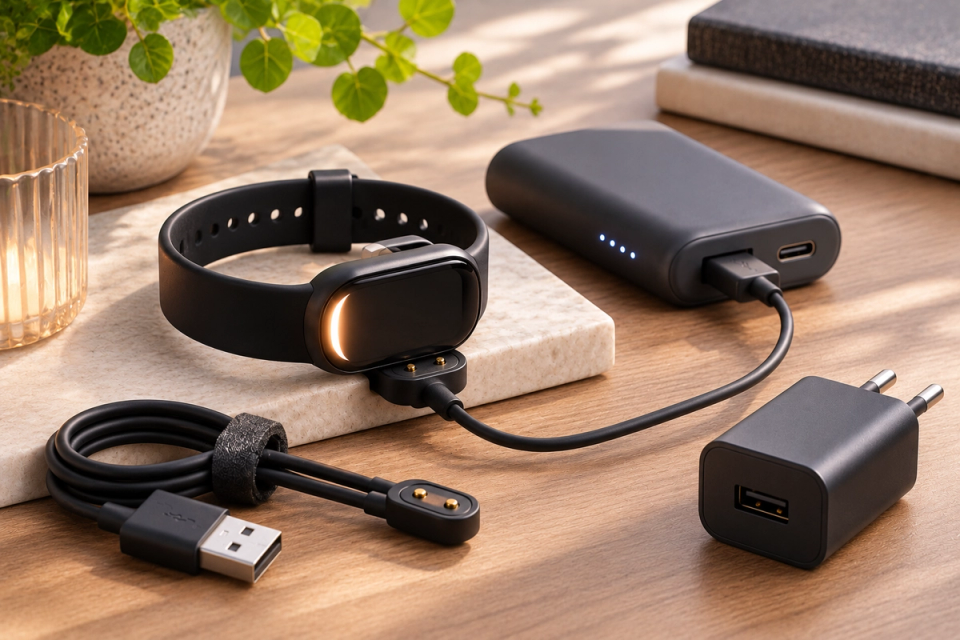
Not everyone wears a touch bracelet every day. Couples who live together for part of the year, friends travelling abroad or relatives who use the device occasionally may leave it unused for weeks. The storage guide discusses keeping jewellery in a suitable dry place, protecting the electronic housing and following the manufacturer's storage charging instructions.
Totwoo advises periodic charging even during non-use in its general jewellery care guidance. Check the applicable instruction for the exact device. Do not assume that a completely depleted rechargeable wearable can be left indefinitely without affecting future operation. Conversely, do not leave it permanently connected to the charger simply because you are concerned about battery health.
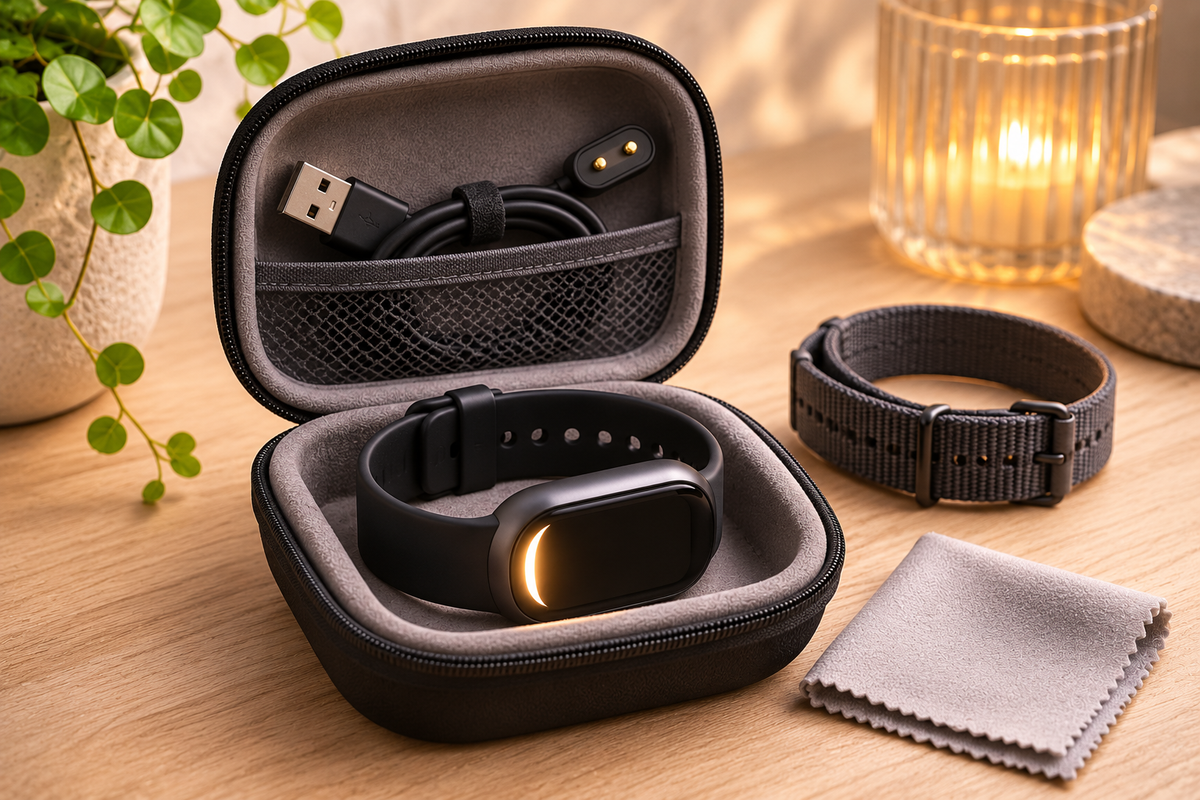
Keep the accessory and wearable together in a protected compartment. Avoid tightly wrapping a cable around the module or storing it against hard jewellery and keys. If there are multiple similar devices in the household, label their charging accessories so that they are not confused later.
Protect battery health without inventing charging rules
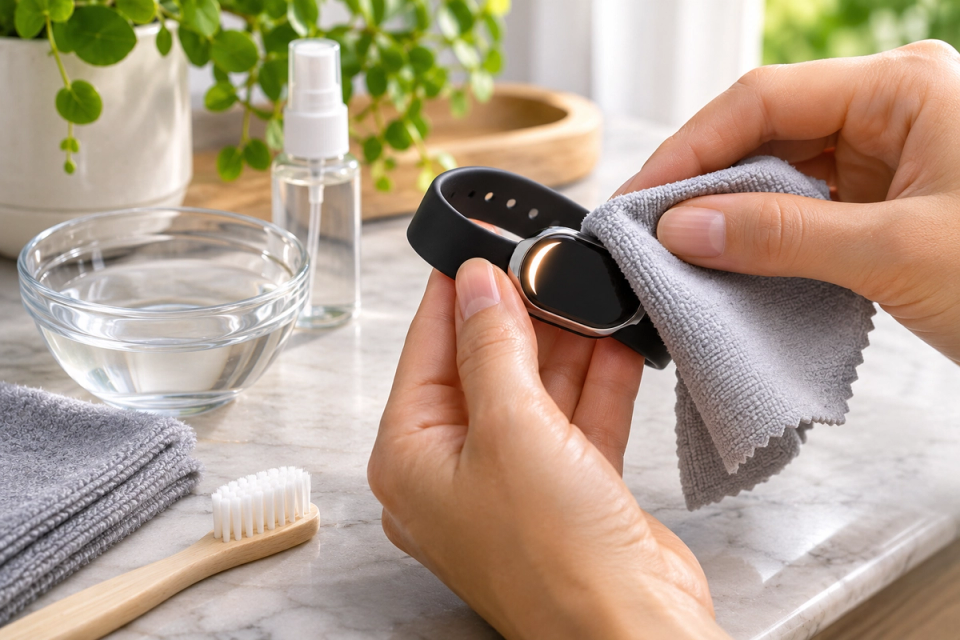
The battery health guide distinguishes the duration of a single charge from the longer-term condition of the rechargeable battery. Advertised runtime is usually a model-specific estimate under particular conditions. A busy day with many interactions may not be comparable to a day of occasional use. Record charging and use patterns if you suspect a change in battery behaviour.
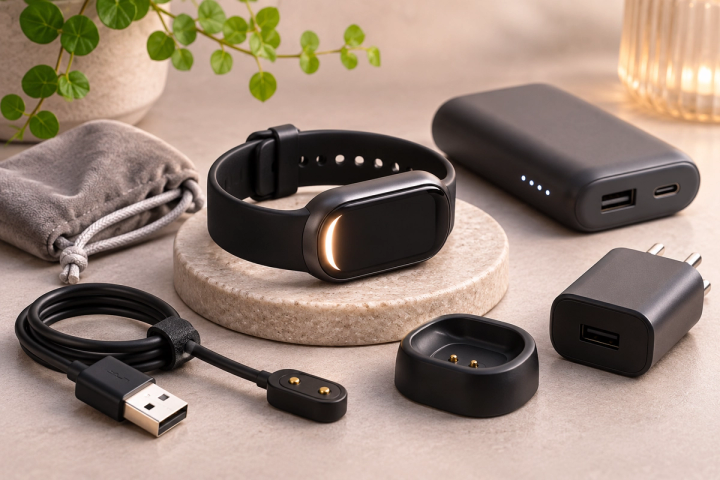
Use the correct charger and appropriate power source. Avoid temperature extremes and follow any storage charging interval given by the manufacturer. Do not impose an arbitrary charging percentage routine if the device has no practical way to show or control that percentage. There is no basis for promising that a particular habit will double the lifespan of an unspecified bracelet.
If runtime becomes substantially shorter under comparable conditions, check the documented troubleshooting path. Do not open the sealed electronics or install an unapproved battery. A manufacturer may offer a service or replacement route depending on the exact product and purchase circumstances.
Prevent everyday mechanical damage
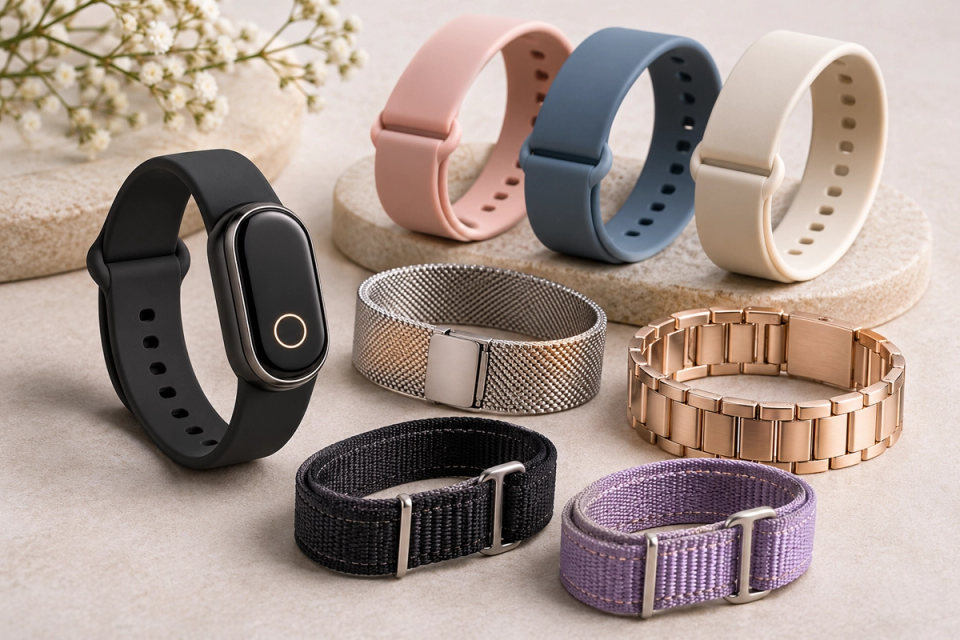
The scratch and damage protection guide explores how to avoid repeated impact and rubbing. Consider removing a connected bracelet during work with hard surfaces or when wearing it could catch on equipment. Store it separately from objects that could scratch its face or put pressure on its housing. Check that the fastening still holds securely and that a removable band is correctly seated.
Avoid treating scratches as a reason to polish away the surface of an electronic face. Coatings and finishes may be damaged by an abrasive treatment, even if a conventional piece of jewellery could tolerate it. A superficial mark and a crack in the housing are different conditions. If damage exposes the electronics or makes the device unusually hot, stop using it and seek appropriate advice.
Replace the correct component when necessary
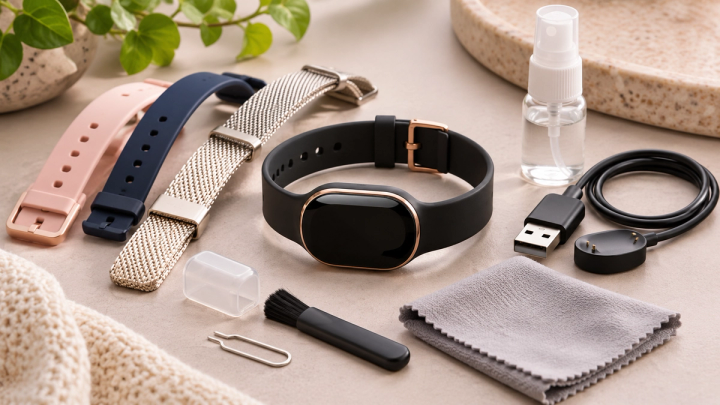
The replacement decision guide covers identifying whether the accessory or the electronic module actually needs replacement. A damaged band can be a relatively modest repair when the module remains sound. A confirmed charger fault does not establish that both people need new bracelets. Check the exact replacement and compatibility before buying.
The Bond Touch generation comparison and Left Unsaid comparison of connected bracelets provide context if you are considering a new device rather than an accessory. Keep ordinary communication available regardless of the wearable's condition. An occasional break from using the bracelet can be perfectly appropriate, and useful service life should be measured by whether the device continues to fit the wearer's routine.
Frequently asked questions
How long should a touch bracelet last?
There is no universal guaranteed service life. Battery use, handling, model support and replaceable components all matter.
Can I extend lifespan by replacing the band?
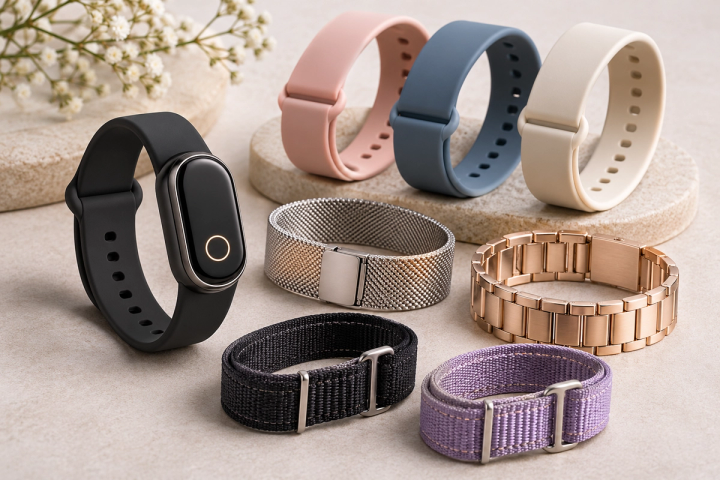
A compatible band can extend the useful life of an otherwise functioning wearable, but it does not restore an ageing battery.
Manufacturer guidance and further information
Accessories & Maintenance Library
Complete guide
Main guides
- Touch Bracelet Replacement Straps and Bands
- Touch Bracelet Chargers and Charging Accessories
- How to Clean and Care for Touch Bracelets
Supporting guides
- Silicone vs Metal vs Fabric Touch Bracelet Bands
- How to Change a Bond Touch Bracelet Band
- Can You Replace a Totwoo Bracelet Strap?
- Touch Bracelet Strap Compatibility Guide
- Bond Touch Replacement Chargers and Cables
- Totwoo Replacement Chargers and Cables
- Can You Charge Touch Bracelets with a Power Bank?
- How to Clean a Bond Touch Bracelet
- How to Clean Totwoo Jewellery
- How to Protect Touch Bracelets from Sweat and Moisture
- How to Store Touch Bracelets When Not in Use
- How to Extend Touch Bracelet Battery Health
- How to Protect Touch Bracelets from Scratches and Damage
- When Should You Replace Your Touch Bracelet?