Can I wash a touch bracelet under a tap?
Clean the electronics and removable jewellery components according to their separate manufacturer instructions. Avoid abrasives, harsh chemicals and charging while damp.
Start by identifying the surfaces
A touch bracelet can combine a glossy electronic face, flexible strap, metal clasp, decorative chain and small charging contacts. These surfaces do not all tolerate the same treatment. The fact that a traditional bracelet can be polished or washed does not mean a connected module can be cleaned the same way. Read the actual product care instructions before starting.
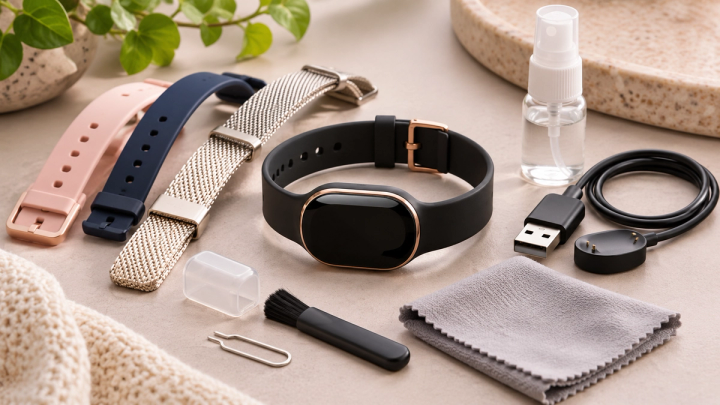
Our accessories and maintenance guide explains how to distinguish replaceable components from electronics. Remove the bracelet from the wrist and disconnect the charger before cleaning. Work on a clean, stable surface with a soft cloth so that loose parts do not roll onto the floor. If a band is removable according to its instructions, separating it can make cleaning easier without exposing the electronics to the band's cleaning method. Do not detach a component that is not designed to be removed.
Start with the least aggressive method that is appropriate for the material. Dust, fingerprints and ordinary residue do not usually justify an abrasive polish or specialist chemical treatment.
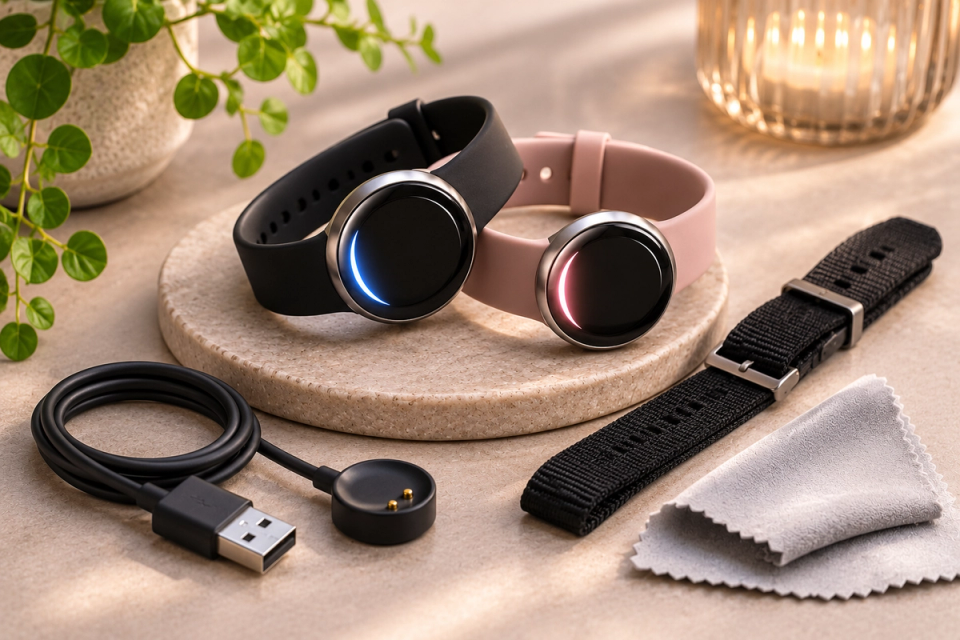
Follow the instructions for Bond Touch
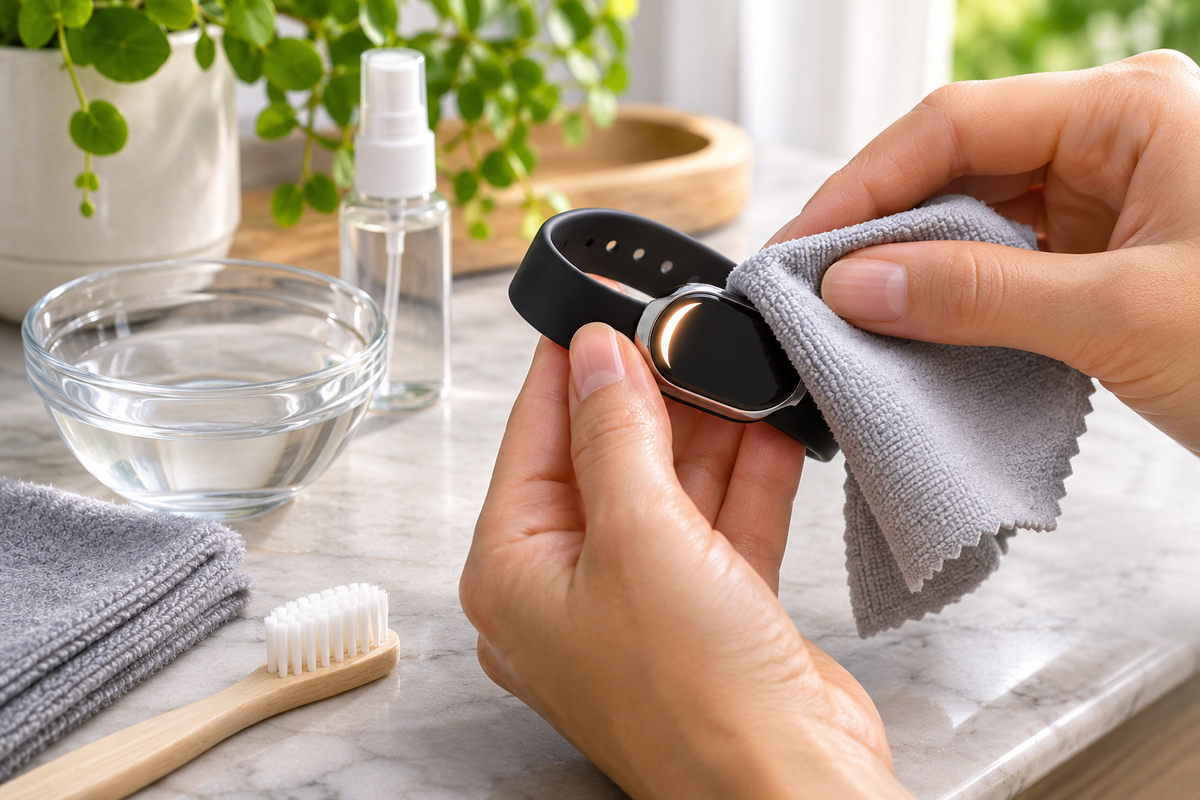
Bond Touch's official care guidance for its fourth-generation and Mini electronic modules specifies wiping with a soft slightly damp cloth and allowing complete drying. Its instructions for the appropriate removable silicone or sports bands allow neutral soap and water. These are distinct procedures. Do not apply a band-washing method to the assembled electronic module without checking the manufacturer's instructions.
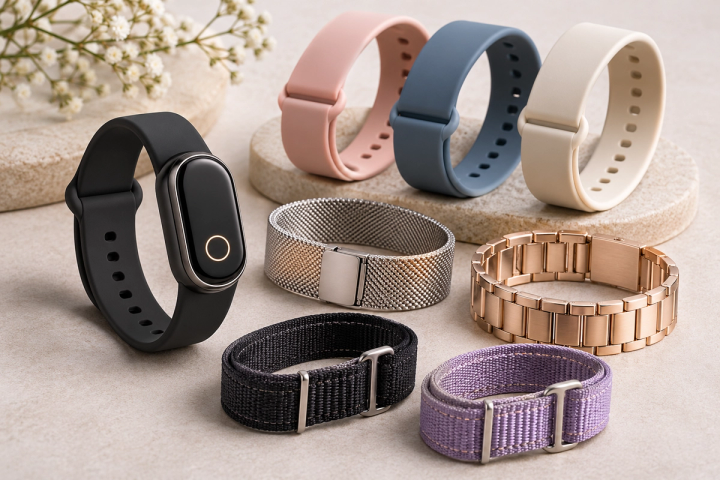
The Bond Touch cleaning guide distinguishes these operations and considers the Mini's compatible chains separately. When cleaning a removable band, pay attention to adjustment holes and areas in contact with the skin. Rinse permitted soap away before drying the band, because residue may be undesirable during subsequent wear. Avoid scouring pads, solvents and household cleaners. If the surface remains marked after gentle cleaning, investigate whether the mark is a scratch or finish damage rather than applying stronger chemicals.
For a metal accessory, confirm the applicable care guidance rather than inferring that all polished surfaces have the same finish or coating.
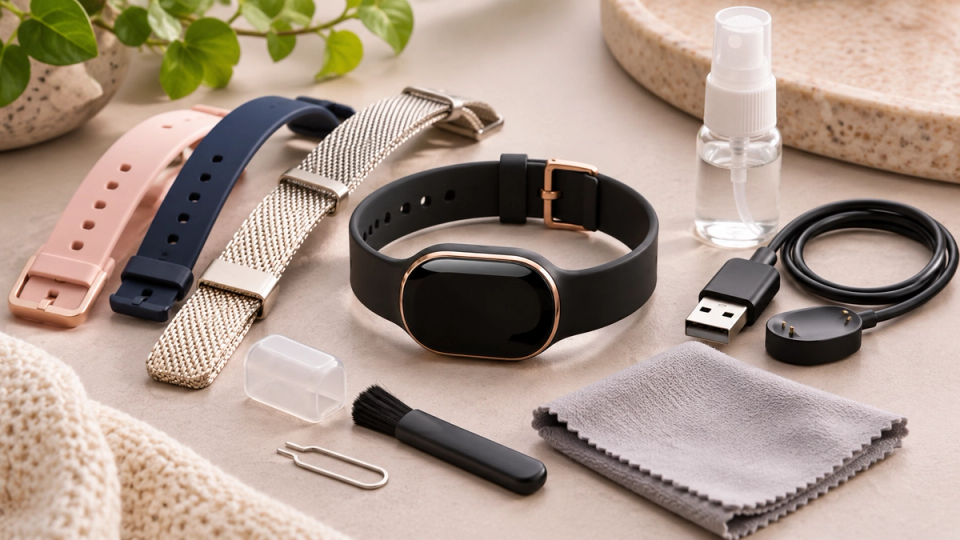
Follow Totwoo's jewellery care guidance
Totwoo's general care page recommends soft dry wiping for routine jewellery maintenance and a conservative approach to moisture around its electronic components. It discourages cleaning agents for general surface care. The Totwoo cleaning guide explains how to apply that advice to decorative bracelets and why the product-specific instructions take precedence if they differ.
Pay attention to the points where a chain, cord or clasp meets the electronic housing. Do not soak an assembled bracelet in a jewellery cleaning solution, put it in an ultrasonic cleaner or apply a polishing compound simply because the decorative metal appears tarnished. The electronics and surface finish may have different limitations. If the residue cannot be removed gently, ask the manufacturer whether a particular method is suitable.
Put perfume and other cosmetic products on before wearing the jewellery where possible. Avoid transferring wet chemicals directly to its finish. This is a more practical preventative measure than regularly attempting deep cleaning.
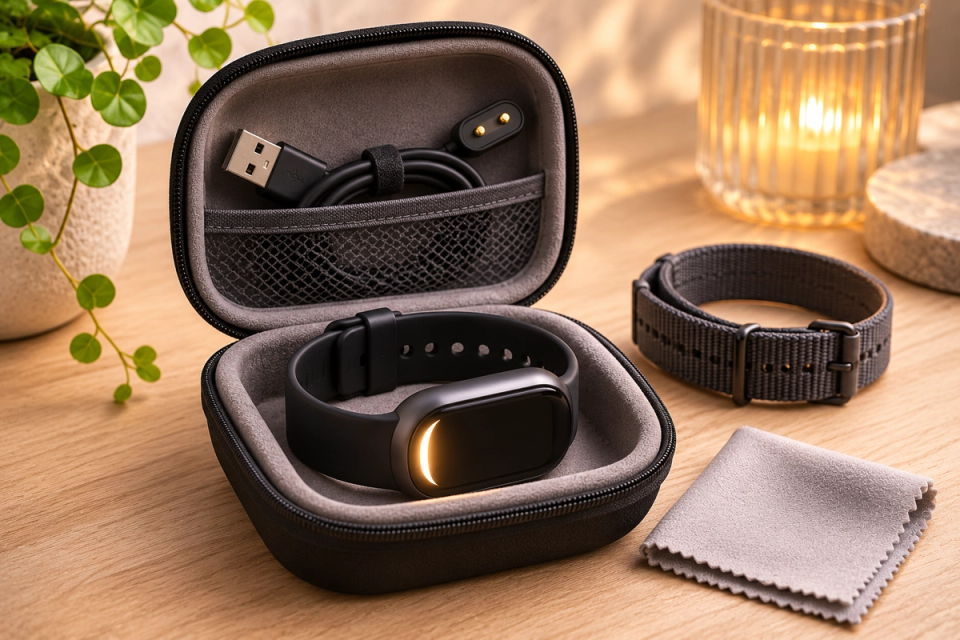
Manage moisture from ordinary wear
The sweat and moisture guide addresses exposure during exercise, hand washing, rain and humid environments. Check the exact module's water-resistance rating and the manufacturer's activity restrictions. A stated resistance rating is not a promise that every strap or coating tolerates all liquids or that damaged electronics remain protected.
After ordinary wear, inspect the surface and strap for moisture. Dry the device as directed before placing it on its charger. If the module has been immersed beyond its specified conditions or has signs of physical damage, do not assume that wiping the outside establishes it is safe to charge. Follow manufacturer support guidance before restoring the electrical connection.
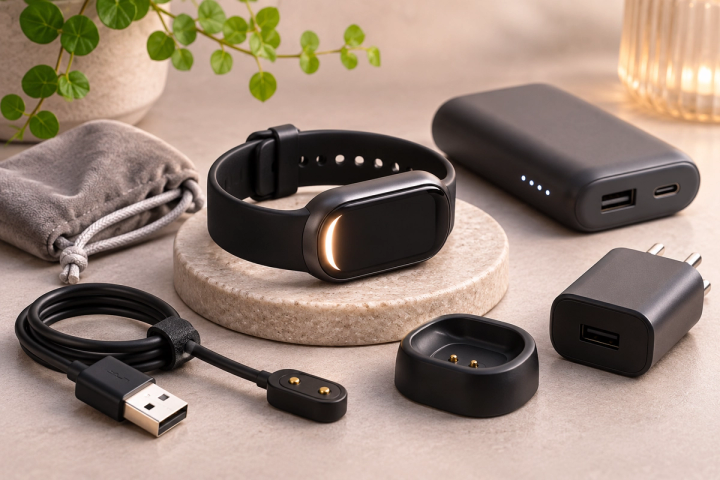
Use a suitable dry place for the charging arrangement rather than charging immediately next to a wet sink or shower. Keep cleaning cloths separate from charging accessories if they are still damp.
Check the actual model's permitted exposure using the water-resistance guide.
Make inspection part of the routine
Look at the clasp, band attachment and visible charging contacts periodically. A small split or loose connection may be easier to address before the wearable is lost. If the module has a cracked housing, unusual heat or swelling, discontinue use and obtain appropriate assistance. Do not open it to investigate the battery.
For context about normal wear and the role of the connected module, see the Left Unsaid Bond Touch 4 review. A brief gentle cleaning routine is preferable to infrequent aggressive treatment. The purpose is to keep the item pleasant to wear and identify obvious problems, not to make a used piece look factory-new at the cost of damaging its finish.
Frequently asked questions
Can I wash a touch bracelet under a tap?
Only use a method allowed for the exact component. A removable band's care instructions may not apply to the electronic module.
Can I charge it immediately after cleaning?
Wait until the relevant surfaces and charging contacts are completely dry.
Manufacturer guidance and further information
Accessories & Maintenance Library
Complete guide
Main guides
- Touch Bracelet Replacement Straps and Bands
- Touch Bracelet Chargers and Charging Accessories
- How to Extend the Lifespan of Touch Bracelets
Supporting guides
- Silicone vs Metal vs Fabric Touch Bracelet Bands
- How to Change a Bond Touch Bracelet Band
- Can You Replace a Totwoo Bracelet Strap?
- Touch Bracelet Strap Compatibility Guide
- Bond Touch Replacement Chargers and Cables
- Totwoo Replacement Chargers and Cables
- Can You Charge Touch Bracelets with a Power Bank?
- How to Clean a Bond Touch Bracelet
- How to Clean Totwoo Jewellery
- How to Protect Touch Bracelets from Sweat and Moisture
- How to Store Touch Bracelets When Not in Use
- How to Extend Touch Bracelet Battery Health
- How to Protect Touch Bracelets from Scratches and Damage
- When Should You Replace Your Touch Bracelet?