Do I need to unpair the bracelet before changing a band?
Identify the generation and use the manufacturer's accessory-fitting method. Never force a module into a band intended for another Bond Touch device.
Find the exact accessory before you begin
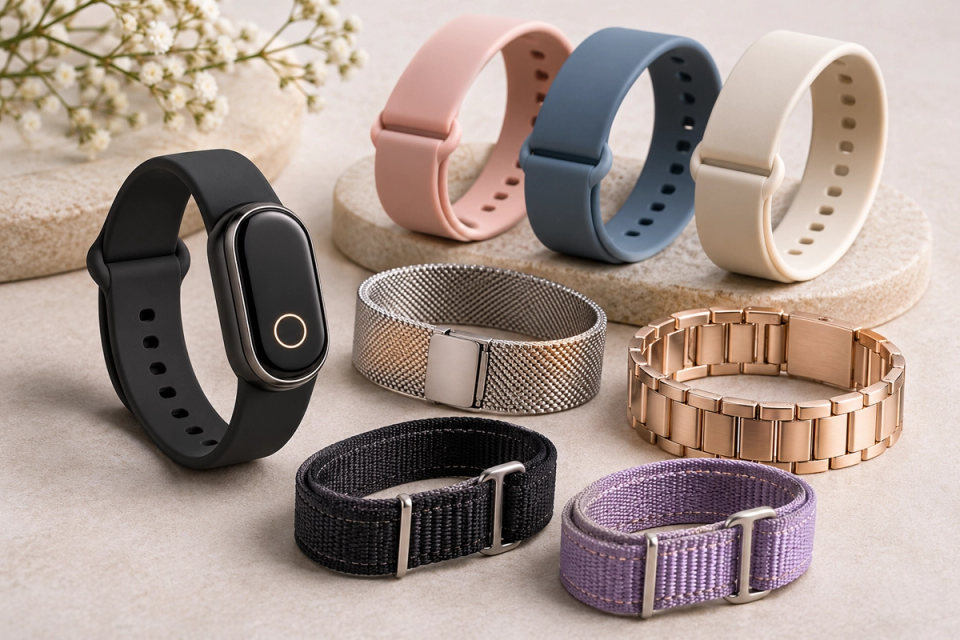
Changing the appearance of a working Bond Touch bracelet can be a sensible alternative to buying an entirely new connected device. The fourth-generation range includes dedicated replacement bands, and Mini accessories are identified separately. Check the original order details or model information to establish which module you own. A strap labelled only as suitable for a smart bracelet is not enough evidence of compatibility.
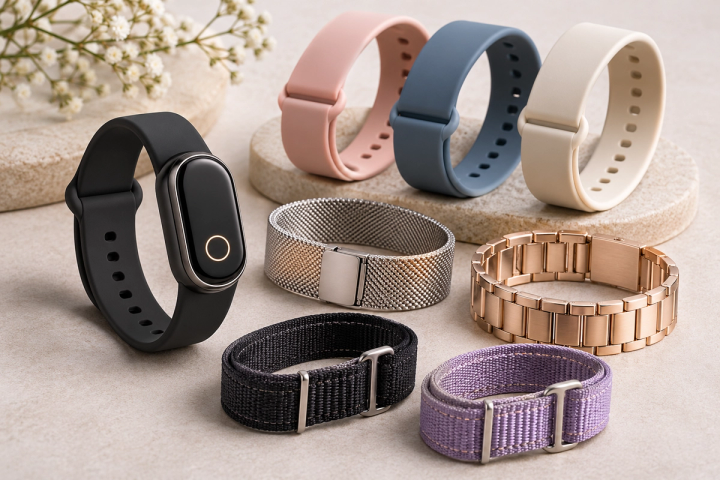
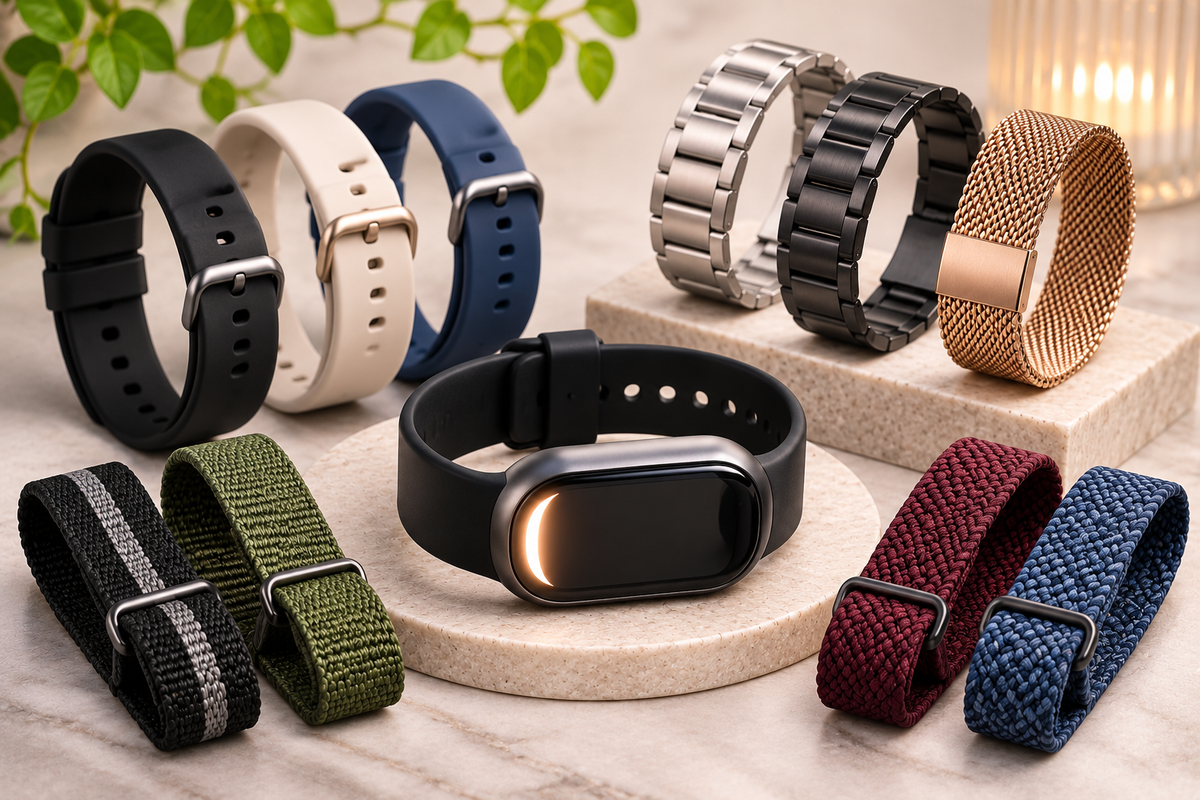
Our replacement bands guide explains the selection process before fitting. Check the accessory's stated generation, material, size and fastening. Some listings contain only the band, while others may depict an electronic module for illustration. If you are purchasing a band for an existing bracelet, establish that the module you intend to retain is not damaged and that the replacement actually includes the required retention components.
The Bond Touch 4 replacement band catalogue covers the available fourth-generation options. Use it to distinguish the accessories, not as a substitute for the fitting instructions supplied with the particular product.
Prepare a safe working area
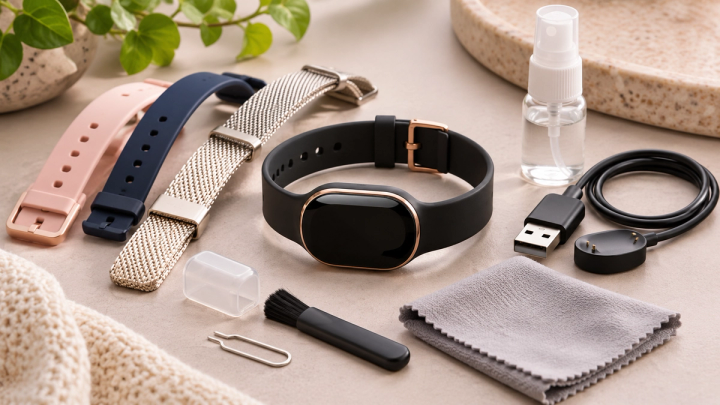
Take the bracelet off and disconnect it from its charger. Choose a stable table and lay down a clean soft cloth to protect the electronic face from scratches. Good lighting makes it easier to inspect the point where the band meets the module. Have the original band and new accessory available so you can compare their intended connection features.
Check the existing housing for cracks and look for damage around the retention area. If the module has been dropped or the band has previously come loose unexpectedly, do not assume the problem belongs only to the strap. The module may require inspection by the manufacturer. A cracked housing should not be concealed underneath a new band.
Avoid using a sharp watch repair tool just because you have one available. The accessory may use a proprietary fitting rather than a standard spring bar. Use only a tool or technique explicitly required by the instructions for that exact accessory.
Remove the old band using its instructions
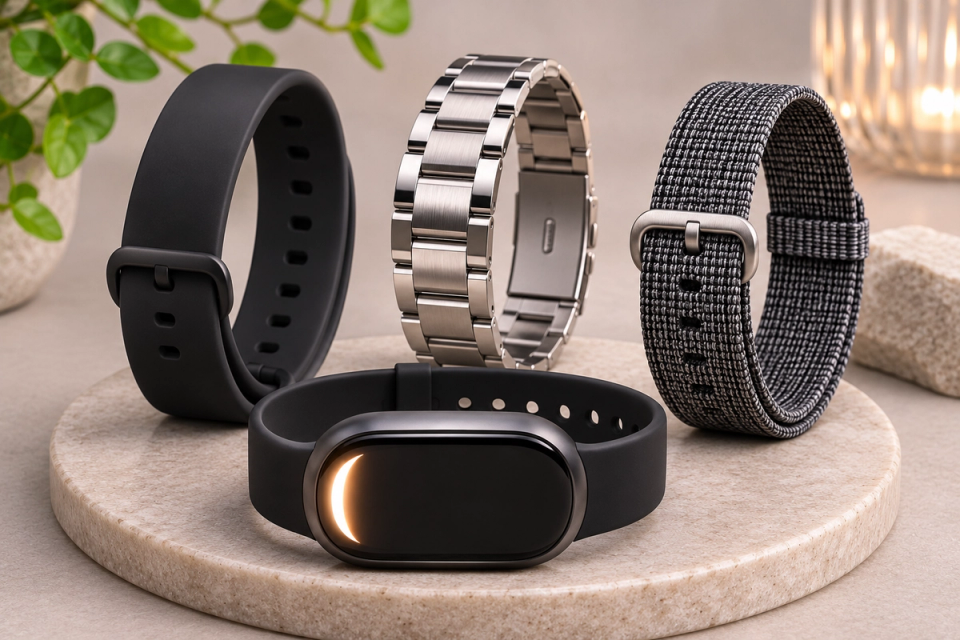
Look up the official installation or removal demonstration for your specific Bond Touch generation and accessory. The manufacturer's interchangeable design does not establish that every band releases in the same direction or with the same amount of pressure. Follow the demonstrated movement rather than trying to twist or pry the housing away from the band.
Support the module while releasing it so that it cannot fall onto the work surface. If the attachment does not release as the instructions describe, stop and check whether you identified the correct model. A damaged or deformed band can also make ordinary removal more difficult. Contact support if the method cannot be followed without unusual force.
Keep the removed band in a safe place until the new accessory has been checked. If its fastening and retention mechanism are still sound, it may serve as a useful spare. If it is visibly split, discard or retire it rather than storing it as though it remains dependable.
Fit and inspect the replacement
Orient the replacement according to its instructions and make sure the parts that are intended to retain the module are properly engaged. Check that the module sits evenly and that there is no visible gap or movement inconsistent with the manufacturer's design. Do not rely on glue, tape or makeshift wedges to compensate for an incorrect fit.
Fasten the bracelet around the wrist only after the attachment has been inspected. Choose a comfortable adjustment that does not pinch or require excessive pressure. Move your wrist gently over the soft work surface and observe whether the module remains secure. A secure-looking fastening is not a reason to continue if the housing moves unexpectedly.
If the new band has a metal clasp or different adjustment system, learn how it opens and closes before wearing it outdoors. If an accessory needs a link adjustment, follow its own guidance rather than bending the metal yourself.
Check the electronic operation
A band change normally addresses the physical wearable arrangement rather than the account relationship. Once the device is securely assembled, check that its expected touch response and connection are still working. If an error appears, confirm that you have not inadvertently obstructed an intended contact area or damaged the module during fitting.
The Left Unsaid Bond Touch 4 review describes the ordinary experience of the connected device. If a replacement band does not fit as documented, keep the purchase details and ask the seller about the applicable return or exchange options. Do not persist with an unsuitable attachment just because the colour looks good. Retaining a working electronic module safely is the primary purpose of the accessory.
We may earn a commission through affiliate links. These examples are based on published specifications, not hands-on testing. Check current availability, exact contents and compatibility before buying.
Relevant model-specific accessories

Bond Touch 4 Silicone Band - Foggy
Bond Touch 4-specific replacement band; bracelet electronics are sold separately.
Check price at Bond Touch
Bond Touch 4 TPU Band - Midnight
Bond Touch 4-specific replacement band; bracelet electronics are sold separately.
Check price at Bond Touch
Bond Touch 4 Metal Band - Silver
Bond Touch 4-specific replacement band; bracelet electronics are sold separately.
Check price at Bond Touch
Bond Touch Mini Sports Bands - Black
Mini-specific accessory, without an electronic module.
Check price at Bond TouchFrequently asked questions
Do I need to unpair the bracelet before changing a band?
A physical band change is distinct from app pairing. Check the exact accessory instructions; do not delete the relationship unnecessarily.
Can I use a standard watch strap?
Only if its compatibility with the actual module has been confirmed.
Manufacturer guidance and further information
Accessories & Maintenance Library
Complete guide
Main guides
- Touch Bracelet Replacement Straps and Bands
- Touch Bracelet Chargers and Charging Accessories
- How to Clean and Care for Touch Bracelets
- How to Extend the Lifespan of Touch Bracelets
Supporting guides
- Silicone vs Metal vs Fabric Touch Bracelet Bands
- Can You Replace a Totwoo Bracelet Strap?
- Touch Bracelet Strap Compatibility Guide
- Bond Touch Replacement Chargers and Cables
- Totwoo Replacement Chargers and Cables
- Can You Charge Touch Bracelets with a Power Bank?
- How to Clean a Bond Touch Bracelet
- How to Clean Totwoo Jewellery
- How to Protect Touch Bracelets from Sweat and Moisture
- How to Store Touch Bracelets When Not in Use
- How to Extend Touch Bracelet Battery Health
- How to Protect Touch Bracelets from Scratches and Damage
- When Should You Replace Your Touch Bracelet?