Can I polish scratches out of a touch bracelet face?
Protect the module and fastening from repeated abrasion, pressure and impacts. Do not rely on aggressive polishing or unverified protective accessories.
Identify the parts most exposed to damage
A connected bracelet has several vulnerable external areas. Its face may rub against hard surfaces, the strap can wear around an adjustment hole, and the clasp or module retention point can be subjected to repeated movement. A cosmetic mark on a decorative surface is not the same as a cracked electronic enclosure or a fastening that no longer closes reliably. Assess the type of wear before deciding whether it needs attention.
The touch bracelet lifespan guide explains how physical protection contributes to useful service life. Look at the bracelet in good light and identify whether the marks are on the replaceable accessory or on the electronic module itself. A new band may improve the condition of an exterior component, but it cannot restore a cracked housing.
When the bracelet is new, learn how the module is meant to sit and how the clasp closes. That makes it easier to recognise unusual movement later. Do not assume the electronics are securely retained just because the fastening around the wrist appears to be closed.
Choose activities in which wearing it makes sense
A bracelet can be exposed to repeated contact with desks, tools, fitness equipment and other hard surfaces. Consider whether removing it briefly during a particular activity would reduce avoidable wear. Follow any workplace or sporting rules that apply to jewellery. A touch signal is optional; there is no need to keep a wearable on the wrist when it could catch on equipment or interfere with a task.
Take care when wearing a connected bracelet beside a watch or metal jewellery. The neighbouring accessories may repeatedly strike or rub against the module. If the combination is inconvenient, move the bracelet to another wrist or wear it on different occasions rather than attempting to protect it with an unverified add-on.
Avoid carrying a bracelet loose in a pocket with keys or other hard objects. Use a separate soft compartment. Even when the exterior appearance is the main concern, mechanical protection can also help preserve the attachment and housing.
Use suitable storage and cleaning
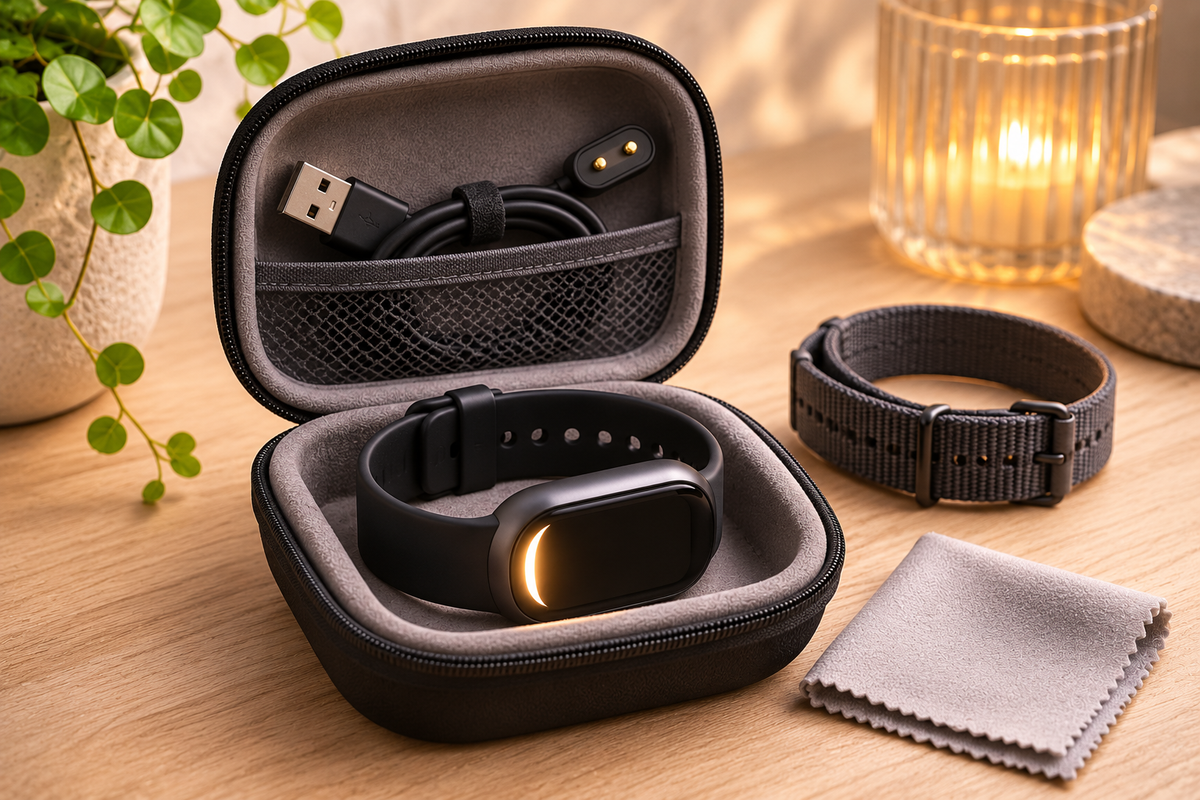
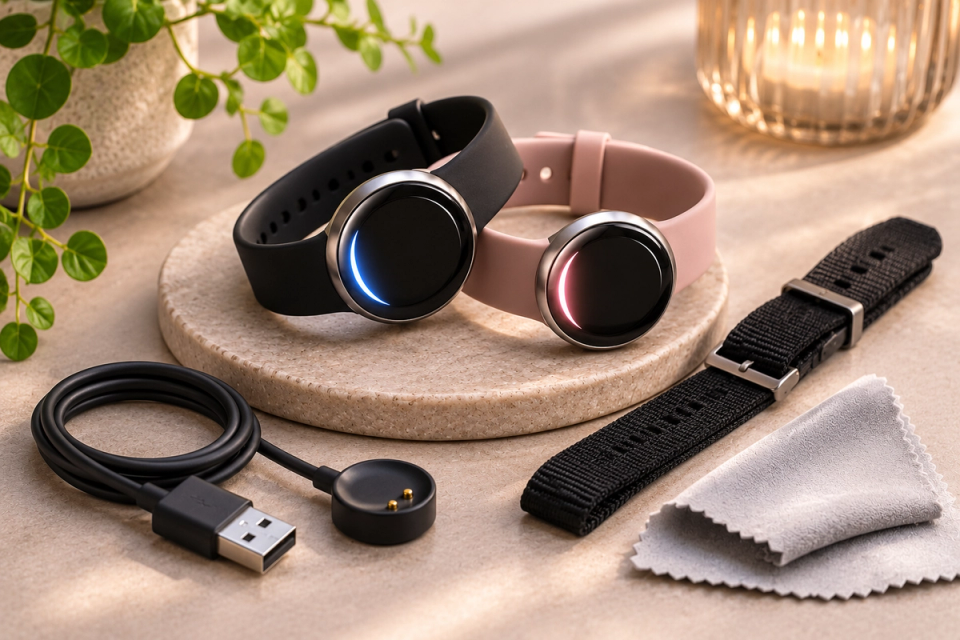
Place the wearable on a soft surface when removing it, particularly when handling a detachable module. Keep spare parts from rolling onto a hard floor. A pouch or compartment can reduce repeated contact with other jewellery when the device is not in use.
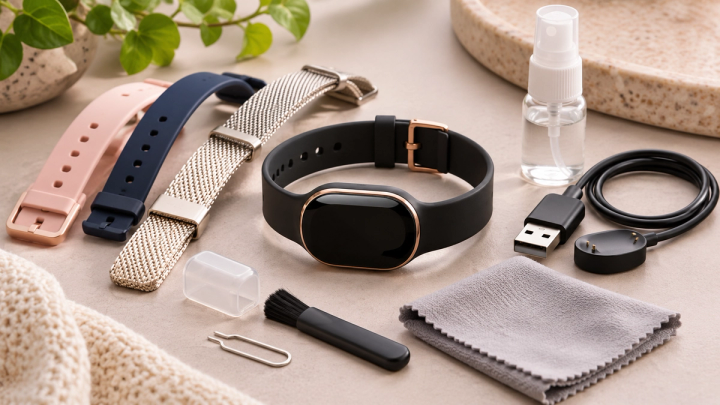
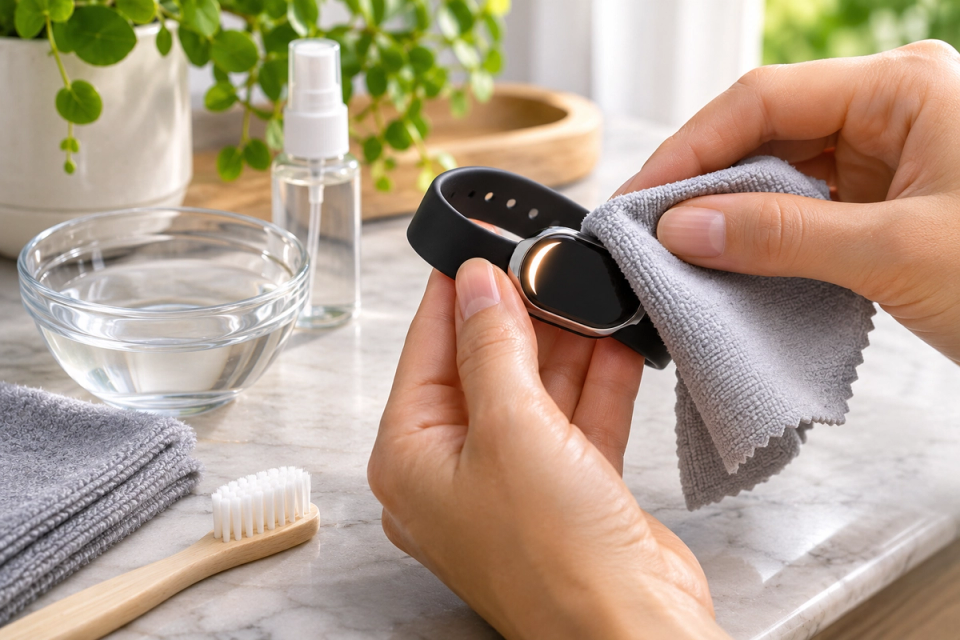
Clean only according to the exact model's instructions. A hard brush or polishing compound may create new marks or affect an unknown finish. If a visible mark remains after an approved gentle cleaning procedure, it may be a scratch rather than removable dirt. Do not continue removing material to try to return the surface to its original appearance.
Protective cases or films should also be evaluated for actual compatibility. A generic screen protector may interfere with the intended touch surface, fit or charging arrangement. Do not assume accessories for conventional watches are suitable for a proprietary connected module. Confirm the manufacturer permits the intended accessory before attaching it.
Inspect the fastening regularly
The most serious risk of a worn band is sometimes loss of the module rather than appearance. Look for splitting, looseness, fraying or damage near the fastening and retention point. If a band appears to have stretched so the electronics no longer sit securely, retire it until you can establish a suitable replacement.
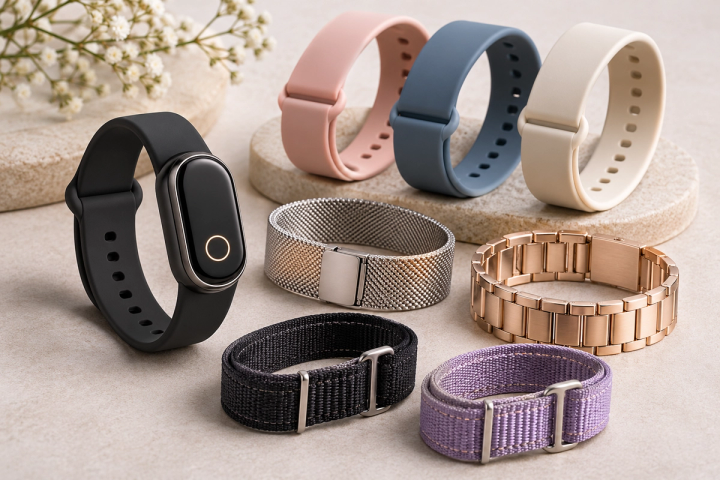
For Bond Touch 4 and other intentionally interchangeable designs, consult the appropriate accessory-fitting instructions. The Bond Touch replacement band guide describes the dedicated range. Do not attempt to repair a structural attachment with tape, glue or makeshift wedges. A compatible new band may be a practical purchase if the module remains sound.
Decorative jewellery with integrated electronics requires a different assessment. Explain the presence of the battery and module if asking a jeweller or manufacturer about a repair. Ordinary heat-based or chemical treatments may not be appropriate.
Know when cosmetic wear becomes a safety issue
A superficial scratch can be an ordinary sign of use, but a crack, exposed electronic component, swelling or unusual heat requires a different response. Discontinue use and contact the manufacturer if the housing appears damaged or the device shows concerning electrical behaviour. Do not charge a damaged module simply because the touch function still appears to work.
The Left Unsaid Bond Touch 4 review provides context for normal wearing habits. Preserve a connected bracelet with straightforward precautions: remove it when the activity makes wearing it unsuitable, store it separately and inspect the points that hold the module. A device does not need to look brand new to remain a meaningful and useful accessory, provided it continues to be safe and suitable to wear.
Frequently asked questions
Can I polish scratches out of a touch bracelet face?
Do not use abrasive treatment on an unknown finish or electronic surface. Consult the exact manufacturer's care guidance.
Do protective films fit every touch bracelet?
No. Verify that a film or case is intended for the model and does not interfere with its operation or fit.
Manufacturer guidance and further information
Accessories & Maintenance Library
Complete guide
Main guides
- Touch Bracelet Replacement Straps and Bands
- Touch Bracelet Chargers and Charging Accessories
- How to Clean and Care for Touch Bracelets
- How to Extend the Lifespan of Touch Bracelets
Supporting guides
- Silicone vs Metal vs Fabric Touch Bracelet Bands
- How to Change a Bond Touch Bracelet Band
- Can You Replace a Totwoo Bracelet Strap?
- Touch Bracelet Strap Compatibility Guide
- Bond Touch Replacement Chargers and Cables
- Totwoo Replacement Chargers and Cables
- Can You Charge Touch Bracelets with a Power Bank?
- How to Clean a Bond Touch Bracelet
- How to Clean Totwoo Jewellery
- How to Protect Touch Bracelets from Sweat and Moisture
- How to Store Touch Bracelets When Not in Use
- How to Extend Touch Bracelet Battery Health
- When Should You Replace Your Touch Bracelet?