Does frequent charging automatically destroy a touch bracelet battery?
Use the correct charger, avoid unnecessary temperature extremes, and follow the maker's storage guidance. Battery health is different from the runtime of one charge.
Distinguish battery health from daily runtime
Battery runtime describes how long a wearable operates after a particular charge. Battery health concerns its longer-term ability to retain useful capacity. A bracelet receiving many signals, operating under different phone conditions or being used more frequently may run down sooner than it did on a quiet day without necessarily having a defective battery. Compare similar conditions before interpreting a change.
The touch bracelet lifespan guide places battery care alongside the physical condition and software support of the device. For daily runtime expectations, use the battery life and charging guide. The present article focuses on practical habits for long-term ownership rather than promising a specific number of additional years.
Start by recording the model, approximate age and ordinary charging routine. A manufacturer's advertised estimate may be useful as context, but it does not establish a guaranteed runtime for every person's pattern of use. An app battery indication may also be stale when the wearable is disconnected.
Use the approved charging arrangement
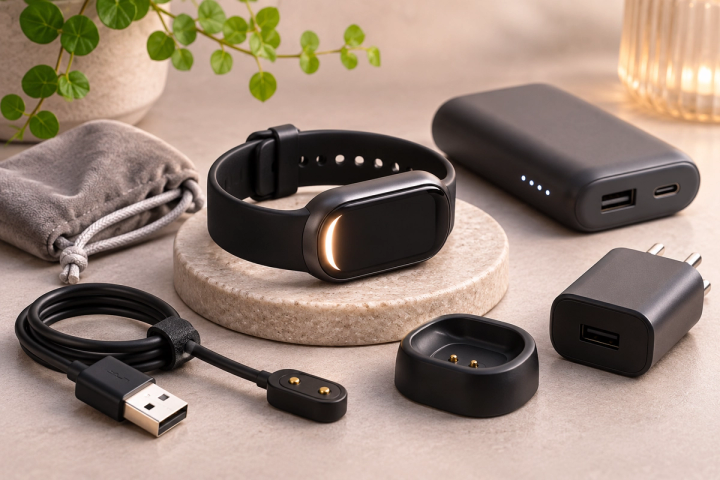
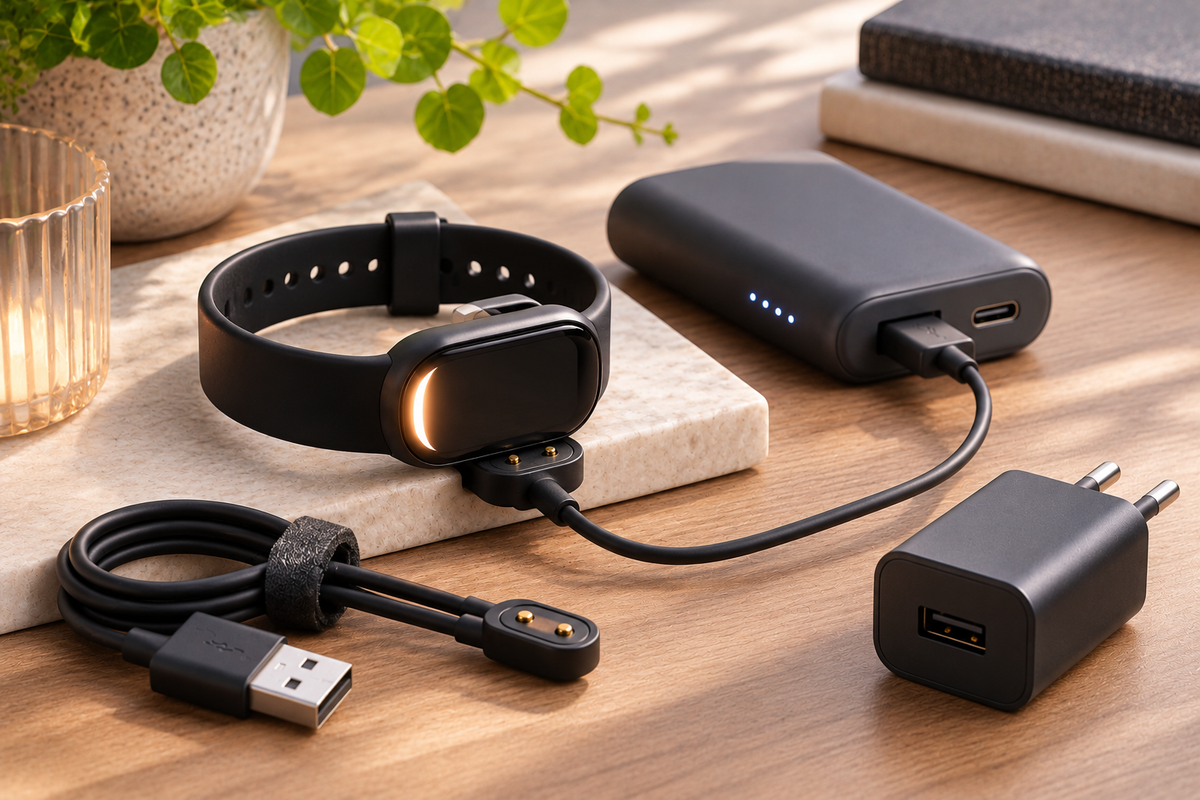
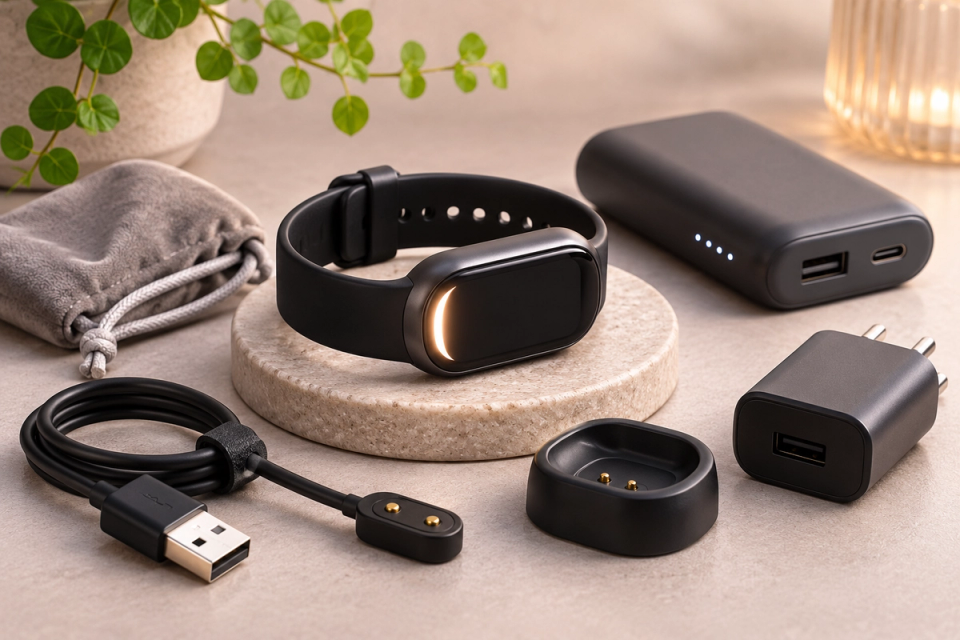
Use the charger specifically intended for the module and a power source that satisfies its documented requirements. Do not assume the highest-wattage adapter in the household will offer a better result. Some connected jewellery systems have particular requirements for their USB supply. Refer to the product manual rather than generalising from a smartphone.
Keep the charging area dry and use a stable surface. If a charger is damaged, replace the exact component rather than repairing exposed contacts or using an improvised cable. Do not open the electronic housing to investigate the battery. If it becomes unusually hot, swells or develops a damaged enclosure, discontinue use and seek appropriate advice.
There is no need to invent a complex charge-percentage schedule if your particular wearable does not expose a reliable way to monitor or control it. Follow the manufacturer's normal charging instructions and use the indications actually provided by the device.
Avoid unsuitable temperature conditions
Rechargeable electronics are generally sensitive to extreme conditions. A bracelet left on a hot dashboard or next to a heater is exposed to a very different environment from ordinary indoor charging. Store and charge it within the manufacturer’s documented conditions rather than placing it near a heat source to accelerate drying or charging.
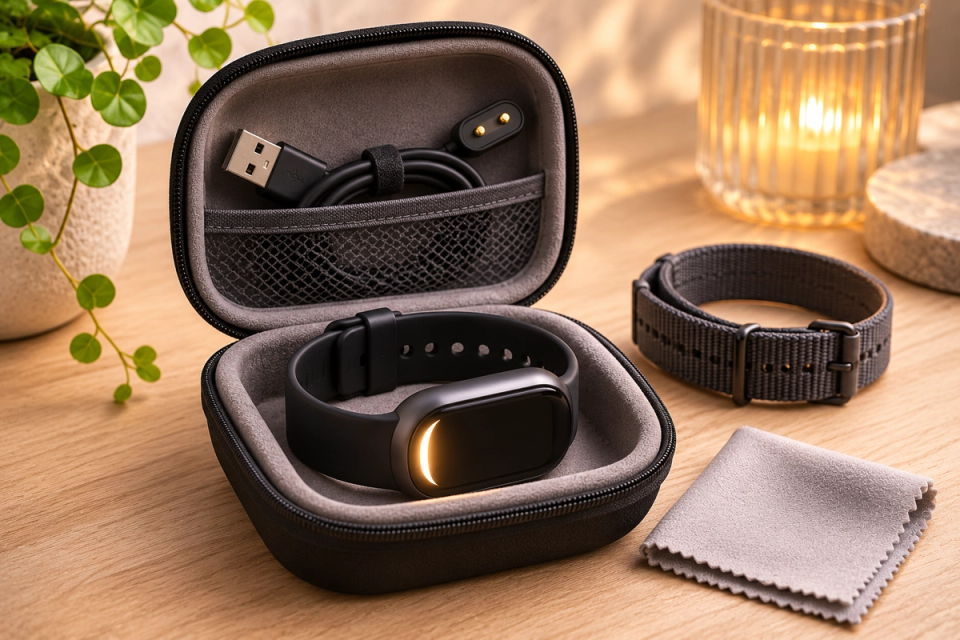
If you regularly remove the bracelet during exercise or work, choose a suitable storage place instead of leaving it loose in a bag that may become unusually hot. Keep the electronic housing protected from pressure and impacts. A battery health routine cannot compensate for mechanical damage to the module.
If the wearable becomes unusually warm during a normal charging session, stop the session and assess it according to manufacturer support guidance. Do not regard unexpected heating as proof that the battery is merely charging quickly. A damaged or swollen device should not be charged again simply to see whether it recovers.
Maintain a wearable during non-use
A rechargeable device that is left unused for a long time still requires attention to its manufacturer’s storage instructions. Totwoo's general care guidance provides a periodic charging recommendation for unused rechargeable jewellery. Consult the current exact model guidance rather than applying a single interval to every brand.
If the bracelet is only worn during periods of separation, plan how it will be stored between those periods. Keep the compatible charger available and inspect the device before returning it to use. Avoid leaving a depleted module indefinitely in a drawer without checking what the maker recommends.
Do not attempt to recover an unresponsive battery using a higher voltage, bypassing a charger or opening the module. Follow the proper charging procedure and report the observed behaviour to support if it does not respond. A replacement battery is not automatically a user-serviceable option on a sealed wearable.
Recognise when runtime deterioration needs attention
If the bracelet repeatedly runs down much sooner than before under comparable conditions, document the charging indication, approximate operating time, app connection and usage pattern. These observations can help distinguish a charging issue from a possible loss of capacity. Consult the manufacturer before buying new hardware.
The Left Unsaid Bond Touch 4 review gives context about the fourth-generation product's normal operation. If replacement becomes necessary, verify whether a single compatible module or complete wearable can be purchased without replacing the other participant's working device. Battery maintenance should be proportionate to the value and practicality of the accessory. It is not a guarantee against normal ageing, but it can help avoid unnecessary stress on the equipment.
Frequently asked questions
Does frequent charging automatically destroy a touch bracelet battery?
Not necessarily. Use the model's specified charging routine rather than assuming a universal schedule.
Can I replace the battery myself?
Do not open a sealed module or use an unapproved battery. Check the manufacturer's service options.
Manufacturer guidance and further information
Accessories & Maintenance Library
Complete guide
Main guides
- Touch Bracelet Replacement Straps and Bands
- Touch Bracelet Chargers and Charging Accessories
- How to Clean and Care for Touch Bracelets
- How to Extend the Lifespan of Touch Bracelets
Supporting guides
- Silicone vs Metal vs Fabric Touch Bracelet Bands
- How to Change a Bond Touch Bracelet Band
- Can You Replace a Totwoo Bracelet Strap?
- Touch Bracelet Strap Compatibility Guide
- Bond Touch Replacement Chargers and Cables
- Totwoo Replacement Chargers and Cables
- Can You Charge Touch Bracelets with a Power Bank?
- How to Clean a Bond Touch Bracelet
- How to Clean Totwoo Jewellery
- How to Protect Touch Bracelets from Sweat and Moisture
- How to Store Touch Bracelets When Not in Use
- How to Protect Touch Bracelets from Scratches and Damage
- When Should You Replace Your Touch Bracelet?