What should you do when a connected necklace arrives?
Identify the exact electronic module and its matching charger, install the manufacturer's supported app, charge the device and follow the in-app pairing procedure. Test the specific function you purchased while the phone and necklace are nearby. A live touch pair needs a separate test of the receiving side; a heartbeat player needs a successful transfer and local playback.
Check the contents before setup
An electronic necklace may arrive as a single pendant, a two-person set or an accessory without the main electronic module. Compare the packing contents with the order confirmation and the manufacturer listing. Photograph any visible shipping damage before trying to operate the device. Put small accessories into a labelled container so they are not discarded with the packaging. If the jewellery is a gift for two people in different cities, send each person their correct charging equipment rather than leaving both chargers with one wearer. The connected necklace guide explains why these physical components differ among models. Keep the receipt and model identifier; a support agent will need those details more than the name of the decorative collection. Never force a pendant into a charging cradle that does not fit.
Pair in the right place
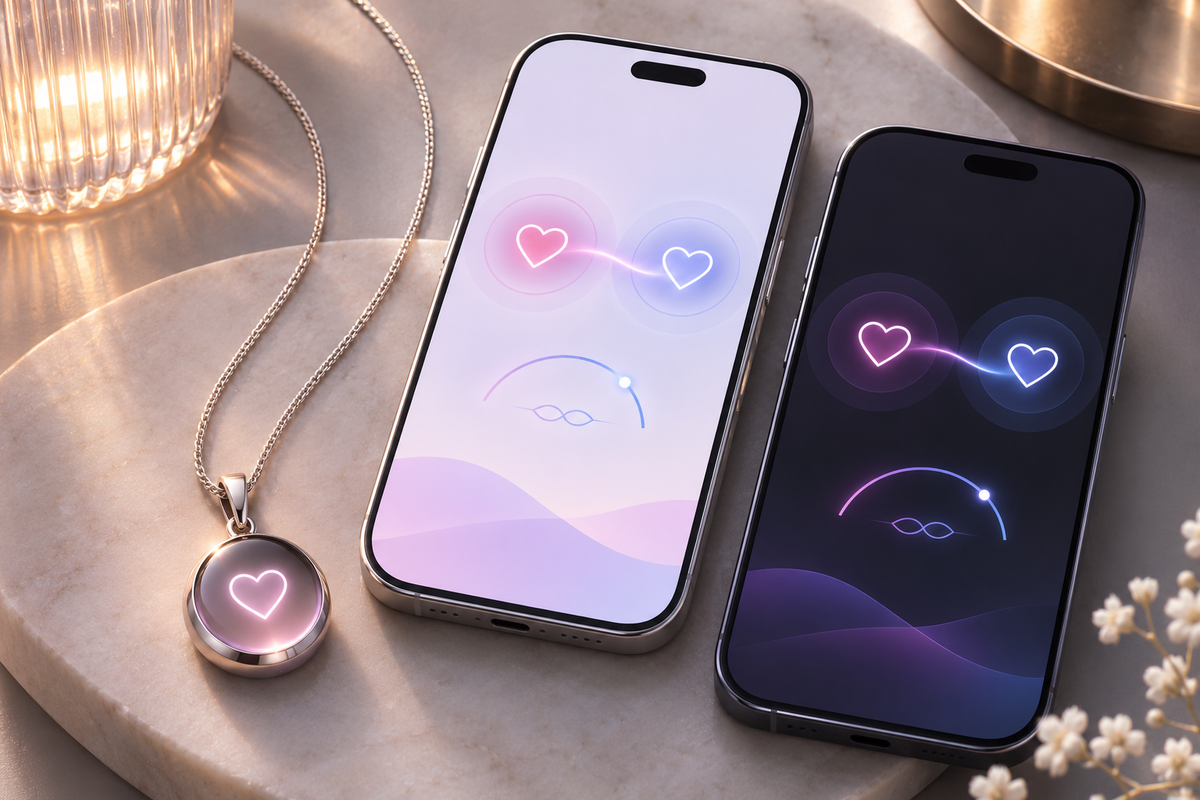
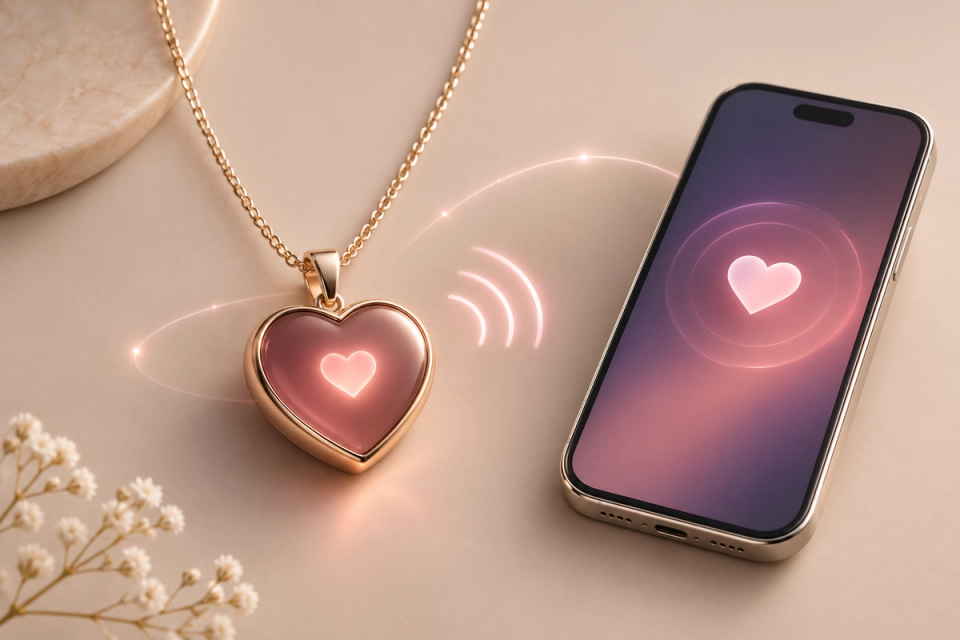
Install the supported app from the manufacturer's official app-store listing. Use the in-app connection process for the relevant product rather than guessing that ordinary Bluetooth settings will handle the full setup. Some devices must be awakened before the app can detect them. On Bond Heart, follow the current manufacturer quick-start instructions for the brief pairing window. If the window closes before setup completes, repeat the documented wake action. This behaviour can be normal; it is not automatically a fault. For a paired touch system, each wearer should complete their own setup and understand the account relationship before leaving for separate locations. Test one deliberate signal at a time so that both people can distinguish a status light from a received message. The troubleshooting guide provides a structured approach when a test fails.
Make charging and care part of the routine
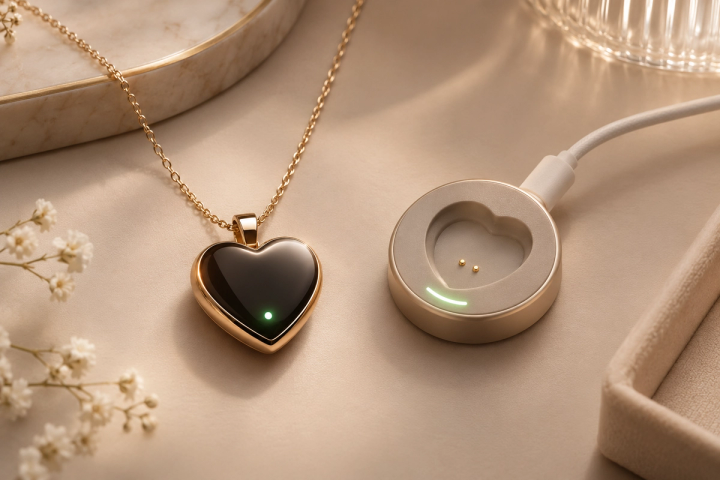
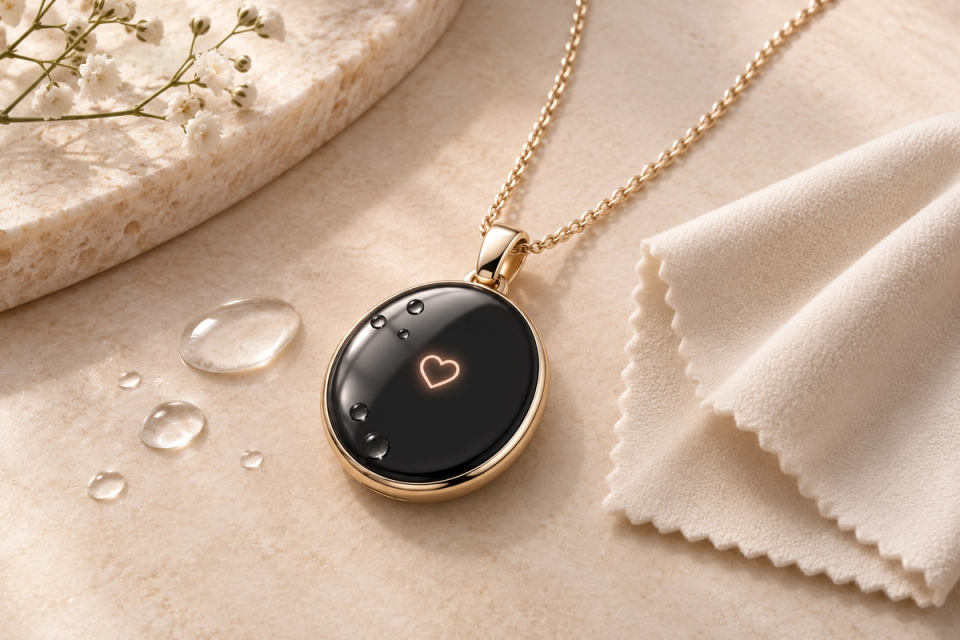
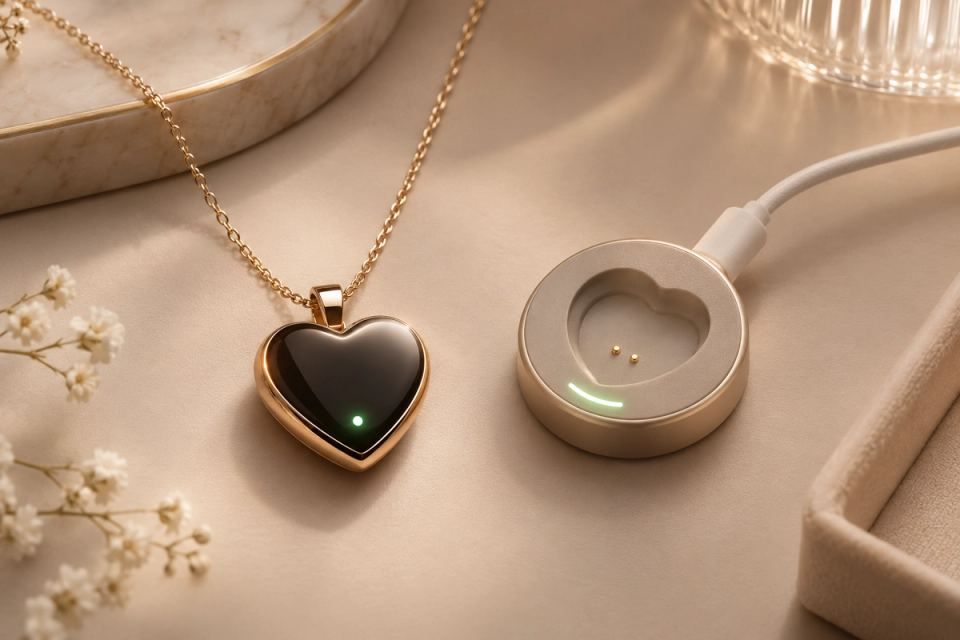
Choose a stable dry location for charging, where the correct cable will not be pulled out accidentally. Keep chains arranged so that the pendant sits in the charger without tension. The Bond Heart charging guide explains the dedicated dock and manufacturer-stated battery range. Do not assume a charger for a touch bracelet will also charge a necklace. The water resistance and cleaning guide distinguishes general jewellery handling from model-specific restrictions. Take off the necklace before activities that present snagging risks or conflict with workplace safety. Clean according to the maker's instructions; a decorative coating can react differently from a bare metal chain. Never attempt to open a sealed electronic housing or replace an internal battery unless the manufacturer explicitly provides a supported procedure.
Product examples
We may earn a commission through affiliate links. Product selections are based on manufacturer information and catalogue specifications, not hands-on testing. Check current price, availability and package details at the merchant.

Bond Heart Charger - Black
Dedicated replacement Heart dock, not a separate working necklace.
Check price at Bond Touch
Bond Heart Charger - White
Alternative finish of the dedicated Heart charging accessory.
Check price at Bond TouchTest a new device before relying on it
If the main purpose is a saved heartbeat, choose a recording and confirm it is actually on the pendant rather than merely present in the phone library. If the intended use is a remote touch exchange, ask the second user to confirm delivery and then send a separate reply. Try the system on the networks and phones you normally use. A simple test note should record the date, device model, whether Bluetooth was on and whether the phone had internet access. This helps establish a known working configuration if a problem arises later. The smartphone compatibility guide helps when one person changes phones. Do not turn on every permission blindly; enable the permissions the app documentation actually requires for the function being used and understand what they do.
When a routine stops working
Start by establishing whether the device has power, whether the phone recognises it, and whether the function requires an internet connection. Preserve saved recordings and account access before removing the app or resetting a device. These actions can be more disruptive than simply opening the app or bringing the phone nearer. If the manufacturer recommends a reset, read its consequences first. Stop using a damaged, swollen, overheating or unusually smelling electronic wearable and seek the manufacturer's advice. Keep a normal way to contact loved ones while the wearable is unavailable. The Left Unsaid communication guide is relevant here because no single device should become the only reliable channel in a relationship. If you also own a wrist-worn device, consult our touch bracelet charging guide separately rather than applying its instructions to the necklace.
Frequently asked questions
Should I reset a necklace immediately if it will not pair?
No. Identify the model, check charge and the documented pairing steps first; a reset can have consequences for saved settings.
What should you test after pairing?
Test the exact function you bought: local playback or a two-way remote exchange.
Sources
Connected Necklaces Library
Complete guide
Main guides
- Best Connected Necklaces for Long-Distance Couples
- Bond Heart Necklace: Features, Benefits and Limitations
- How Connected Necklaces Work
Supporting guides
- Connected Necklaces vs Touch Bracelets
- Heartbeat Necklaces vs Touch Necklaces
- Connected Necklaces for Couples Living Apart
- Connected Necklaces for Parents and Children
- How to Record a Heartbeat for Bond Heart
- How to Share and Receive Heartbeats With Bond Heart
- Bond Heart Necklace: Battery Life and Charging
- Bond Heart Necklace as a Memorial Keepsake
- Do Connected Necklaces Work Without Internet?
- How Far Apart Can Connected Necklaces Work?
- Do Both People Need a Connected Necklace?
- Connected Necklace App Compatibility: iPhone and Android
- Why Is My Connected Necklace Not Working?
- Connected Necklace Water Resistance, Cleaning and Everyday Care