How do you record a heartbeat for Bond Heart?
Use the Bond Touch app's Heart feature and follow the on-screen capture instructions. The phone uses its camera and light to detect a pulse pattern. Stay still, use the positioning recommended by the app and save the resulting recording. You can prepare a heartbeat before the necklace arrives.
Prepare a suitable recording session
Choose a quiet moment when the person contributing the heartbeat can comfortably use their phone. Explain why the recording is being made and who will receive it. A person can decline without needing to give a reason; the sentimental purpose does not remove the need for consent. Install the supported Bond Touch app from the appropriate official app store and sign in to the intended account. Make sure the phone has sufficient battery and network access. The Bond Heart guide describes what the pendant does with the saved rhythm. If you intend to give the necklace to somebody else, decide whether to prepare your own recording now or ask the recipient to create or request recordings after opening the gift. Keep the process simple instead of arranging a complicated surprise that leaves the recipient unable to access the intended account.
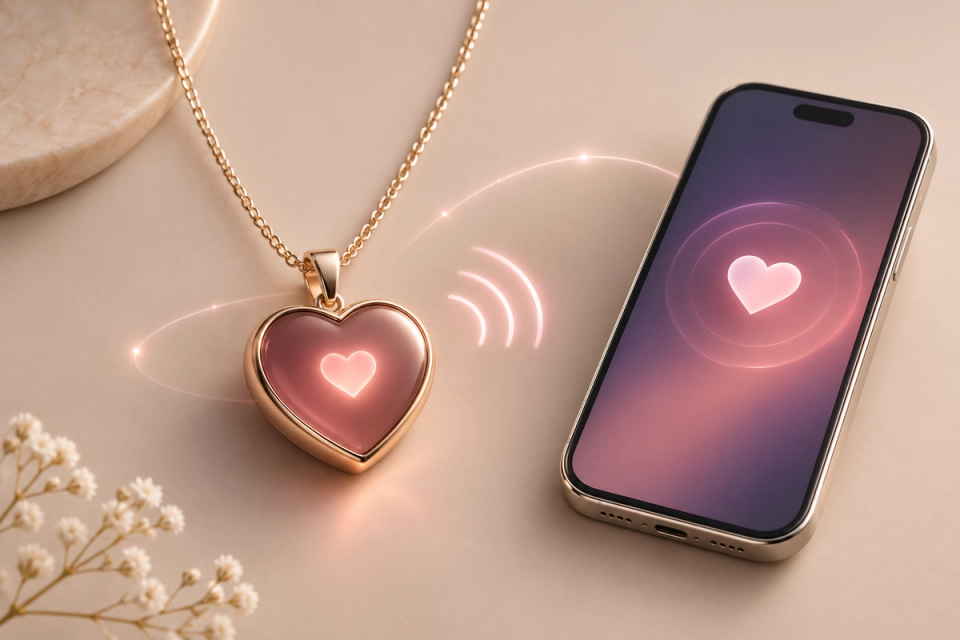
Follow the phone's capture instructions
The manufacturer explains that optical capture uses changes visible to the phone camera as blood moves through the skin. In the supported app workflow, the person positions their finger over the appropriate camera and light area. Follow the prompts for that phone rather than assuming every camera array has the same layout. Keep the phone steady and minimise changing ambient light. Excessive movement can interfere with the recording because the camera sees changes that are not caused by the pulse. If the phone's light becomes uncomfortable or hot, stop the attempt and follow the manufacturer's current guidance on positioning; do not press a painful or overheated surface against the skin. The goal is a sentimental pattern recording, not an assessment of cardiovascular fitness. Do not use it to diagnose or rule out a medical condition.
If the capture does not complete
Check whether you are in the Heart recording area of the app rather than another Bond Touch feature. Confirm that the app has the camera permission it needs and that nothing blocks the appropriate camera or light. If a bulky phone case makes it difficult to position the finger, consider removing the case temporarily in a safe setting. Rest the phone on a stable surface if practical. Read the current help centre's recording guidance before attempting a different body position or repeated captures. There is no reason to force the process if it causes discomfort. A failed or inconsistent capture is not by itself evidence that anything is wrong with the contributor's health. If the app continues to fail on a supported phone, contact the manufacturer with the phone model, app version and a description of the stage that fails. Avoid sharing the actual recording in public support forums.
Product examples
We may earn a commission through affiliate links. Product selections are based on manufacturer information and catalogue specifications, not hands-on testing. Check current price, availability and package details at the merchant.

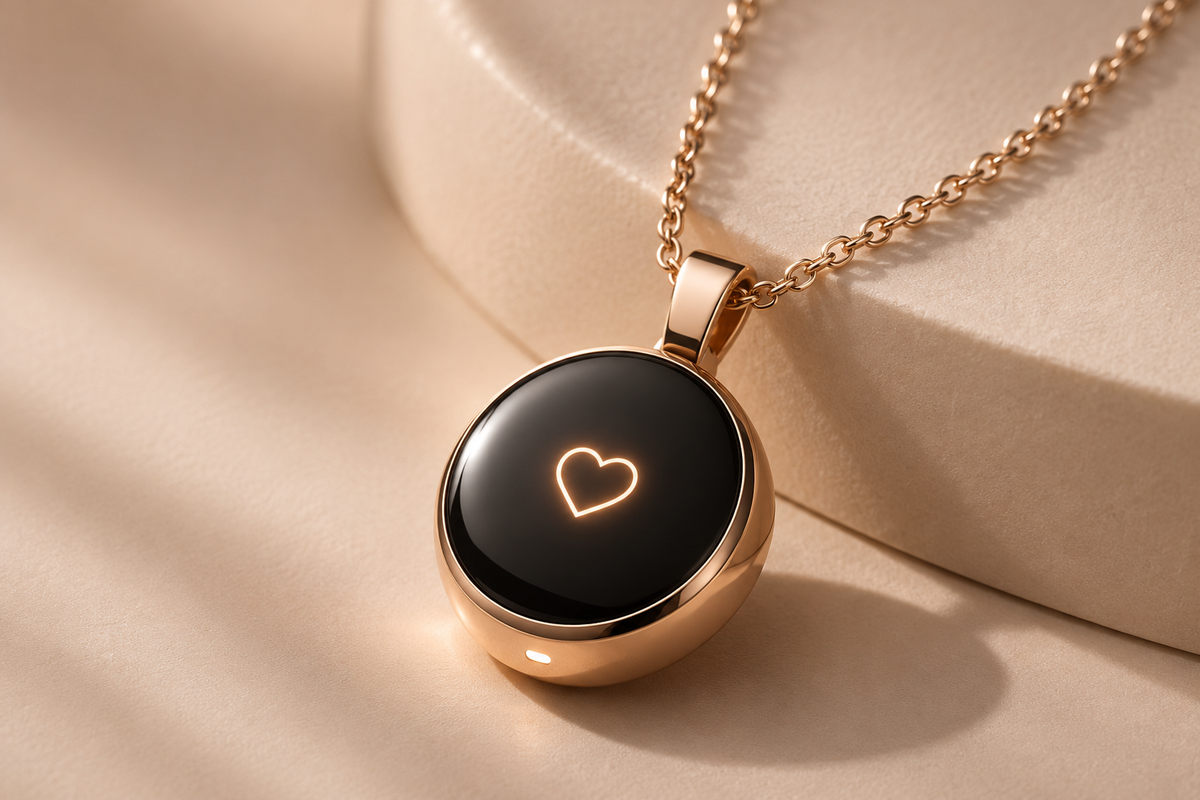
Bond Heart Necklace - White
White standalone heartbeat playback pendant; one selected recording on the device.
Check price at Bond TouchSave and check the library
After a successful capture, save the recording using the app's supported library workflow. Check that the intended entry appears before closing the application. When preparing recordings from several people, distinguish them clearly using the options actually available in the app rather than relying on memory. A recording stored in the account library is not necessarily already loaded onto the pendant. If you are giving the heartbeat to another person, follow the sharing and requesting guide for the appropriate account-to-account transfer. The same principle applies to gifts prepared in advance: make sure the recipient knows which email address was used for the share. If the provider offers export or backup options, learn their limitations before treating an irreplaceable recording as permanently preserved. For an important keepsake, maintain other independent reminders too.
Transfer and experience the recording
When the necklace is available, follow the official in-app pairing and transfer workflow. Select the recording you intend to wear and confirm the transfer completes while the wearable is nearby and sufficiently charged. The device holds one selected heartbeat at a time, so changing the selection can replace the existing wearable copy. Test the playback before giving the pendant to a recipient or taking it on a trip. If it is a gift for a partner, the long-distance birthday guide provides complementary ways to make the occasion meaningful. If it is a personal keepsake, choose a comfortable setting in which to experience the rhythm. The importance of the recording comes from the person and the memory it represents, not from making the longest or most technically elaborate capture. The Bond Touch collection guide distinguishes Heart from the manufacturer's other emotional wearables.
Frequently asked questions
Can I record a heartbeat before I have the necklace?
Yes. The manufacturer's supported app workflow allows a recording to be prepared in the library before the pendant arrives.
What if camera capture is unsuccessful?
Check the supported app, camera positioning and permissions; contact official support if the issue persists.
Sources
Connected Necklaces Library
Complete guide
Main guides
- Best Connected Necklaces for Long-Distance Couples
- Bond Heart Necklace: Features, Benefits and Limitations
- How Connected Necklaces Work
- Connected Necklace Setup, Care and Troubleshooting
Supporting guides
- Connected Necklaces vs Touch Bracelets
- Heartbeat Necklaces vs Touch Necklaces
- Connected Necklaces for Couples Living Apart
- Connected Necklaces for Parents and Children
- How to Share and Receive Heartbeats With Bond Heart
- Bond Heart Necklace: Battery Life and Charging
- Bond Heart Necklace as a Memorial Keepsake
- Do Connected Necklaces Work Without Internet?
- How Far Apart Can Connected Necklaces Work?
- Do Both People Need a Connected Necklace?
- Connected Necklace App Compatibility: iPhone and Android
- Why Is My Connected Necklace Not Working?
- Connected Necklace Water Resistance, Cleaning and Everyday Care