Can iPhone and Android users use connected necklaces together?
Many connected jewellery ecosystems offer both iOS and Android apps, including Bond Touch and Totwoo. That does not establish that every phone or operating system version is supported. Confirm the current store listing, the exact product's support guidance, required wireless functions and each participant's account access.
Check the specific app before buying
Start by finding the official app through the manufacturer's website or supported app-store listing. Check whether it can be installed on the actual phone that will be used. This is especially important with older devices, phones without ordinary app-store access and phones managed by an employer. A website may mention Android and iOS in general while a particular current app release has additional requirements. Do not rely on an old minimum-version number found in an unrelated bracelet article as proof that a particular necklace will operate today. The connected necklace technology guide explains why the application is part of the system, rather than an optional decorative extra. The touch bracelet phone compatibility guide covers the related category. Where a merchant offers a choice of app or companion application, follow its current instructions for the exact model.
Check the function, not only installation
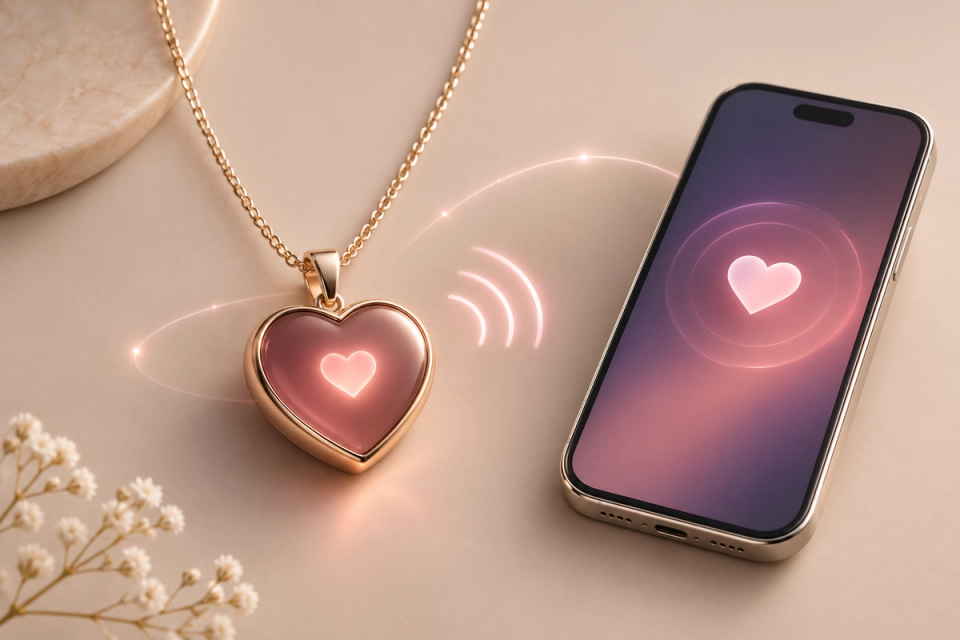
An app that opens successfully does not automatically prove that every wearable feature works. For a live touch necklace, the relevant function may need Bluetooth access and ongoing network communication with another account. For Bond Heart, capturing a recording involves the phone's optical camera system, and loading it onto the pendant involves the supported local transfer. A person who only wants to play an existing saved rhythm has a different ongoing need from a person who regularly creates new recordings. Make sure both phones can complete the specific operations the recipients expect. If a feature needs permission to use a camera or wireless connection, enable the relevant permission as instructed and understand its purpose. Do not grant unrelated permissions solely because a troubleshooting article mentions them. For a phone supplied by an employer, ask whether installing and pairing the app is allowed.
Pair inside the supported app
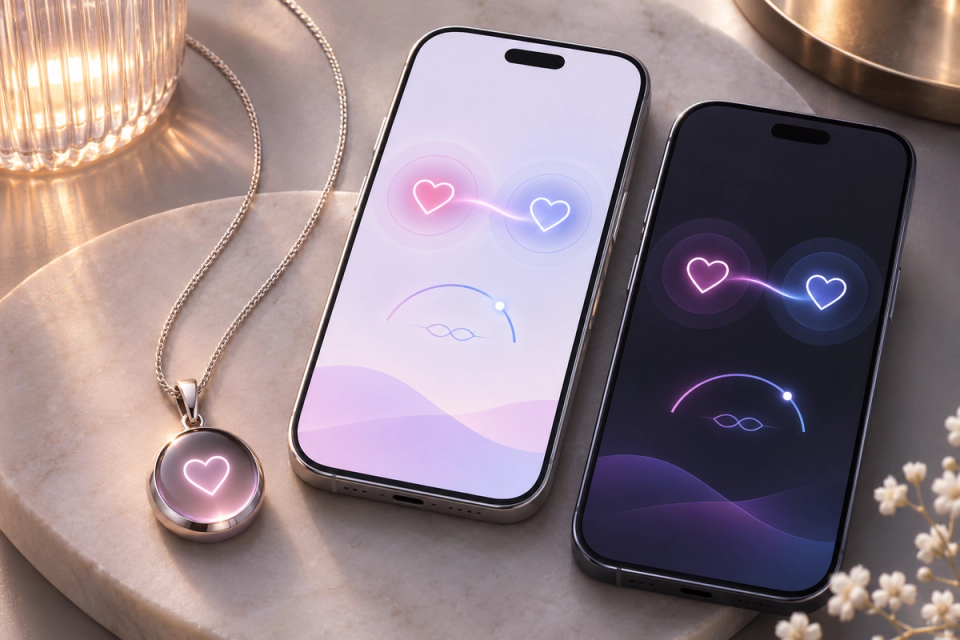
Ordinary system Bluetooth settings may show that a nearby device exists without completing the manufacturer's intended setup. Bond Touch's Heart help centre specifically advises completing its pairing through the app. Follow the documented wake procedure for Heart when needed. For Totwoo, use its own setup flow and verify that the participating users are connected in the appropriate application. A necklace from one ecosystem does not gain access to another ecosystem simply because the phones run the same operating system. If one person uses iPhone and the other Android, both should test the intended exchange rather than assume that matching phone brands are necessary or sufficient. The setup and care guide walks through a practical initial test. This is a useful time to check account emails and recovery options as well as the actual wearable connection.
Changing phones without losing important information
Before replacing a phone, check how the manufacturer handles account sign-in, device reassignment and saved recordings. Keep access to the relevant email account and any legitimate recovery method. If a Bond Heart recording is particularly important, learn whether it remains accessible in the library after changing phones and how the provider supports recovery. Do not delete the old app or discard the previous phone until you understand the consequences and have confirmed the new setup, where practical. In a live pair, ask the other wearer to test a message after the transition. A problem after switching phones may be related to permissions, pairing or account selection rather than a defective necklace. The troubleshooting guide explains how to distinguish these causes without immediately resorting to a factory reset. Contact official support if the documented migration process does not succeed.
Choose an arrangement that works for both people
The purchase is only worthwhile if the intended recipients can actually use it. If one person cannot install the supported application, consider an offline keepsake already prepared through an appropriate workflow, if that meets the recipient's needs, or choose conventional jewellery. Do not create an account for someone else without permission simply to make the hardware appear compatible. If both people want a remote touch ritual, check the app on both phones before paying for the complete set. The Left Unsaid communication guide offers broader ways to stay connected if electronic jewellery is not practical. For an important gift, make compatibility a purchase condition rather than a problem to solve after the recipient opens it. A familiar operating system label is only the beginning of that check.
Frequently asked questions
Do both people have to own the same brand of smartphone?
Not necessarily. Both need phones that support the applicable app and the required function; check the current requirements for each device.
What should I check before replacing my phone?
Account recovery, model compatibility and supported methods of retaining saved information.
Sources
Connected Necklaces Library
Complete guide
Main guides
- Best Connected Necklaces for Long-Distance Couples
- Bond Heart Necklace: Features, Benefits and Limitations
- How Connected Necklaces Work
- Connected Necklace Setup, Care and Troubleshooting
Supporting guides
- Connected Necklaces vs Touch Bracelets
- Heartbeat Necklaces vs Touch Necklaces
- Connected Necklaces for Couples Living Apart
- Connected Necklaces for Parents and Children
- How to Record a Heartbeat for Bond Heart
- How to Share and Receive Heartbeats With Bond Heart
- Bond Heart Necklace: Battery Life and Charging
- Bond Heart Necklace as a Memorial Keepsake
- Do Connected Necklaces Work Without Internet?
- How Far Apart Can Connected Necklaces Work?
- Do Both People Need a Connected Necklace?
- Why Is My Connected Necklace Not Working?
- Connected Necklace Water Resistance, Cleaning and Everyday Care