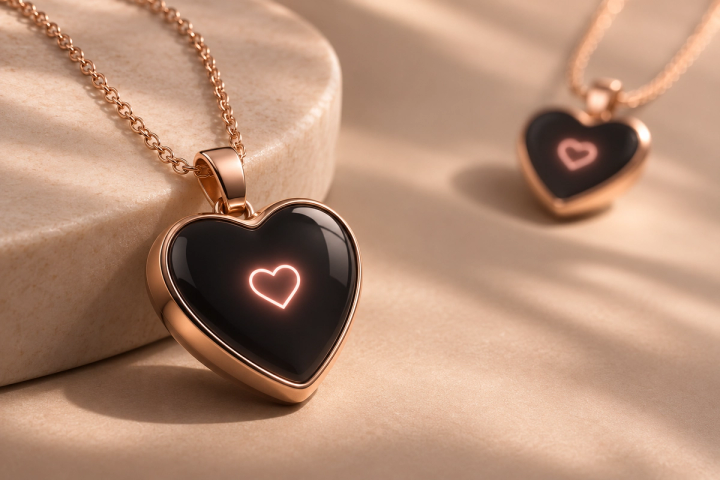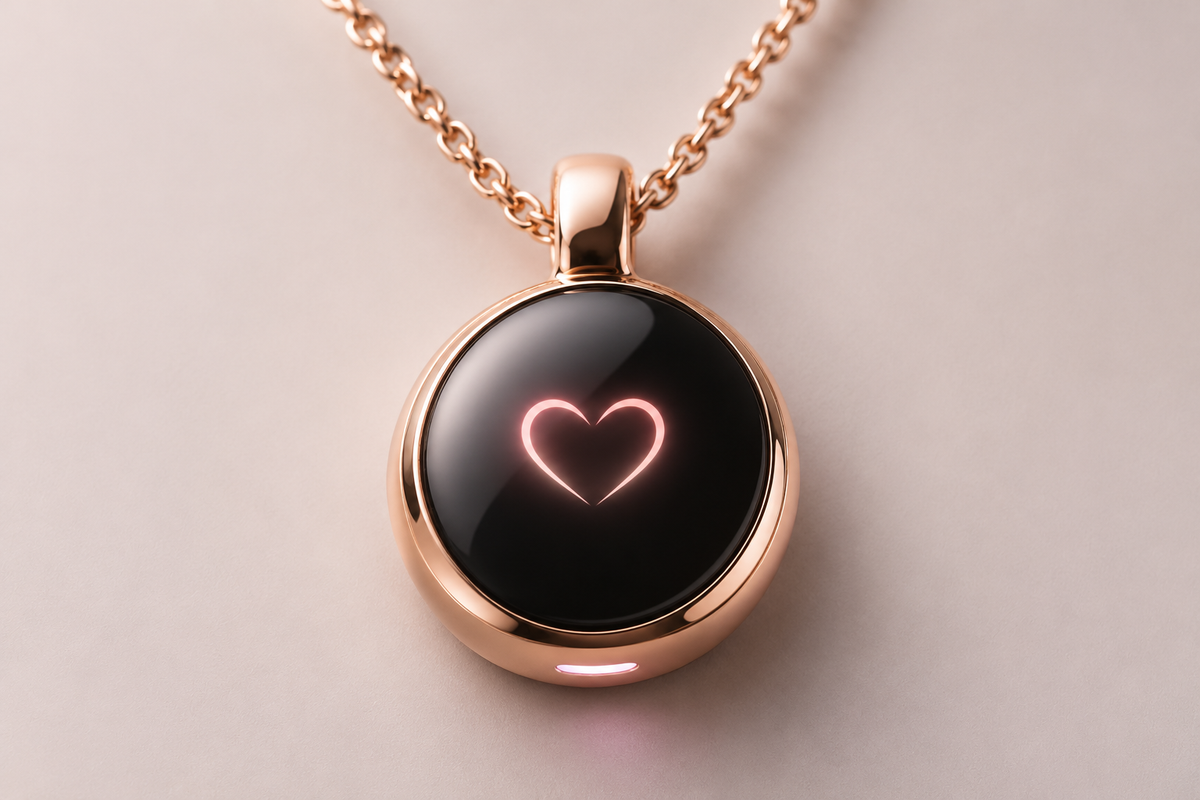
What should you check first if a connected necklace stops working?
Identify the model and failing operation. Check charge and correct charging hardware, then the documented app connection. For remote touches, investigate both users' phone and internet connections. For Bond Heart, check whether a recording was actually loaded and whether the device can play it locally. Preserve important recordings before resets or account changes.
Separate power from connectivity
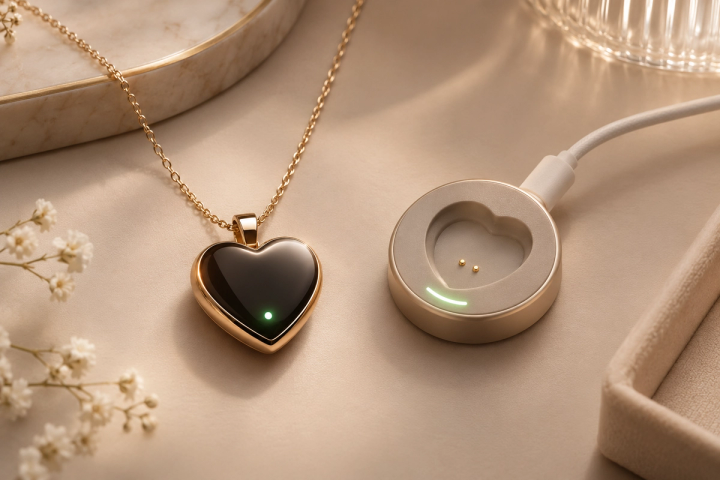
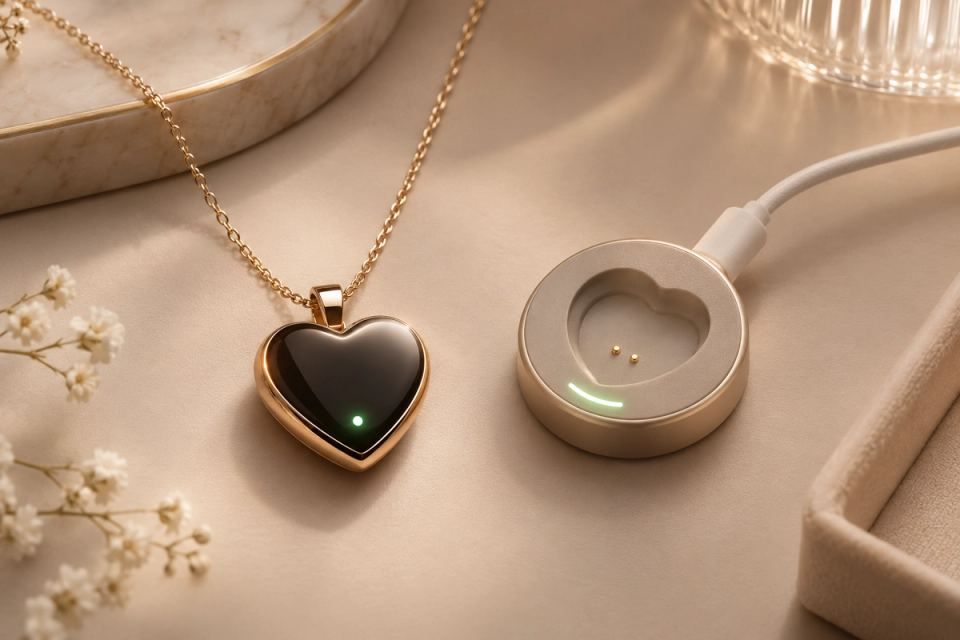
A device with insufficient power cannot complete ordinary communication tasks. Start with the correct manufacturer charger and its documented status indications. If a charging indicator is absent or unexpected, inspect the seating of the wearable and the cable connection rather than trying another unrelated charging dock. A device can also be charged but temporarily unavailable for pairing, which is not the same failure. The setup and care guide describes the basic sequence for identifying these problems. For Bond Heart, the charging guide explains its own dock requirements. Stop using a device if it appears damaged, swollen, unusually hot or otherwise unsafe. Do not open the housing, bypass contacts or use improvised wiring. Once the documented charging process has succeeded, proceed to the specific connection problem rather than continuing to charge indefinitely.
If the app cannot find the wearable
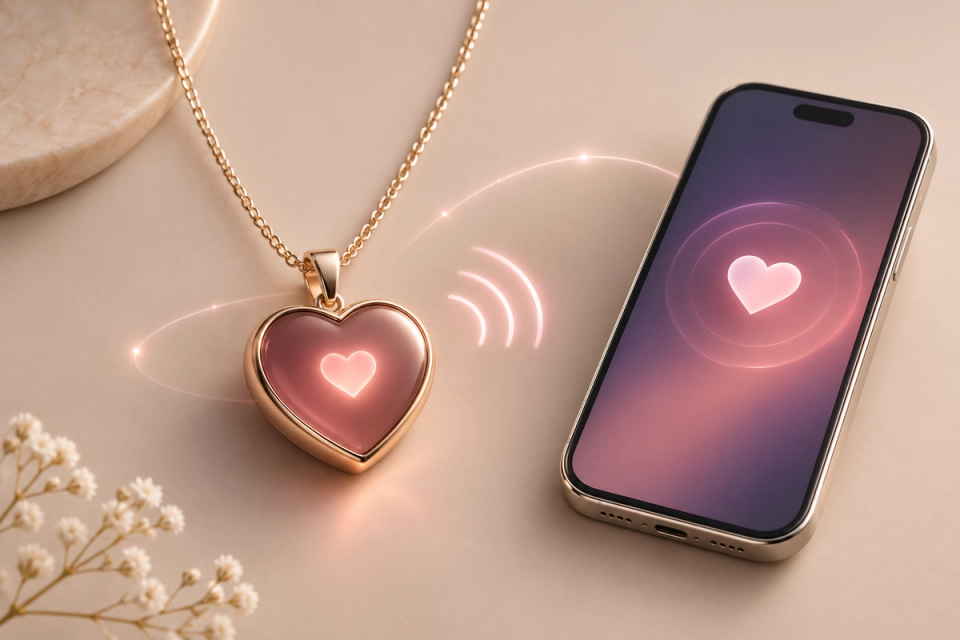
Check whether you are using the correct application and have selected the intended model in its setup procedure. Bring the phone near the jewellery and confirm that the relevant wireless permissions and settings are enabled. Bond Heart has a documented wake process for pairing and for transferring a recording; it is not intended to remain in a continuously active discovery state. Follow the manufacturer's current guidance and repeat the wake step if the pairing window has ended. Its help centre advises pairing through the app rather than initially using the ordinary Bluetooth settings. If you paired through the wrong interface, consult the specific manufacturer guidance before changing the pairing. The phone compatibility guide is relevant if the problem began after updating or replacing the phone. Note the exact screen or error rather than repeatedly restarting unrelated settings.
If a partner's new touch does not arrive
First determine whether the sender's app recognises the interaction. Then ask the recipient to check their own app and connection to their wearable. A problem on either side can prevent the expected physical notification, even if the other person sees normal behaviour locally. Confirm that both phones have working internet access and that the participants are still using the appropriate account relationship. If an app requires a particular background setting for notifications, follow its current documentation rather than enabling every permission without understanding it. Test a single deliberate touch while both people can communicate through an ordinary call or message. This establishes whether the failure concerns sending, receipt by the app or delivery to the jewellery. The offline use guide explains why a stored-memory device and a remote signal do not respond to an outage in the same way.
If Bond Heart will not play the expected recording
Check that the intended recording is present in the correct account library and that the separate wearable transfer completed. A saved item on the phone is not proof that the pendant has received it. Confirm the device has power and follow the supported playback procedure. If another rhythm is playing, inspect which recording was selected rather than assuming the device has created or altered a heartbeat. The heartbeat sharing guide covers the stages before local playback. If an important recording is missing from the library, do not erase the existing wearable copy or reset everything as a first response. Contact the provider about recovery possibilities. Do not share a private heartbeat recording in a public forum simply to demonstrate a fault. A useful support report describes the failing stage, phone and device model, app version and observable status indicators.
Escalate with evidence rather than guesswork
If the documented checks do not solve the problem, record the circumstances under which the fault occurs. Does it happen with the usual charging equipment? Did it begin after a phone update, account change or period away from coverage? Can another normal communication channel be used while the device is unavailable? These details help official support distinguish a software issue from a hardware fault. Ask what any proposed reset will remove, especially if a saved heartbeat is irreplaceable. Avoid unofficial repair services that require account credentials or unsupported modifications to the sealed module. If the issue is a relationship concern rather than a technical one, the Left Unsaid communication problems guide offers a more relevant discussion. A non-responsive necklace is not evidence that someone intentionally ignored you. Establish the technical facts before attaching emotional meaning to the failure. For a live signal rather than a stored recording, the touch bracelet signalling guide helps trace the communication path.
Frequently asked questions
Should I immediately delete the app and start again?
No. Check the documented troubleshooting path and understand the consequences for account access, settings and important recordings first.
Does a missing touch prove the sender ignored me?
No. Check the delivery path and ordinary communication first.
Sources
Connected Necklaces Library
Complete guide
Main guides
- Best Connected Necklaces for Long-Distance Couples
- Bond Heart Necklace: Features, Benefits and Limitations
- How Connected Necklaces Work
- Connected Necklace Setup, Care and Troubleshooting
Supporting guides
- Connected Necklaces vs Touch Bracelets
- Heartbeat Necklaces vs Touch Necklaces
- Connected Necklaces for Couples Living Apart
- Connected Necklaces for Parents and Children
- How to Record a Heartbeat for Bond Heart
- How to Share and Receive Heartbeats With Bond Heart
- Bond Heart Necklace: Battery Life and Charging
- Bond Heart Necklace as a Memorial Keepsake
- Do Connected Necklaces Work Without Internet?
- How Far Apart Can Connected Necklaces Work?
- Do Both People Need a Connected Necklace?
- Connected Necklace App Compatibility: iPhone and Android
- Connected Necklace Water Resistance, Cleaning and Everyday Care