How to Connect Multiple People with Bond Touch
Check your exact Bond Touch model and available contacts, invite the intended people through the app and test each connection individually.
Bond Touch 4 supports multiple individual contacts, but setup depends on the exact devices and accounts in the arrangement.
Check the model and available contacts
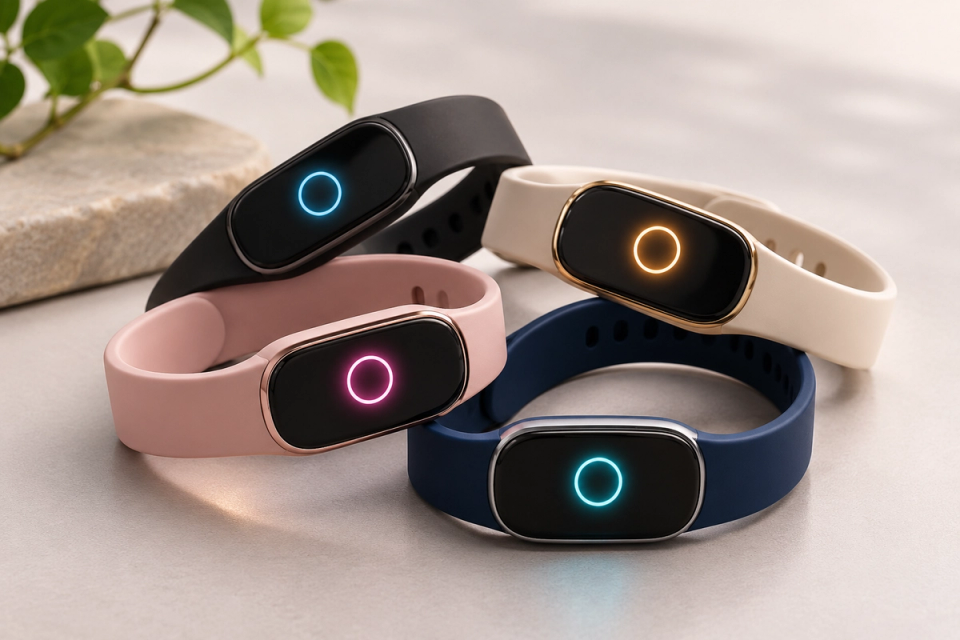
Before inviting anyone, identify the device each person uses. The manufacturer's Bond Touch 4 help information describes support for up to three other people, and its multiple-person guidance also discusses Bond Touch Lite. The original bracelet and smaller models can have different contact limits and interaction features. Do not assume that installing the same app means all devices gain the same capabilities. Consult the current interoperability guidance if the group combines different generations.
The multiple-person planning guide can help you map the intended relationships. If you have three contacts already, identify whether the new person is intended to replace an existing connection or whether you need a different arrangement. Do not remove an existing bond just to see whether a new invitation works. Ask the account owner to make any change, and check the consequences in the official unbonding instructions first.
Prepare each person's phone and bracelet
Charge the devices, install the official Bond Touch application from the appropriate app store, and have each participant create or sign in to their own account. Follow the setup guide for the specific model to connect the bracelet to its owner's phone. Check that the necessary Bluetooth and internet connections are available. Where the operating system requires relevant permissions for the wearable to function, the account owner should understand what is being enabled.
Before adding the whole family, verify that each physical device is recognised by its owner's app. If a person already uses Bond Touch, there may be no need to re-pair the hardware at all. The new connection is a relationship within the service, rather than a reason to erase an existing working phone-to-bracelet pairing. If an app-only service is being considered, confirm its current terms and functionality separately.
Invite the first contact
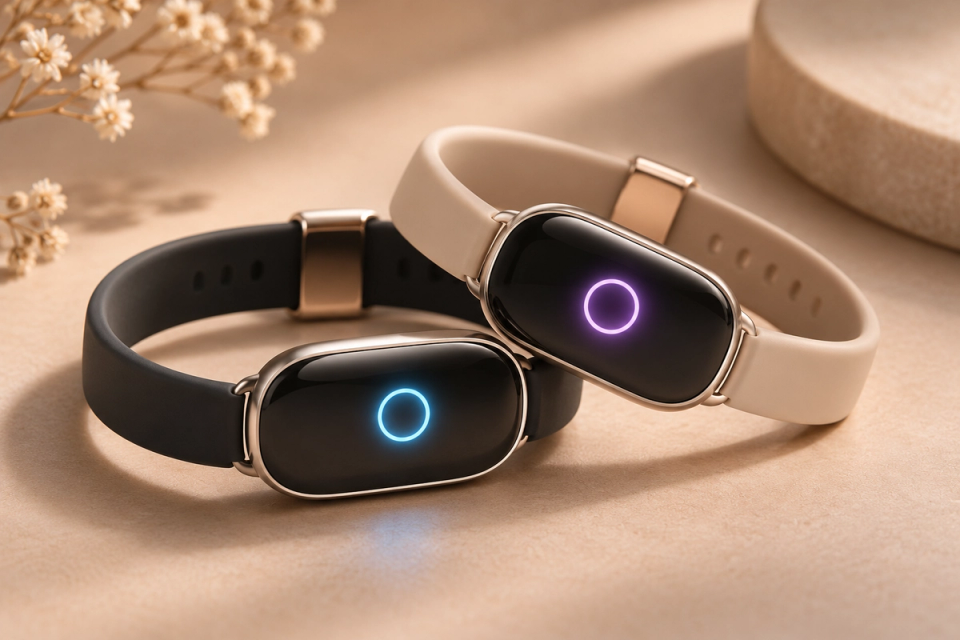
Bond Touch's current quick-start guidance describes adding people through the app's home screen by inviting them with their email address. Interface labels and account steps may change, so use the version of the official guide that matches your device and app. Have the other person accept the invitation using their own account. Verify that the name or contact details displayed correspond to the person you intended to connect with.
Exchange a test touch in both directions. The sending and receiving experience may differ between models, and some touch patterns may not be supported by all hardware. Ask the recipient what they actually noticed instead of assuming the signal behaved in a particular way. If the test fails, check that both accounts and wearables are correctly connected before proceeding with additional invitations.
Add and distinguish other relationships
Invite the next person only after confirming the first connection works. Repeat the test for each new individual link. In a family with several participating users, another member may also need to invite a relative to establish a separate relationship; adding a person to your account is not proof that they are automatically connected to everyone else.
Learn how to choose the intended contact before sending a touch. Consult the manufacturer's sending and receiving instructions for the exact model and configuration you use. If the application provides ways to distinguish contacts, such as individual names or visual identifiers, choose ones that the wearer can recognise. Do not promise a group broadcast or an identical custom pattern on every model simply because multiple people appear in the app.
To identify earlier hardware before inviting contacts, see the Bond Touch generation comparison. For everyday use after setup, read the Bond Touch 4 review.
Resolve problems and protect the arrangement
If a contact does not receive a signal, establish whether the problem affects one relationship or all of them. A single-link issue may involve the recipient's setup or the connection between those accounts. A problem with every recipient may be related to the sender's phone, wearable or network. Start with device charge, Bluetooth range, internet access and the app's displayed connection status, then use the official support guidance rather than repeatedly deleting bonds.
Agree on ordinary notification boundaries, especially when adding family members who may have different expectations about contact. Review optional features and permissions independently; inviting a person to receive touches does not constitute permission to share other data. Keep conventional messaging available for important information. A multi-contact arrangement is most useful when every person can choose and manage their own relationships without pressure.
We may earn a commission through affiliate links. Product selections are based on published specifications, not hands-on testing. Check current availability, pricing, contents and compatibility at the merchant.
A multi-contact model to investigate

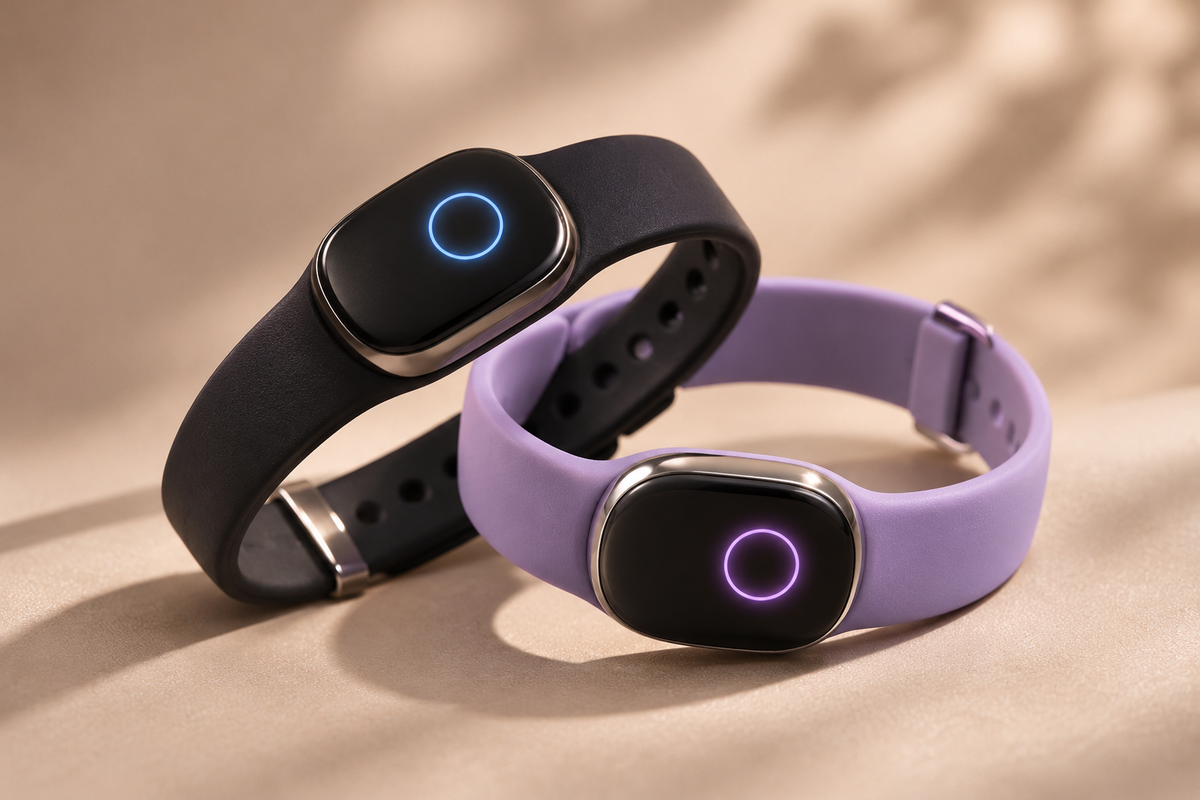
Bond Touch 4 - Black
One complete fourth-generation bracelet; confirm current colour, quantity and compatible partner.
Check price at Bond TouchFrequently asked questions
How many other people can Bond Touch 4 connect to?
Its official help centre states up to three other people per wearer.
Can I use a mixture of older Bond Touch models?
Some combinations are supported, but features and contact capacity differ. Check the model-specific interoperability documentation first.
Sources and further information
Touch Bracelets for Friends & Family Library
Complete guide
Main guides
- Best Touch Bracelets for Long-Distance Friends
- Best Touch Bracelets for Family Members
- Touch Bracelets for Multiple People: Groups and Connections
- Touch Bracelet Gifts for Friends and Family
Supporting guides
- Touch Bracelets for Best Friends
- Touch Bracelets for Friends Moving Away
- Touch Bracelets for Friends Living Abroad
- Touch Bracelets for Mothers and Daughters
- Touch Bracelets for Parents and Children
- Touch Bracelets for Sisters and Siblings
- Touch Bracelets for Grandparents and Grandchildren
- Touch Bracelets for Three People
- Touch Bracelets for Four People
- Can Totwoo Bracelets Connect Multiple People?
- Touch Bracelet Gifts for University Students Leaving Home
- Touch Bracelet Gifts for Military Families
- Touch Bracelets vs Traditional Friendship Bracelets